EXO N
V3 0
INDEX
01. SOFTWARE BASICS
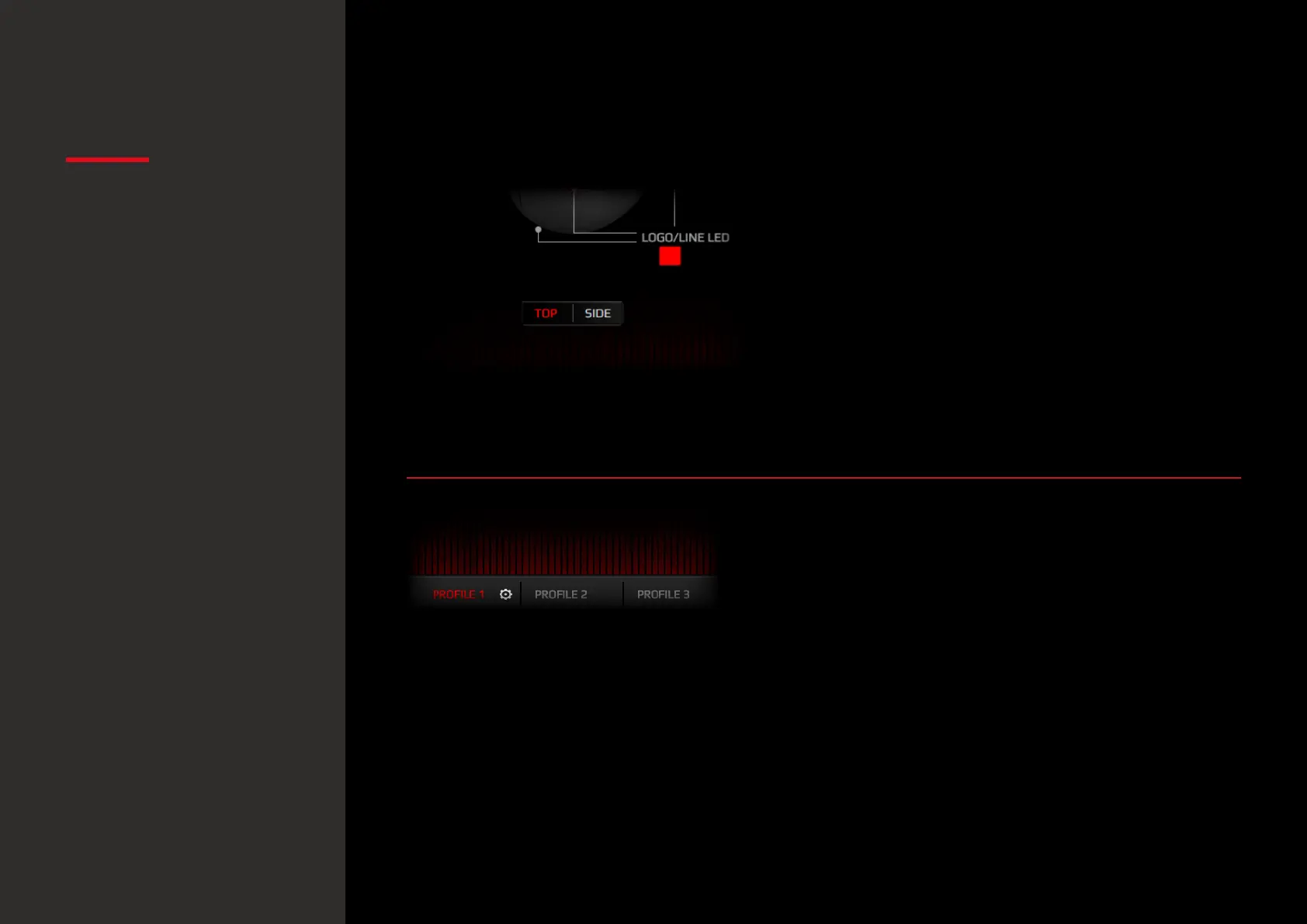
3. Top / side mouse diagram
Hit SIDE button for a mouse’s side and side buttons
diagram.
Hit TOP button for a mouse’s top and main buttons
diagram. In both views you can change the button
configuration.
4. Profiles
Before you start configurating your mouse, select
which Profile you want to store all settings. You can
save up to 5 profiles.
Software basics
· Top/Side mouse diagram
· Profiles
Default button assignment
· Reset to default
configuration


 To Next Page