12
2. MACRO SETTINGS
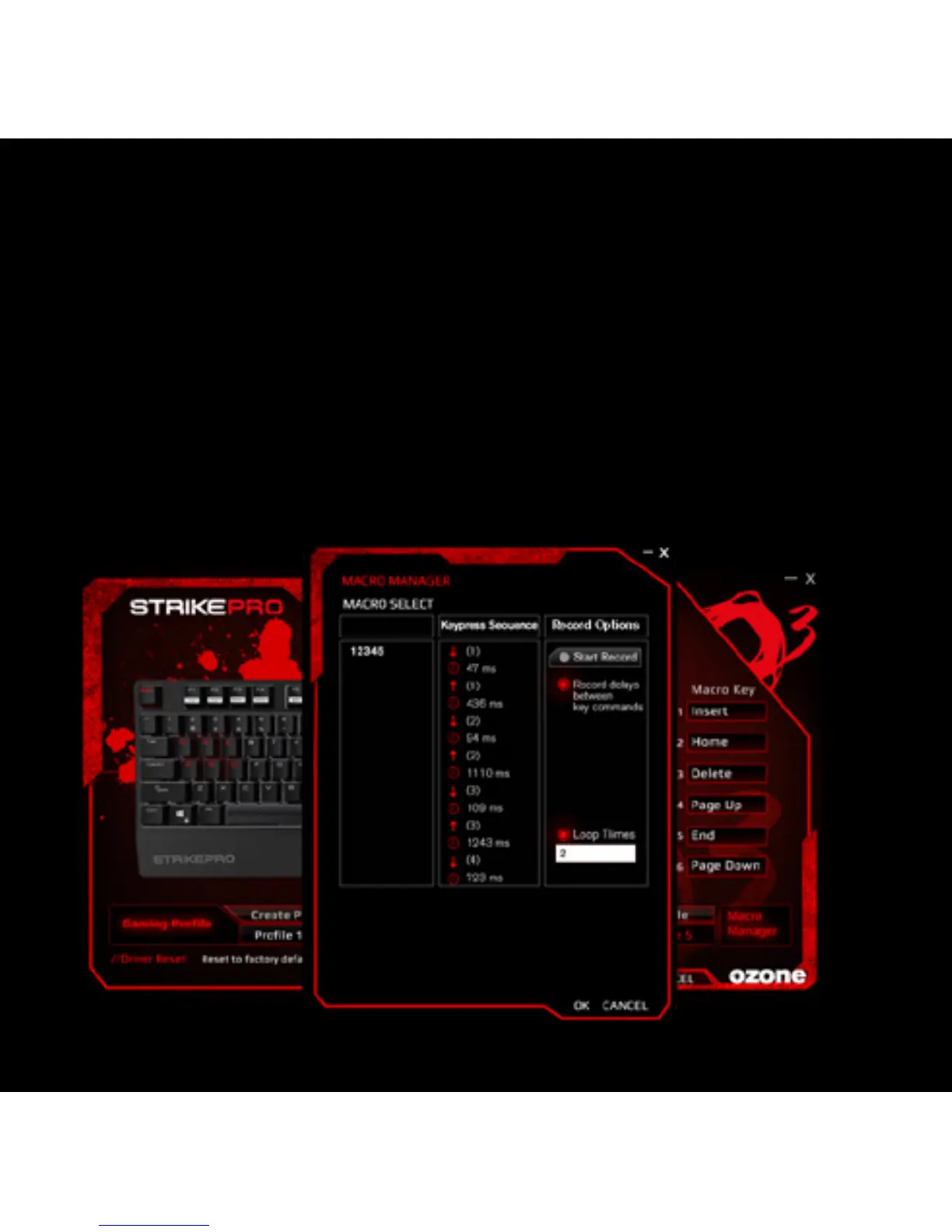
Macro is a series of keystrokes which can be assigned to a single key on the
keyboard once its recorded. In the other words, it is a series of keystrokes, in
which every key press, release, and delay is being recorded. The delay is the
duration between the “press and release” of keys or “release and press” of keys,
which all can be automatically recorded and outputted once the macro is set.
Create and assign a Macro
Programmable Macro Keys: M1, M2, M3, M4, M5, M6.
1) Select a macro key and click ”Macro Manager” from the menu.



 To Next Page