16
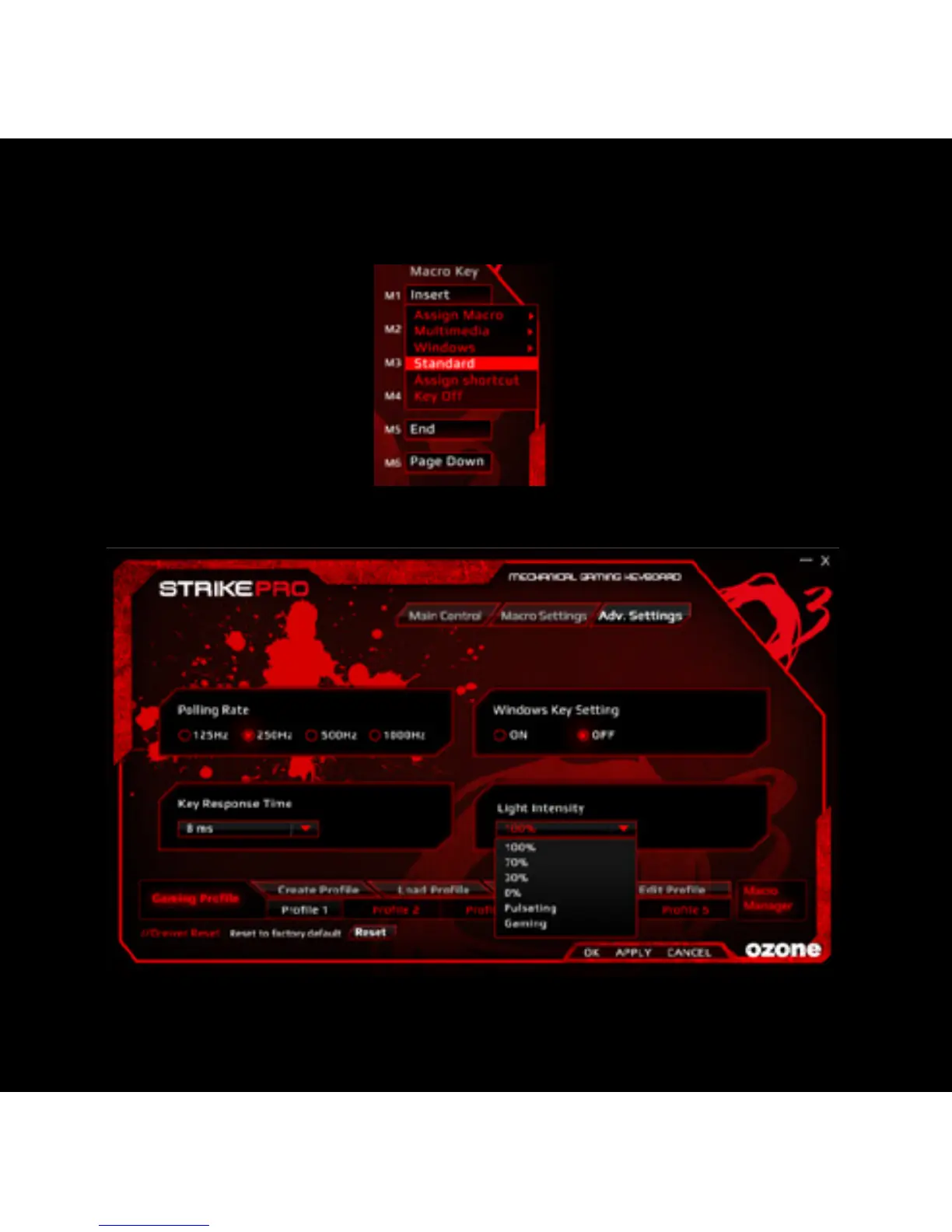
STANDARD: RESET TO DEFAULT KEY FUNCTION
1) Select a macro key and click ”Standard” from the menu, then click “APPLY” to
confirm the setting.
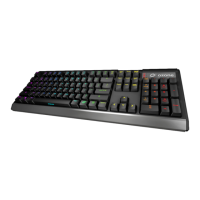
3. Advanced SettingS
In “Advanced Settings”, you can set the “Polling Rate”, disable “Windows Key”,
adjust “Key Response Time”, and change LED “Back-light Intensity”.



 To Next Page