14
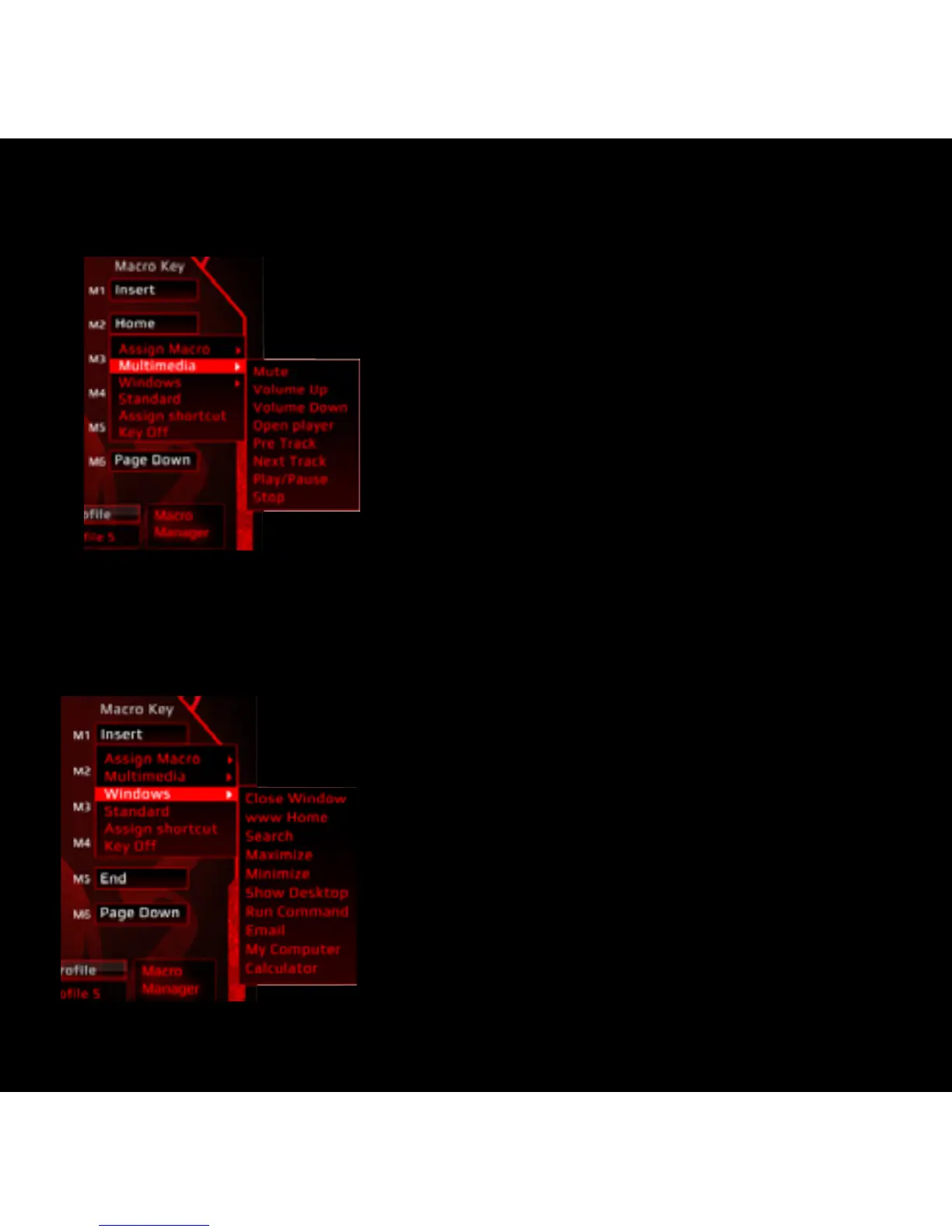
MULTIMEDIA HOTKEY
1) Select a macro key and click ”Multimedia” from the menu.
2) Select the desired function in the sub-menu and
click “APPLY” to confirm the setting.
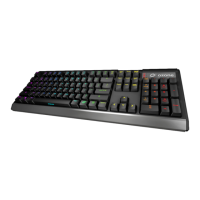
WINDOWS MANAGEMENT
1) Select a macro key and click ”Windows” from the menu.
2) Select the desired function in the sub-menu
and click “APPLY” to confirm the setting.


 To Next Page