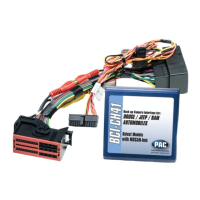
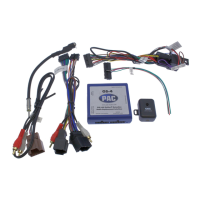
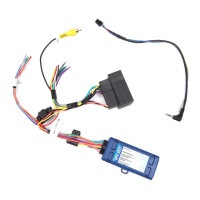
Reverse Camera Input and Navigation Unlock
Interface for Chrysler / Dodge / Jeep / RAM Vehicles
BCI-CH41 (v2)
© 2018 AAMP Global. All rights reserved. PAC is a Power Brand of AAMP Global.
PAC-audio.com
Pacific Accessory Corporation
Rev: V3
Date: 040918
Page 3
Common Use Examples w/Setup
Adding Reverse Camera Only
• DIP switch 1 = ON
• DIP switch 2 = OFF
• DIP switch 3 = OFF
• DIP switch 4 = User Preference
• No additional programming needed as Programmable Output 1
(10A) is set to “Accessory” by default (use to power cameras)
Adding Reverse Camera and Navigation Unlock
• DIP switch 1 = ON
• DIP switch 2 = OFF
• DIP switch 3 = ON
• DIP switch 4 = User Preference
• No additional programming needed as Programmable Output 1
(10A) is set to “Accessory” by default (use to power camera)
Adding Reverse Camera and Rear Media
• DIP switch 1 = ON
• DIP switch 2 = ON
• DIP switch 3 = User Preference
• DIP switch 4 = User Preference
• No additional programming needed as Programmable Output 1
(10A) is set to accessory by default (use to power cameras and
video source)
Adding Reverse Camera and a Bed Camera using the AVS21
(sold separately)
• DIP switch 1 = ON
• DIP switch 2 = OFF
• DIP switch 3 = OFF
• DIP switch 4 = User Preference
• PC Settings
• Blind Spot Camera = OFF.
• Front Camera = OFF
• Programmable Output 1 (10A) = Any Camera Active or
Accessory (use to power cameras)
• Programmable Output 2 (1A) = Forced Reverse Camera
(use to trigger AVS21 when the forced reverse camera
feature is triggered via the SWC or the on-demand switch)
• Programmable Output 3 (1A) = OFF
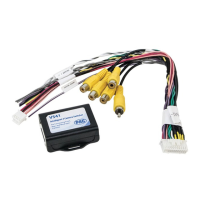
Adding Blind Spot Cameras using the VS41 (sold separately)
• DIP switch 1 = ON if adding rev cam; OFF if already equipped
• DIP switch 2 = OFF
• DIP switch 3 = User Preference
• DIP switch 4 = User Preference
• PC Settings
• Blind Spot Camera = User Preference, can’t be OFF
• Front Camera = Off
• Programmable Output 1 (10A) = Any Camera Active or
Accessory (use to power cameras)
• Programmable Output 2 = OFF
• Programmable Output 3 = OFF
Adding Blind Spot Cameras and a Front Camera using the VS41
(sold separately)
• DIP switch 1 = ON if adding reverse camera; OFF if already
equipped
• DIP switch 2 = OFF
• DIP switch 3 = User Preference
• DIP switch 4 = User Preference
• PC Settings
• Blind Spot Camera = User Preference, can’t be OFF.
• Front Camera = User Preference, can’t be OFF.
• Programmable Output 1 (10A) = Any Camera Active or
Accessory (use to power cameras)
• Programmable Output 2 (1A) = OFF
• Programmable Output 3 (1A) = OFF
Adding Reverse Camera, Blind Spot Cameras, and a Front
Camera using the VS41 (sold separately), a bed camera using
the AVS21 (sold separately), Navigation Unlock, and Rear Media
• DIP switch 1 = ON
• DIP switch 2 = ON
• DIP switch 3 = ON
• DIP switch 4 = User Preference
• PC Settings
• Blind Spot Camera = User Preference, can’t be OFF.
• Front Camera = User Preference, can’t be OFF.
• Programmable Output 1 (10A) = Accessory (use to power
cameras and video source)
• Programmable Output 2 (1A) = Forced Reverse Camera
(use to trigger AVS21 when the forced reverse camera
feature is triggered via the SWC or the on-demand switch)
• Programmable Output 3 (1A) = OFF
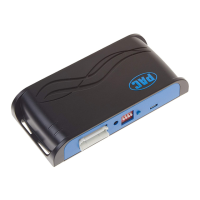
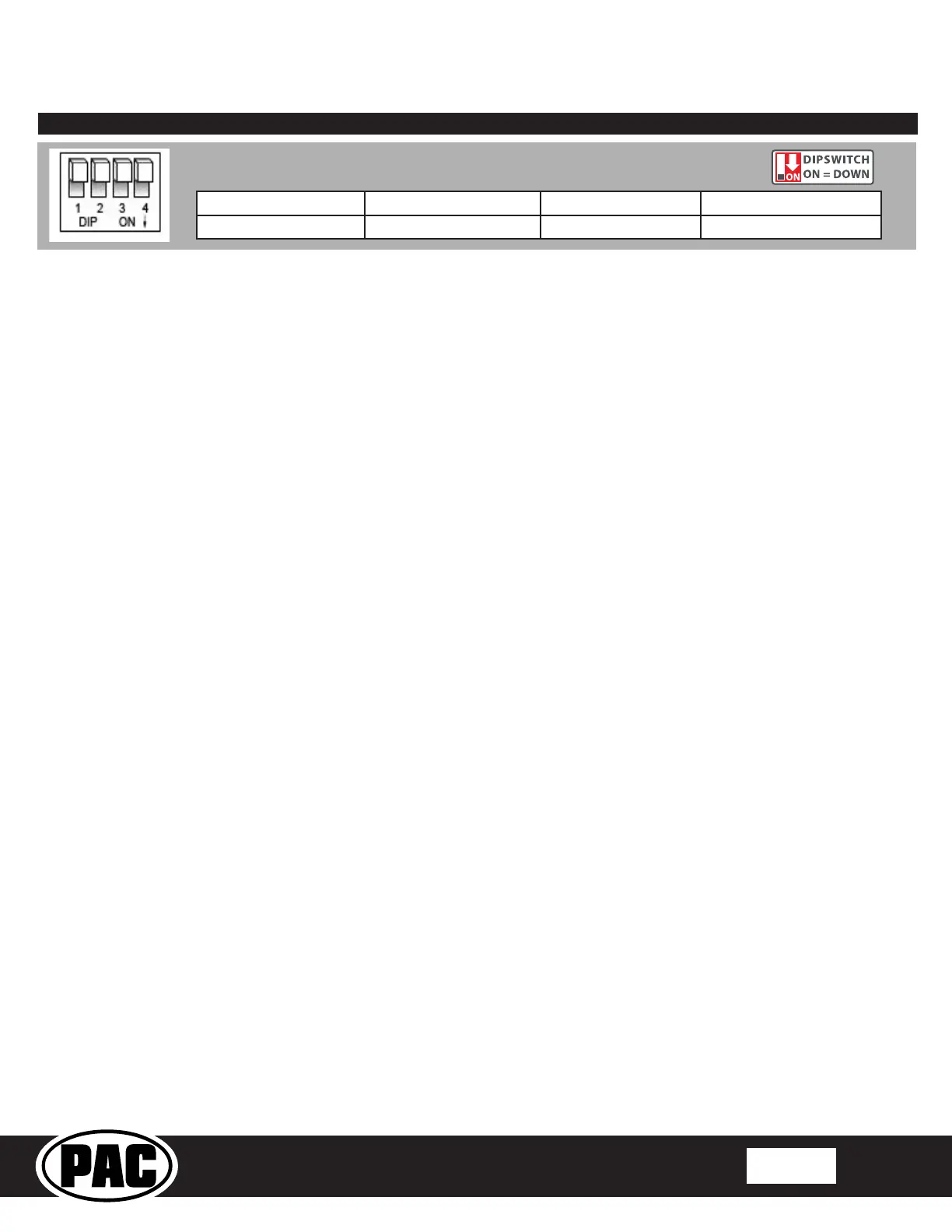
Reverse Camera Rear Media Navigation Unlock Feature Settings Menu
1 2 3 4
Set DIP switches to the ON position to activate the corresponding features.
Set DIP switches to the OFF position for any features that are not desired.


 To Next Page
 Loading...