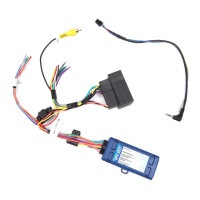
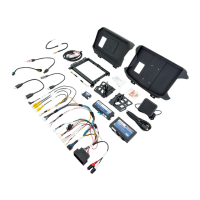
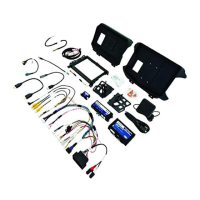
Reverse Camera Input and Navigation Unlock
Interface for Chrysler / Dodge / Jeep / RAM Vehicles
BCI-CH41 (v2)
© 2018 AAMP Global. All rights reserved. PAC is a Power Brand of AAMP Global.
PAC-audio.com
Pacific Accessory Corporation
Rev: V3
Date: 040918
Page 8
Troubleshooting
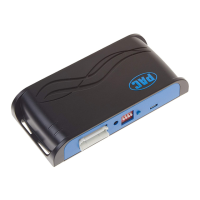
1. The module can be reset to factory default settings by pressing and holding the Programming button (on the side of the module) for
5 seconds. When pressing and holding the button, both LEDs will blink red while the module is resetting. Once reset, both LEDs will
blink green, this indicates the module is initializing, release the programming button.
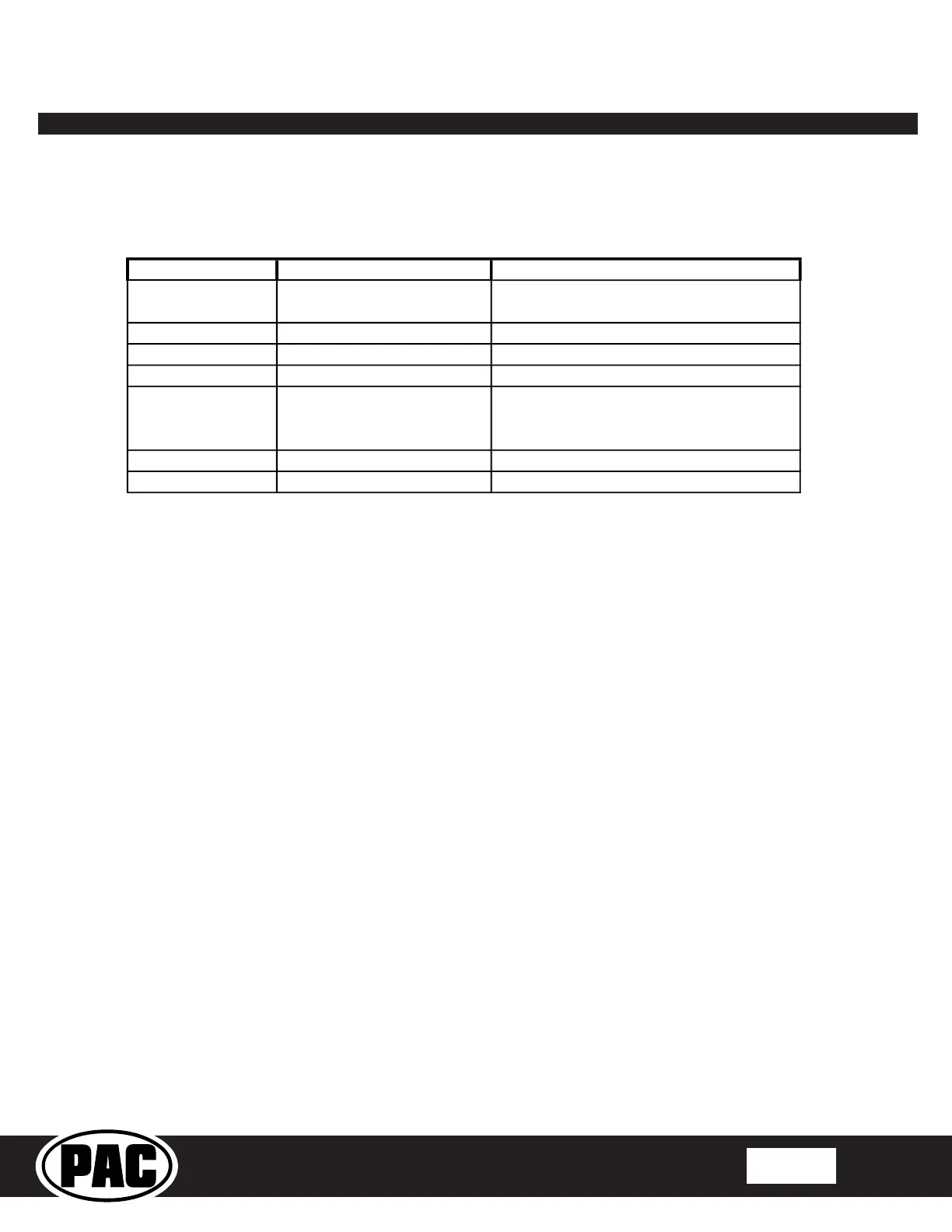
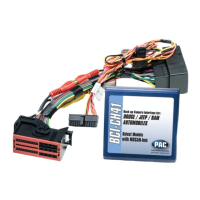
2. The LEDs on the module can tell you what the BCI-CH41 is doing. Please refer to the chart below for LED status patterns and possible
troubleshooting actions.
Dual flashing green Initializing
Wait for BCI to finish initializing
Programmable output 1 active
LED 2 flashing red No CAN communication
Check harness and connector pins for proper
connection or change status of loop (cut or re-
connect)


 To Previous Page