Chapter 3 Configuring the Gateway 15
Configuring the Gateway 3
The gateway is configured automatically by your service provider, but you can change
certain settings, such as the wireless network name, password, and firewall options.
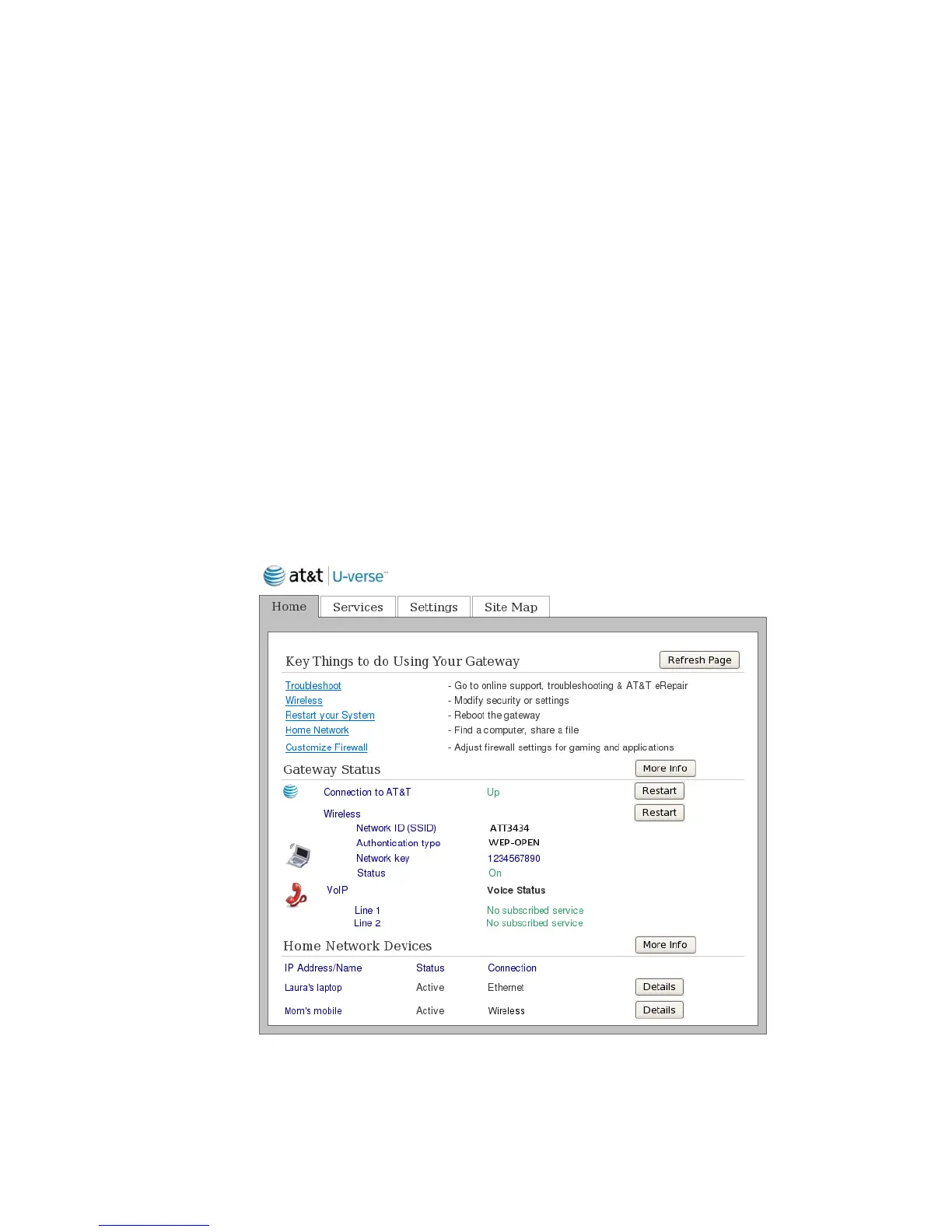
Opening the gateway home page
Use the gateway home page to change settings on your gateway.
1. Start your web browser.
2. In the address bar, enter http://192.168.1.254.
You can also use http://gateway.pace.com to open the gateway home page.


 To Next Page