Chapter 2 Setting up the Gateway 9
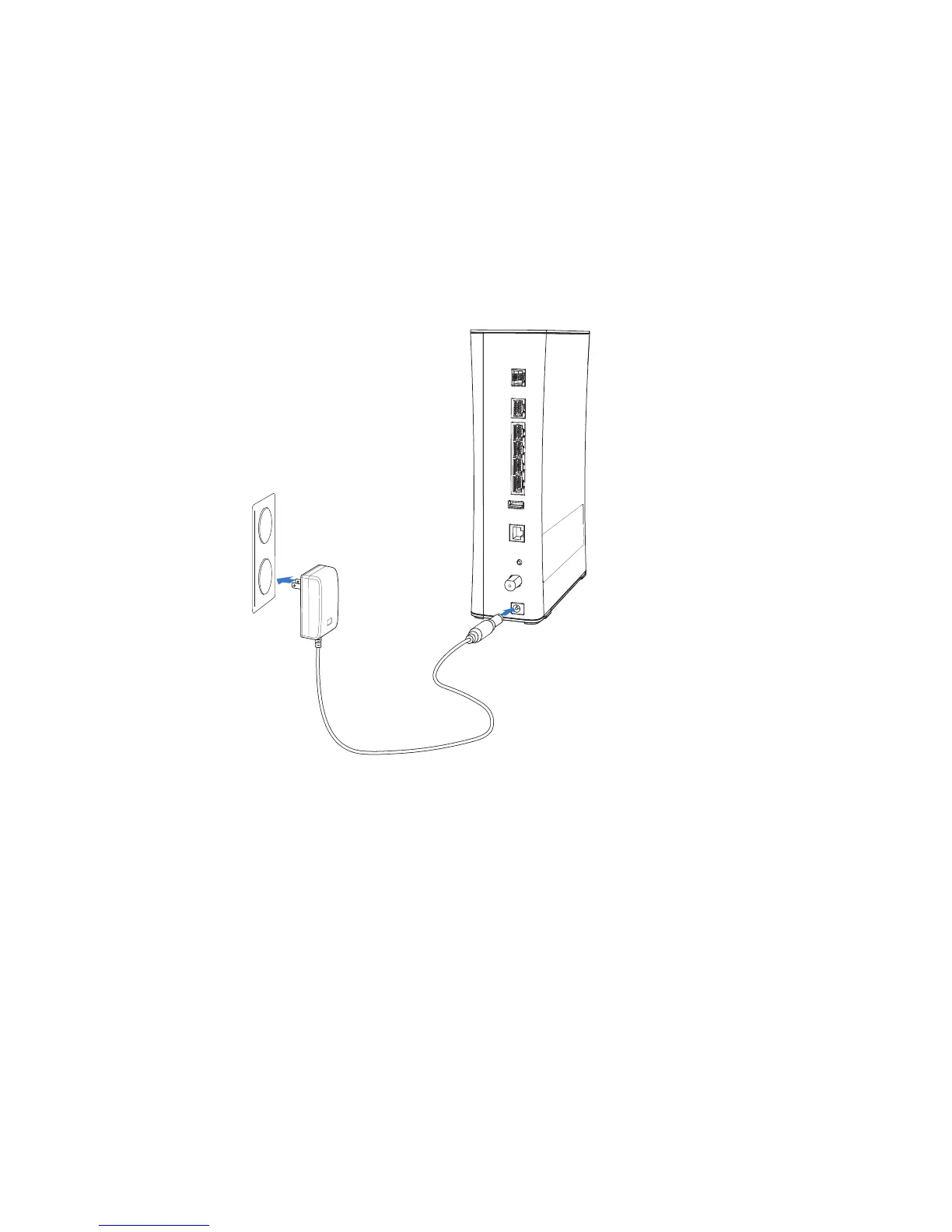
Connecting the power adapter
Use the power adapter that was packaged with the gateway because it matches the
power requirements of the gateway and it complies with local requirements.
1. Connect one end of the power adapter to the POWER port on the gateway.
2. Connect the other end to a power outlet.
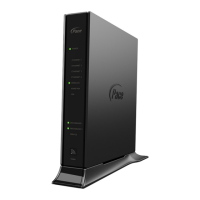
After the gateway is powered on, the power light blinks green for a moment and then
turns steady green.


 To Next Page