SETUP
43
Setup
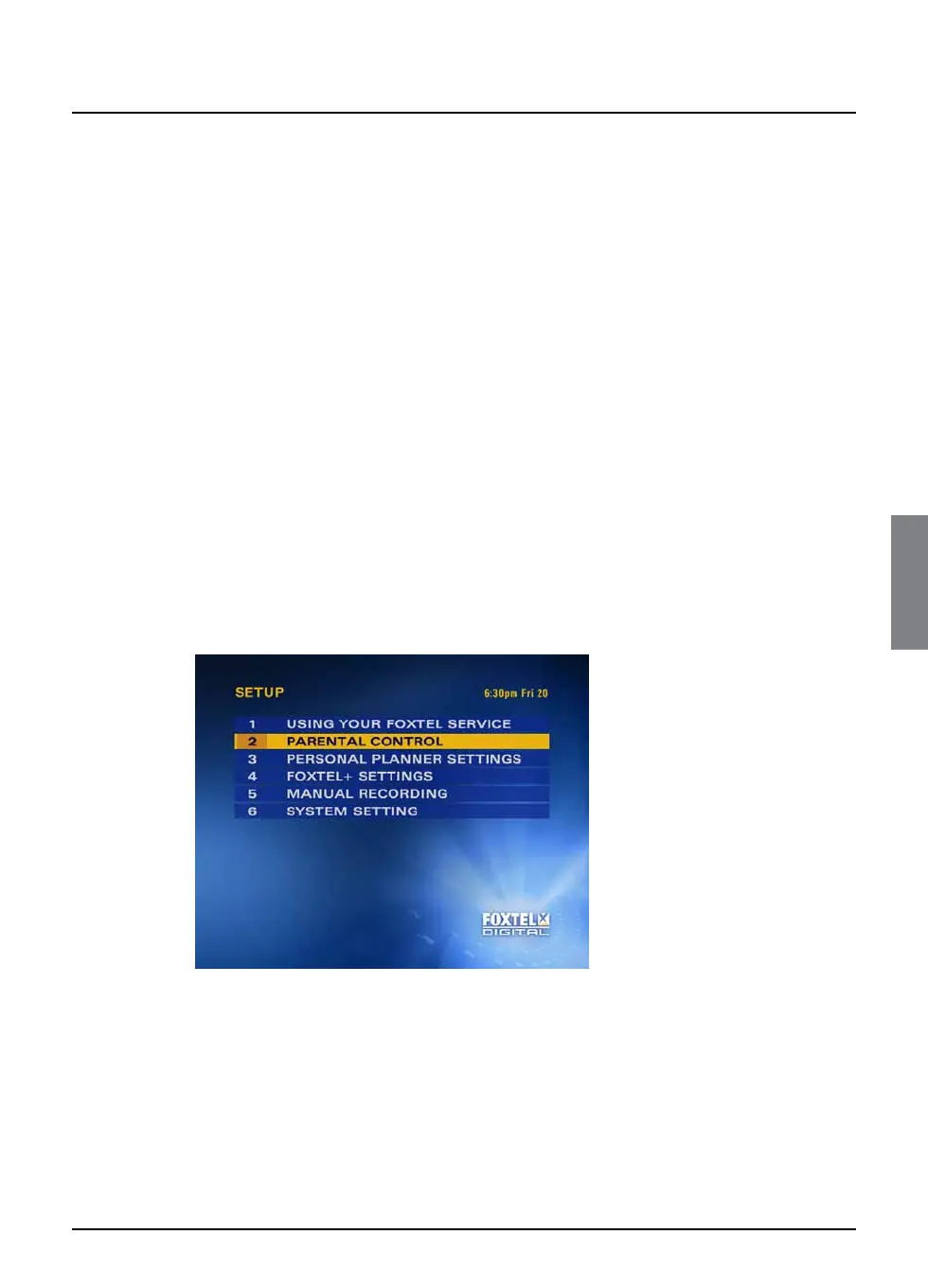
❖ Using the Setup screens
You use the Setup screens to:
◆ change your Parental Control settings, to restrict the viewing
and/or purchase of certain programmes, channels and Box
Office programmes;
◆ change your Personal Planner settings;
◆ change your FOXTEL settings, to control how your FOXTEL
PDR makes recordings;
◆ set up recordings for channels without programme listings (see
page 32);
◆ look at on-screen help on using your FOXTEL service;
◆ change or view the System Settings.
You can display the Setup screens as follows:
1. From a digital TV programme, press setup on your remote
control.
The Setup banner displays, (see page 41).
2. Highlight ‘System Setup’ then press select.
The Setup screen is displayed.



 To Next Page