EasyManua.ls Logo

Pace RNG110 - User Manual

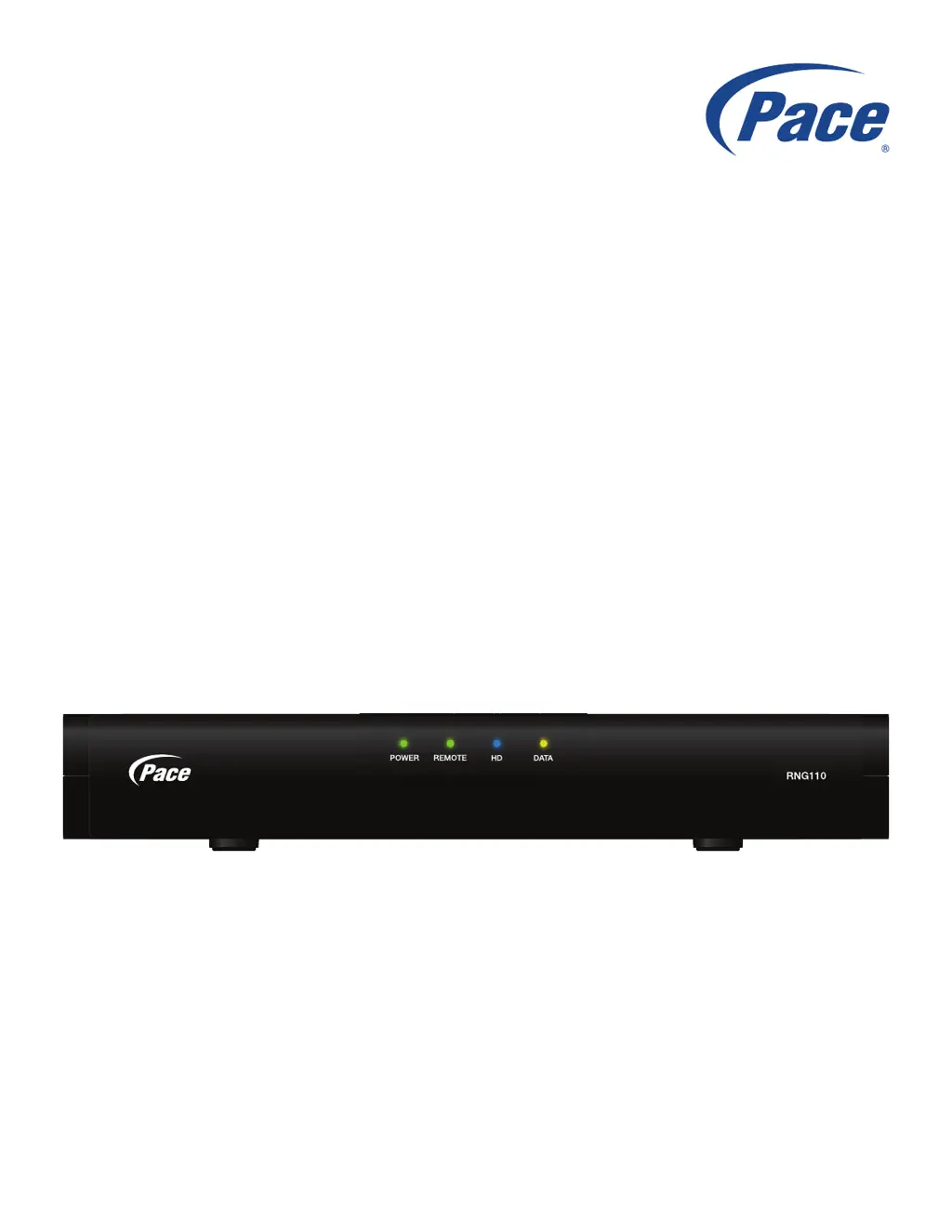
Pace RNG110
21 pages
Print Icon
To Next Page IconTo Next Page
Loading...
BRINGING TECHNOLOGY HOME
www.pace.com
OPERATOR’S MANUAL
Pace RNG110

Other manuals for Pace RNG110

Questions and Answers

  • J
    Johnathan ParksJul 26, 2025
    What to do if I can't see a picture on my Pace RNG110 Set-top boxes?
    • A
      alexander38Jul 26, 2025
      If you're not seeing a picture on your TV screen when using your Pace Set-top box, there are several things to check. First, ensure that your TV and any other equipment are plugged into the wall AC outlets and turned on. Then, verify that you've selected the correct AV input on your TV, such as HDMI, component video (YPbPr), or composite video, depending on how your system is connected. If the set-top box detects a non-secure link, try disconnecting and reconnecting the HDMI cable. Also, ensure that the TV Display Capability settings on your Pace Set-top box are appropriate for your TV.
  • W
    William ReyesJul 30, 2025
    How to fix no sound on Pace RNG110?
    • M
      Matthew PriceJul 30, 2025
      If there's no sound coming from your Pace Set-top box, start by checking that the audio cables are securely and correctly connected. Make sure you haven't muted the sound on either the set-top box or the TV. Adjust the volume on both devices to an audible level. If you're using a home theater receiver, ensure it's set up correctly.
  • F
    freemanmatthewAug 3, 2025
    What to do if the remote control does not operate my Pace RNG110?
    • L
      Lydia JohnsonAug 3, 2025
      If the remote control isn't operating your Pace Set-top box, first ensure that nothing is blocking the path between the remote and the front panel of the set-top box. Verify that the remote is set to operate the set-top box by consulting the instructions that came with the remote. If it still doesn't work, try replacing the batteries in the remote control.
  • D
    dcookAug 7, 2025
    Why is there no light on my Pace RNG110?
    • M
      Meagan SmithAug 7, 2025
      If there are no lights on the front panel of your Pace Set-top box, the issue might be a lack of power. Ensure that the power supply unit is properly plugged in. If there's a switch near the wall AC outlet, make sure it's turned ON. Also, check if the wall AC outlet is working by plugging in a lamp or another device.
  • E
    Evan MurphyAug 12, 2025
    Why is the picture quality low on my Pace Set-top boxes?
    • N
      Nicole YatesAug 12, 2025
      If the picture quality is low or fuzzy when you expect an HDTV-quality picture on your Pace Set-top box, it might be due to copy protection on some programs. To resolve this, try using an HDMI connection instead of other types of connections.
  • O
    Oscar BeckAug 16, 2025
    How to fix distorted picture on Pace Set-top boxes?
    • J
      James WilliamsAug 16, 2025
      If the picture appears distorted or too small on your Pace Set-top box, check that the TV Aspect Ratio and TV Display Capability settings on the set-top box are appropriate for your TV. If you have a 16:9 TV, consider using the Auto Pillarbox feature to add black borders to 4:3 transmissions, preventing the picture from stretching. If the settings are correct, try using the Zoom feature to improve the picture. You may also consult the TV's instruction manual and adjust the TV's display settings.
  • K
    Kristin ReedAug 20, 2025
    How to enable stereo sound on Pace RNG110?
    • A
      Allen AveryAug 21, 2025
      If you're not hearing stereo sound from your Pace Set-top box, first verify that the program you're watching is likely to have stereo sound; older movies, for example, might not be in stereo. Then, check the on-screen Setup Menu, Audio settings, and ensure that the Stereo Output is set to 'Stereo' and not 'Mono'.

Summary

Safety Information and Warnings

Important Safety Instructions

Essential safety guidelines to prevent electrical shock, fire hazards, and personal injury.

Safety Precautions and Environment

Power Source and Ventilation Safety

Ensures safe operation by detailing power source requirements and proper ventilation for the set-top.

Rear Panel Connectivity

Understanding Rear Panel Ports

Details the function and connection type for each port on the set-top's rear panel.

Connecting Equipment to Your Set-Top

Setup A: HDMI Connection for HDTV

Illustrates connecting the set-top to an HDTV using an HDMI cable for optimal picture quality.

Equipment Connection Setups

Setup B: Component Video for HDTV

Details connecting the set-top to an HDTV using component video for high-definition output.

Operating Your Set-Top Box

Powering On;Off and Storm Safety

Guides on turning the set-top on/off and precautions during lightning storms.

Set-Top Operation and Display

Displaying Picture on HDTV Screens

Troubleshooting for HDTV picture display, including resolution adjustments.

Making User Settings and Customizations

Navigating User Settings Mode

Guide to entering and exiting the set-top's User Settings mode for customization.

Display Capability and Resolution Settings

Restoring Factory Default Settings

Pace RNG110 Specifications

General IconGeneral
ModelRNG110
CategorySet-top boxes
ManufacturerPace
High Definition SupportYes
HD CapableYes
Video OutputsHDMI, Composite
ConnectivityEthernet, USB
RF InputYes
RF OutputYes

Related product manuals