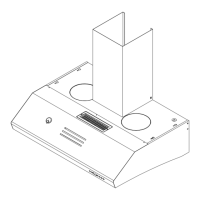
4. Place the square plenum transition
adapter over the gasket and secure
the 4 screws on the round portion of
the adapter.
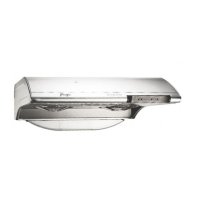
5. Place the plenum transition collar on
top of the transition adapter and se-
cure it down with the remaining
screws.
Back Vent to
3.25” X 10” plenum duct
Before you install the plenum transition
collar on the back of the unit the top vent
transition plate must be removed and the
hole plugged. Follow the steps outlined
below:
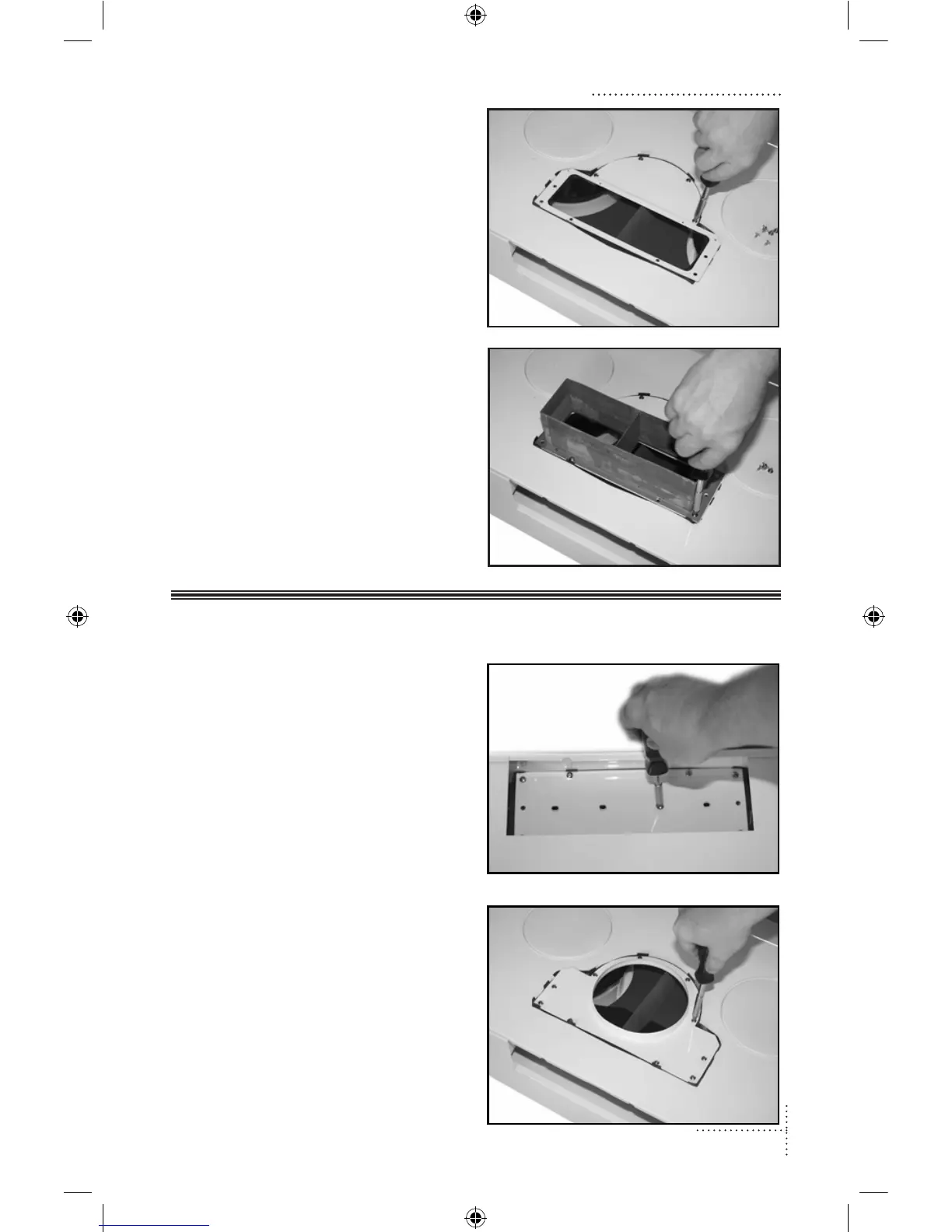
1. Remove the mounting screws for the
vent guides and back plate. Remove
the back plate, leaving the gasket in
place.
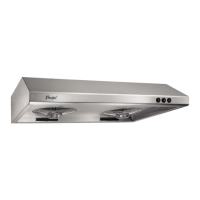
2. Remove the existing top mounted
transition adapter.
Installation: Select Vent Option Installation: Select Vent Option



 To Next Page