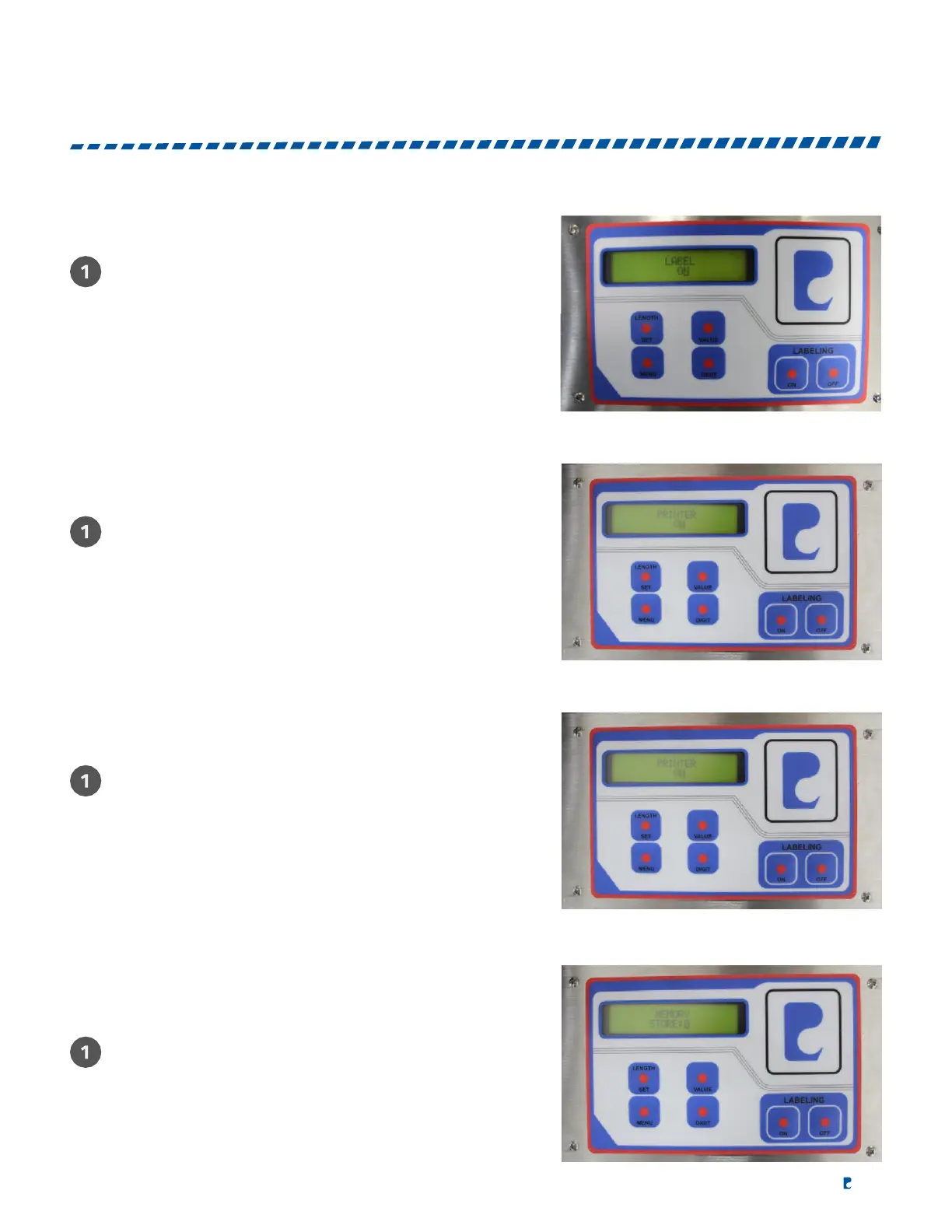
LABEL HEAD SETUP
Press "VALUE" to turn the label head ON and press
"DIGIT" to turn the label head OFF.
SPEED SETUP
Press "VALUE" to select speed 1-4.
PRINTER SETUP
Use "MENU" to select "PRINTER." Press "DIGIT" to turn
"OFF" and press value to turn "ON." Press menu to exit.
MEMORY SETUP
Turn off "LABELING," Press "MENU" and select
"MEMORY STORE" then select memory location by
using "VALUE." Store the data by pressing "LABEL
LENGTH." All parameters of label length, batch counter
and delay will be stored into the assigned memory slot.


 To Next Page