4.4 Setting of TV system
If the picture does not appear correctly on your TV set, you should
check your TV's settings. Please refer to your TV's documentation.
8
Step 2:
Insert the disc and press the button again, the player will automatically
recognise the disc type. Press the Play button to play a disc.
Before using your DVD player, please prepare the following:
1.Switch on your TV set and select AV mode.
2.If connected with an amplifier, switch on the amplifier and select
DVD input.
3.Switch on the DVD player.
Step 1:
Press the button on the remote control to open the tray
automatically.
5.Operation instructions
NO DISC
OPEN
DISC LOADING
Step 3
CLOSE
DVD
Press the button on the remote control, the unit
will switch into standby mode; press the button again
to resume.
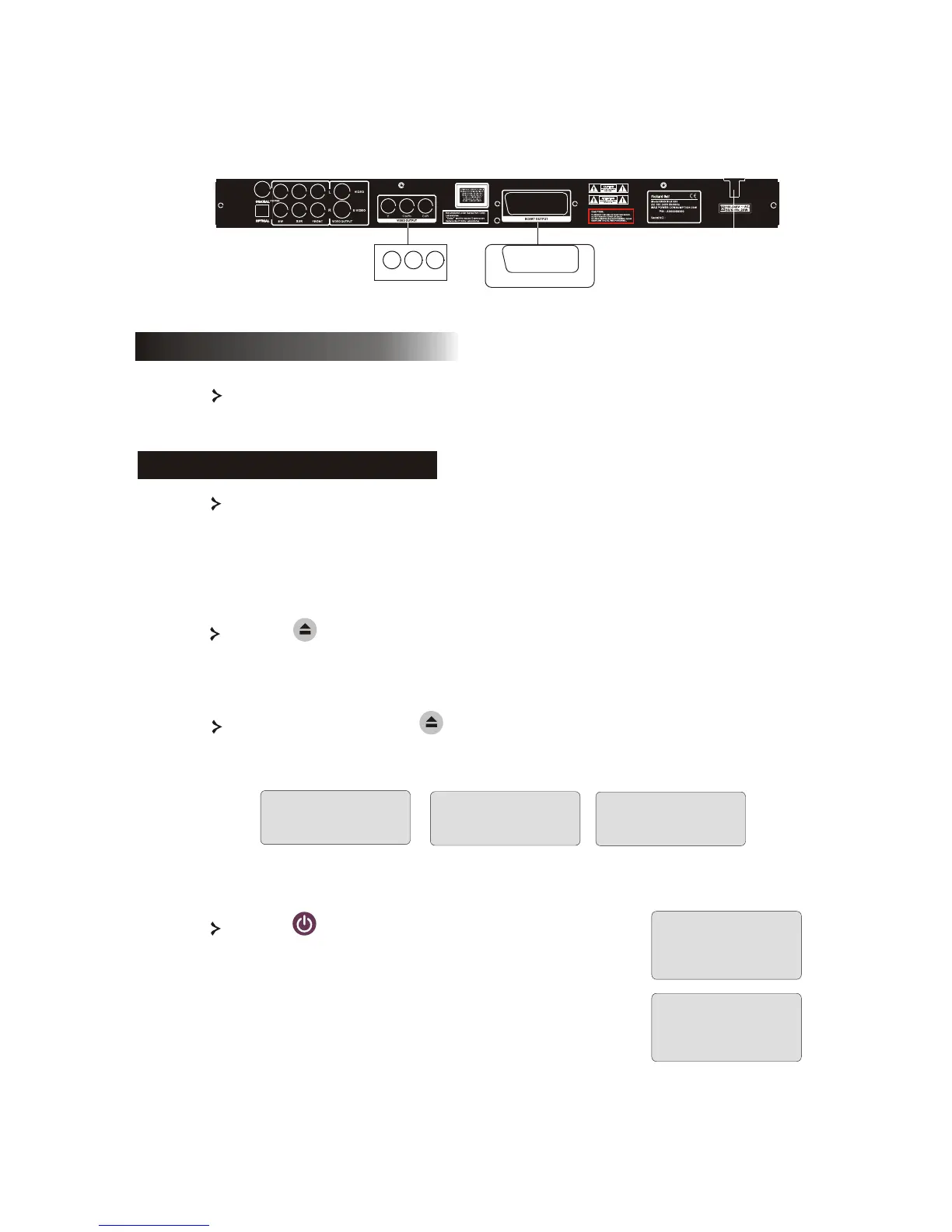
DVD player+Y Cb/Pb Cr/Pr or SCART (DVD DivX 350)
Y
Cb/Pb
Cr/Pr
INPUT
SCART INPUT



 To Next Page