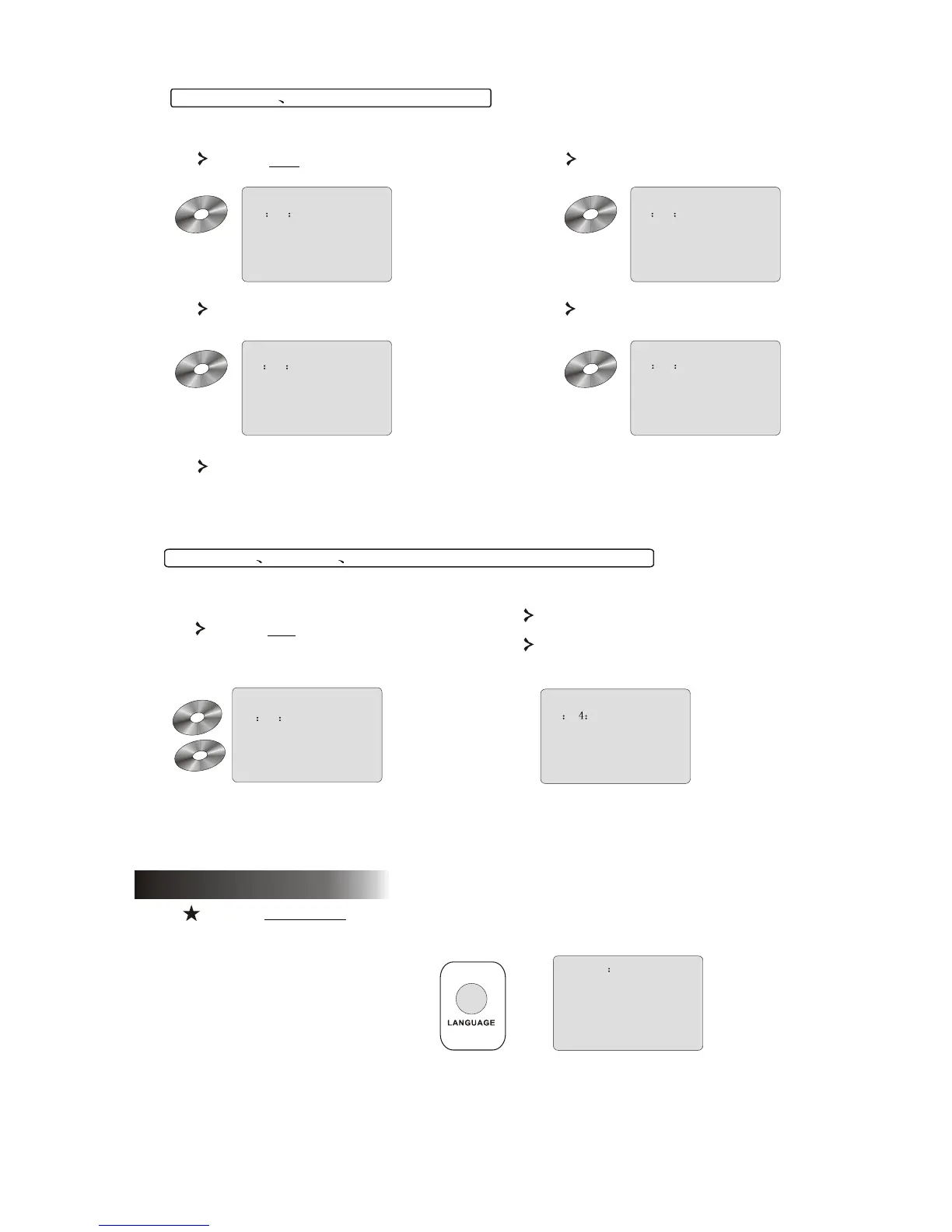
(Note that display may vary according to disc type)
Press the OSD button once to display
single elapsed time.
Press again to display total elapsed time.
And again to switch off OSD display.
For SVCD VCD and CD discs
10
Press again to display total
remaining time.
00 00 12
SINGLE ELAPSED
SVCD
VCD
00 00 12
TOTAL ELAPSED
SVCD
VCD
00 08 12
SINGLE REMAIN
SVCD
VCD
00 54 12
TOTAL REMAIN
SVCD
VCD
7.4 Angle
AUDIO1/8 AC-3 5.1
Press the LANGUAGE button to select any of the languages supported on the disc.
6.2 Languages
L
Press the OSD button to display elapsed
time of a chapter
Press again to display remaining
chapter time.
For Mp3 DivX XVID and WMA discs
00 0 12
CHAPTER REMAIN
And again to switch off OSD display
00 00 12
CHAPTER ELAPSED
Press again to display single
remaining time.
Mp
3
WM
A
DivX
XV
ID



 To Next Page