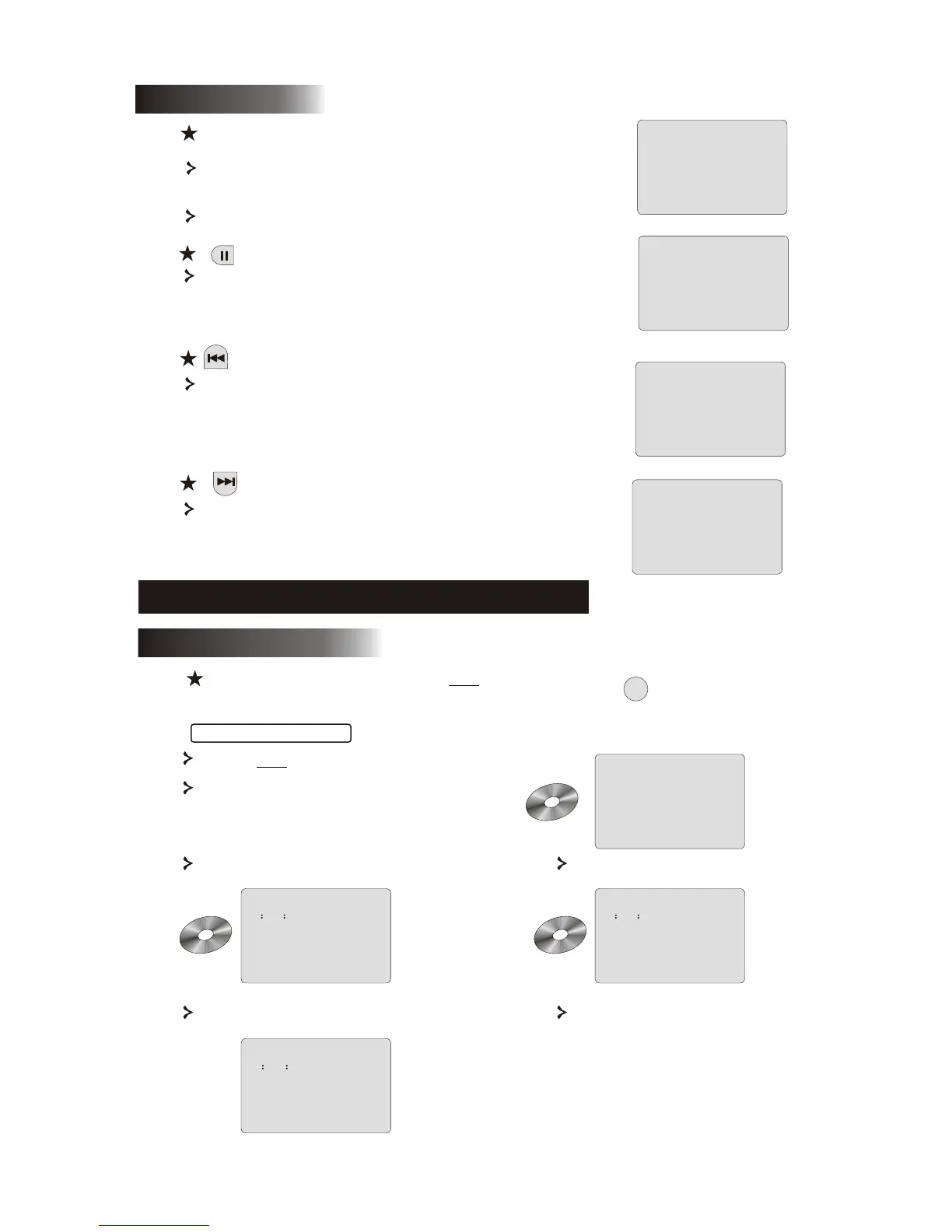
Use the pause button to interrupt/ resume display.
PLAY
PAUSE
PREVIOUS
Button
button
To select the previous song or chapter.
9
5.1 Disc playback
After inserting a disc the unit will start playback.
If there is a DVD disc, the unit will show the menu
or the titles.
If there is an audio CD, the unit will play the first tune.
TITLE 02/12 CHAPTER04/06
00:00:01
DVD
CHAPTER REMAIN
00 14 25
TITLE REMAIN
01 27 12
DVD
CHAPTER ELAPSED
00 01 55
DVD
For DVD discs
Press the OSD button once.
Displays current title, chapter
and the total number of titles
and chapters on the disc.
Press again to show the remaining time Press again to show the elapsed time
Press again to show the remaining
chapter time
And again to switch off OSD display
NEXT
6. Function buttons introduction
6.1Screen display
OSD
Button
To select the next song or chapter.
When the unit plays a disc, press the OSD button to
browse through several options.



 To Next Page