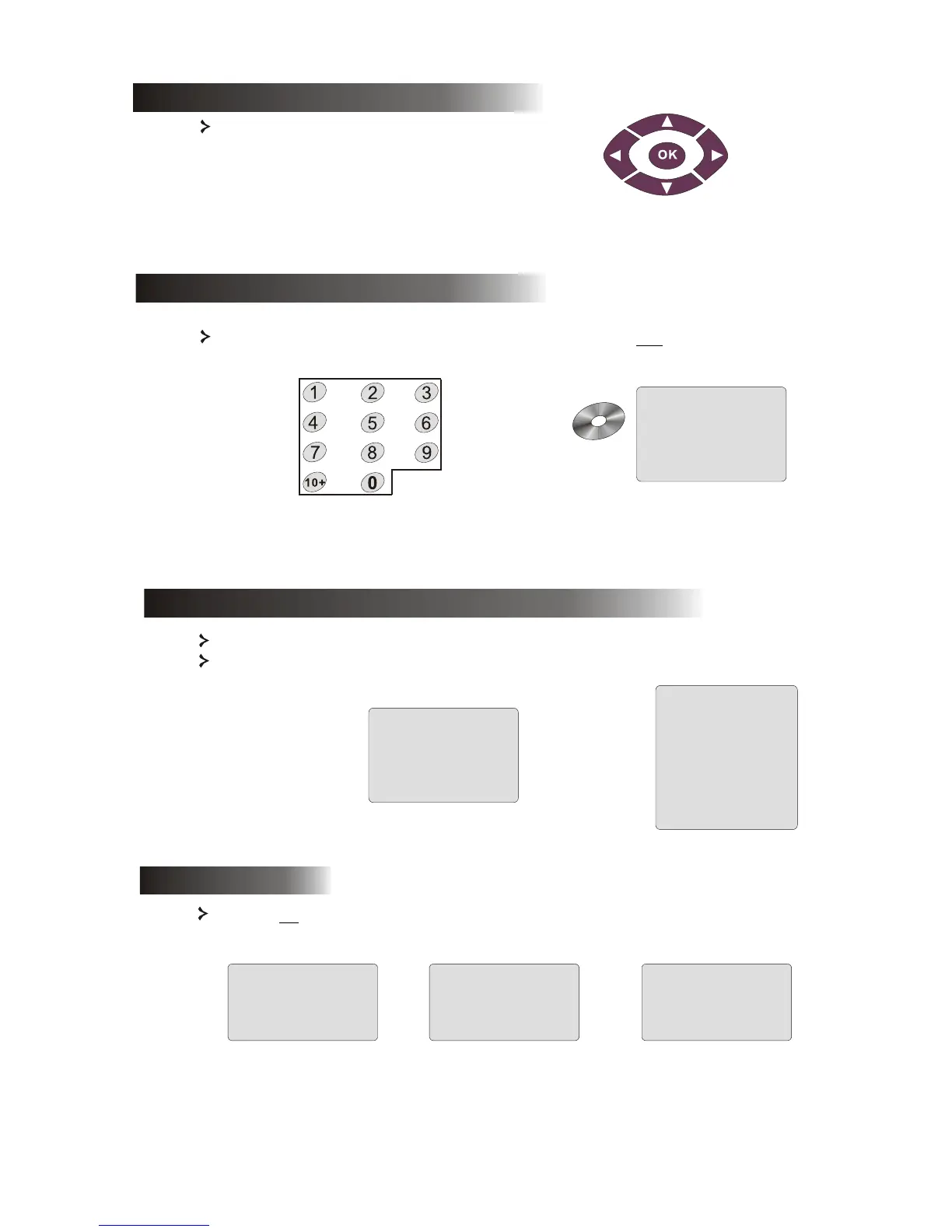
6.8 Direction selection buttons
12
These buttons are used to browse through several menus.
To play a track directly, press the corresponding number. Use the +10 button for
numbers above 9.
6.9 Numeric buttons
SELECT: 08
SVCD
VCD
PBC OFF
With PBC ON you must return to the main menu if you wish to select a title, chapter or song.
DISC
20
18
01:50:00
02
00
TOTAL TITLES:
PLAY ENTRIES:
PLAY TIME:
AUDIO STREAMS:
SUBPIC STREAMS:
6.11 A-B
Pressing the A-B button sets the start and end of a section you wish to repeat. Press it again to stop
repeating.
A TO B SET A
A TO B CANCELLED
A TO B SET B
6.10 PBC button (Program Backward Control)
With PBC OFF, you can select during display or stop.



 To Next Page