Helpdesk -
39
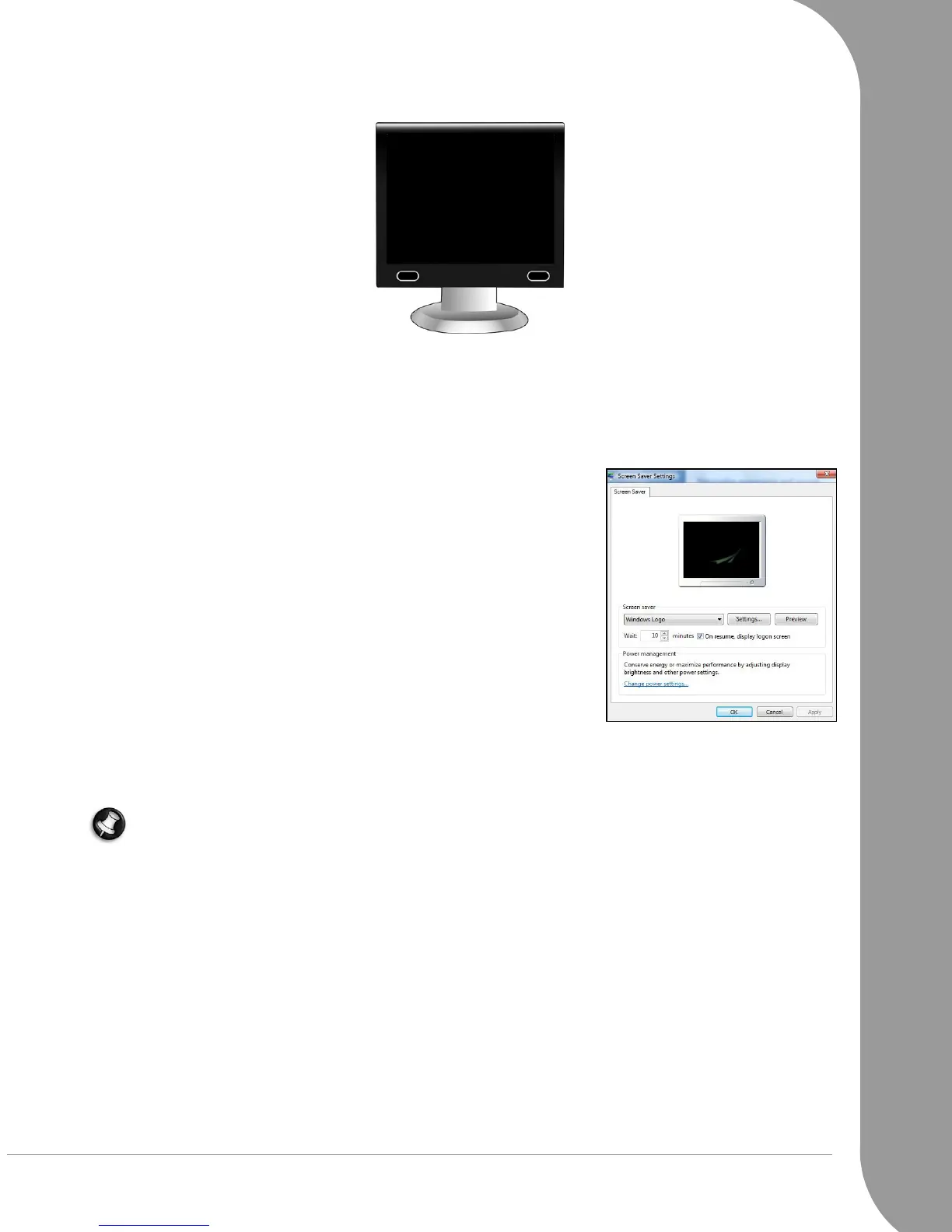
1. NOTHING DISPLAYS ON THE SCREEN
✓ Make sure that you have switched on both your computer and your monitor.
✓ Your computer is in suspend or power saving mode.
1. If the computer is in power saving mode, move the mouse or press a key on the keyboard to "wake up"
the computer.
2. If the computer is in Sleep mode, press the power button. After a short pause the light should light up
and you will be able to use your computer.
✓ A screen saver may be active.
1. Strike any key to reactivate the display.
2. If you wish to change the screen saver properties:
a. Close all open programs, with the exception of Windows.
b. Right-click on an empty spot on the Windows desktop.
c. Select Properties from the menu.
d. Adjust the screen saver properties and the energy saving fea-
tures to your needs.
✓ Check your Installation poster.
1. Check the power cord connections between your computer and the power outlets.
2. Certain computers are equipped with two video ports, one on the motherboard (“integrated video”)
and another on a high-performance graphics card using an expansion slot.
Note: Please refer to your Installation poster and check if all your cables are connected correctly.
Always connect your monitor to the graphics card, if present. If one video port does not work, then try
the other. The number of items available will depend on your computer’s configuration.
✓ Test the power cords:
1. Unplug the power cord from your monitor.
2. Unplug the power cord of the computer and plug it into the monitor (and the other end to a working
wall socket).
3. Power on only the monitor and watch if the power LED of the monitor is lit.
✓ Test the power socket:
1. Plug any other electrical device on the wall socket and check if it works.
2. If it does not, your wall socket is probably faulty.
✓ Try to reset your computer:
1. Unplug the power cable from the wall socket and keep the power button pressed for at least ten sec-
onds.
2. Then release it, connect the power cable again and press the power button to turn on your computer.



 To Next Page