4
5
1.2 Product description
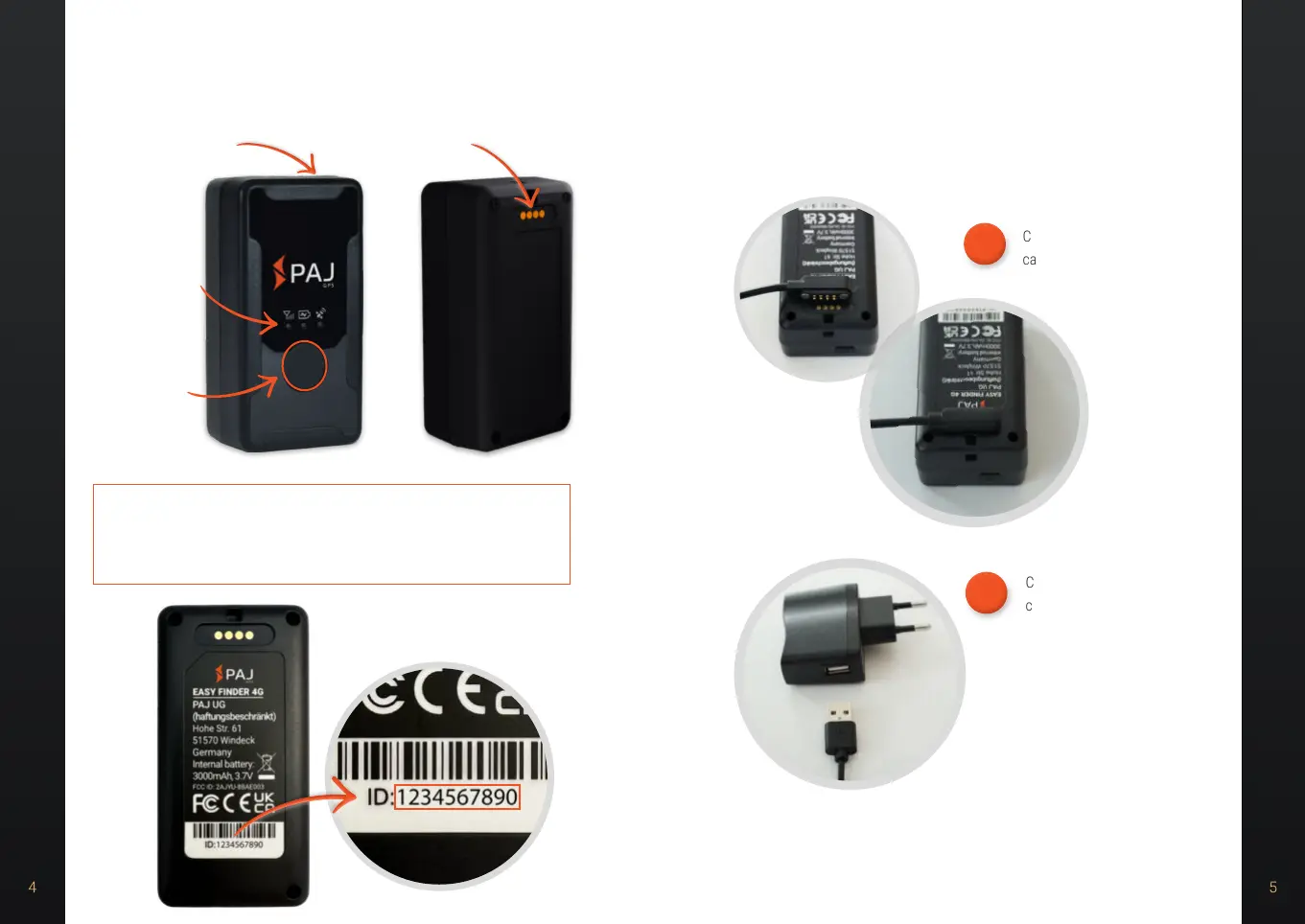
NOTE!
To activate, you need the device ID. Please have it ready or write
it down.
1.3 Instructions for charging
You should fully charge the FINDER before using it for the first time. Please
proceed as follows.
Connect the supplied charging
cable with the magnet to the
contacts of the FINDER.
1.
Connect the other end of the
charging cable to the USB
port of the enclosed wall plug
adapter.
(If no wall plug adapter is included, you
can use any USB wall plug).
2.
LED signals
• GPS LED
• POWER LED
• GSM LED
On/off button
SOS button
Charging ports


 To Next Page
 Loading...