POWER Finder v.1.2DE
© PAJ UG (haftungsbeschränkt)
82
10.2 Connect the POWER Finder with the
location portal
We have prepared the following
configuration commands for you. Please
send these commands by SMS to your
locating device in the given order.
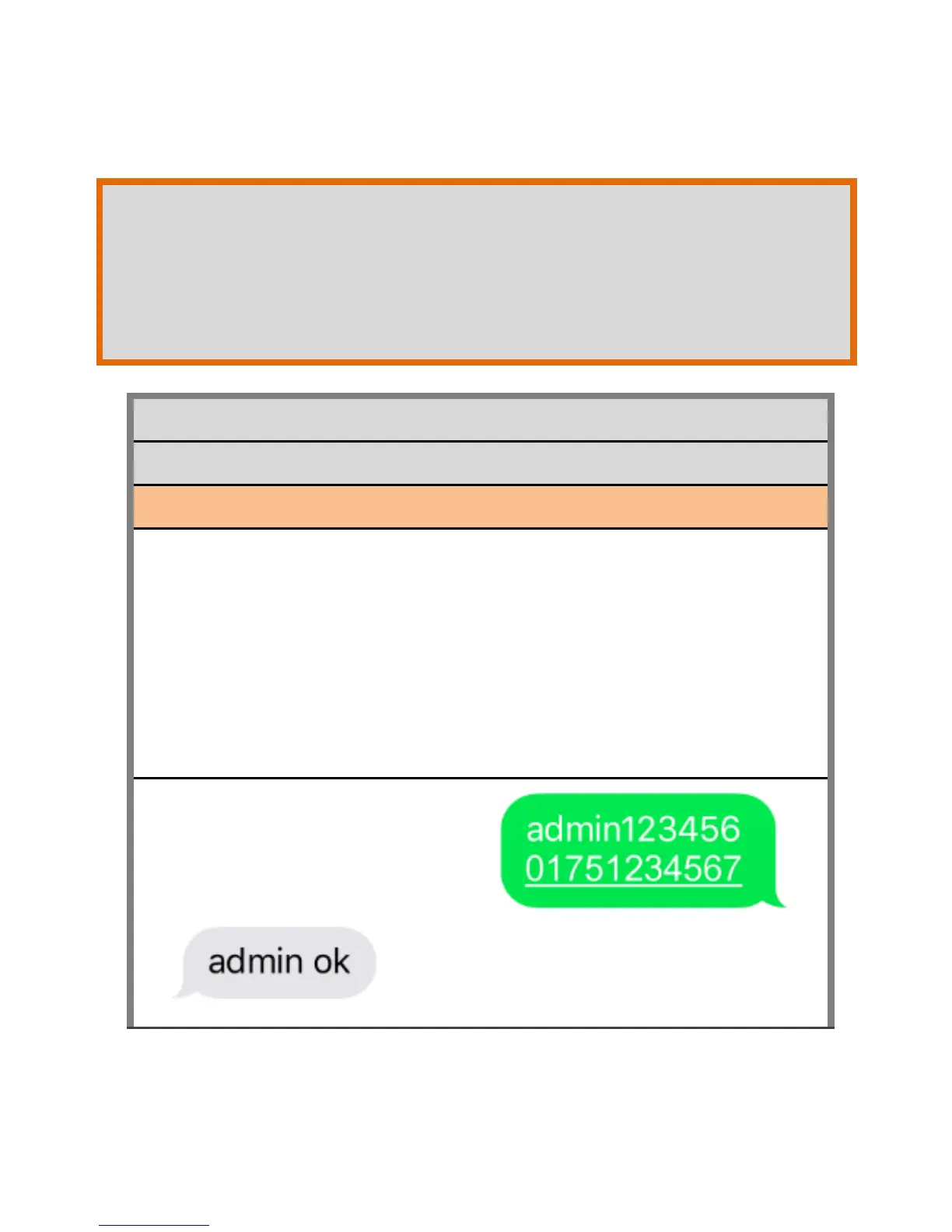
INITIALIZATION OF YOUR DEVICE
SET ADMIN TELEPHONE NUMBER
Instead of the 01751234567 please call
the phone number of
your mobile phone. Please make sure
that you DO NOT take the phone number
of the SIM card that you inserted into the
FINDER.


 To Next Page