Pakon Part#125307-B October 10, 2006 3
Installing the F-135
The F-135 is a peripheral device. It must be connected to a computer that meets the required spec-
ifications listed on page 1 of this manual.
1. Install the software for the F-135, if it is not already installed on the PC.
2. Clear a space near your computer system to place the F-135 scanner. The USB 2.0 cable must
be able to reach the PC, so it cannot be more than 6 feet (2m) from the computer.
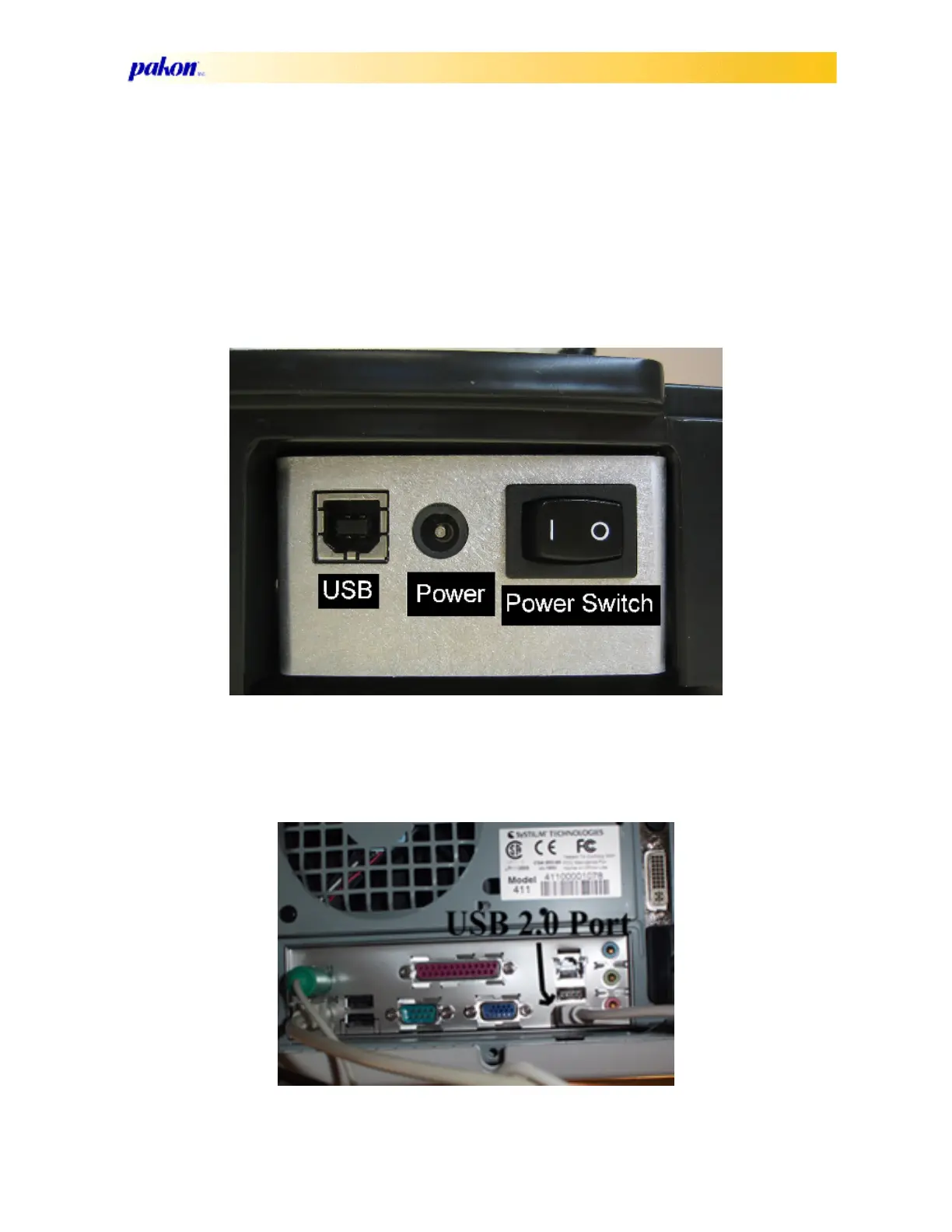
3. Connect the power cord to the power supply plug on the back of the scanner.
4. Connect the USB 2.0 cable to the back of the scanner.
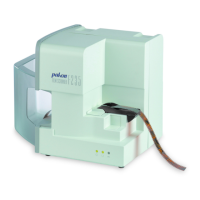
5. Connect the USB 2.0 cable to the back of the computer, in a USB 2.0 port. Do not plug in to
a USB 1.0 connector!



 To Next Page