Setting up the machine
7
Subject to change without notice
41
7.10.1 Batch counter
The batch amount is the number of products per package
1. Press the set-up key on the operator controls
Ö Enter the number of pieces in the batch and press “E”.
7.10.2 Stacking level compensation
Enter the amount at which the stacking level compensator should activate.
0 = switched off.
7.10.3 Sheet thickness
The destacking amount is calculated by entering the sheet thickness. The destacking
process repeats itself once the destacking amount is reached.
1. Measure the height of 10 sheets at the spine.
2. Press the set-up button on the operator controls and follow the instructions.
Reduce the value if the machine destacks too quickly
Increase the value if the machine destacks too slowly
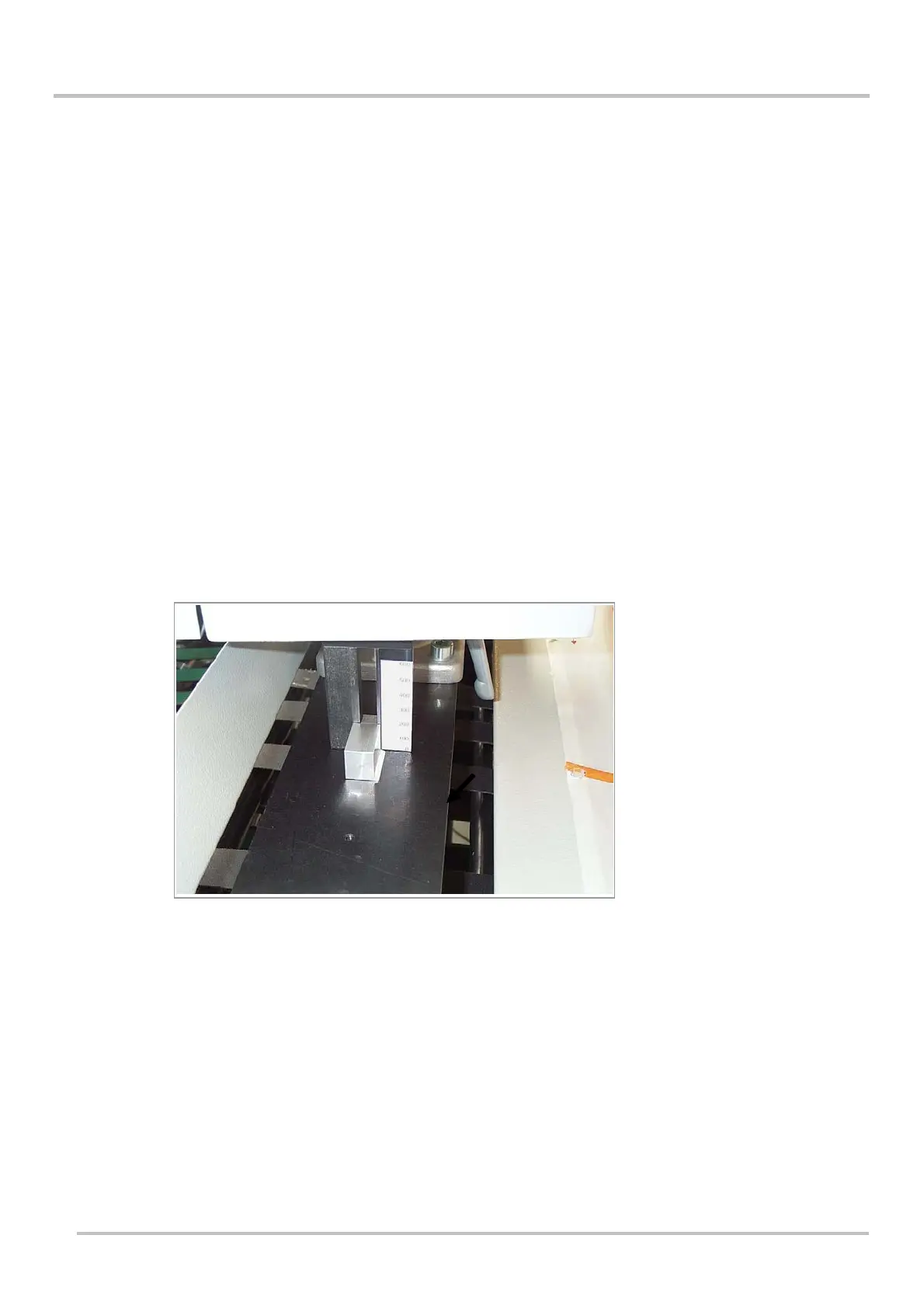
Measuring device
Picture 1921
7.10.4 Total counter
Set by entering a user-defined value, or set to zero
7.10.5 Package lift cycles
Number of packaging cycles until the package lift starts.
7.10.6 Load default values
The factory settings for this menu are loaded by entering 1
7.10.7 Band type
The type of band can be selected here. Paper or PE.


 To Next Page