ECOFIRE SCRICCIOLA cod. 004770763 - 11/2010 59/104
GB D
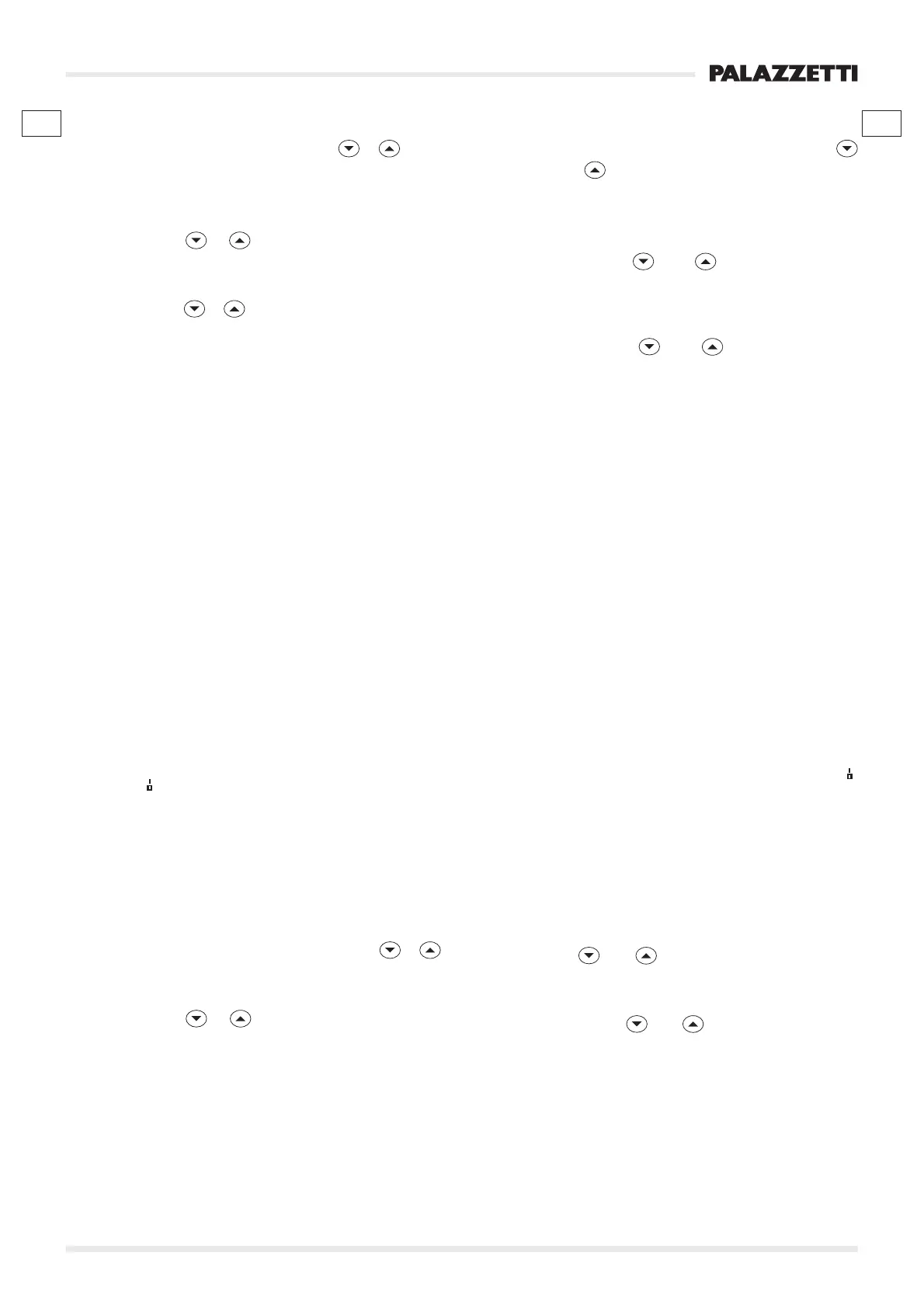
7.6.3.5 STAND-BY
4) Select STAND-BY by acting on
or .
The current state will be visualised.
5) Press ON to access the settings. The activated
mode will flash (OFF).
6) Press
or to choose the mode.
7) Press ON to confirm and move onto the
temperature.
8) Press
or to choose the restart temperature
“START TEMP. ”.
9) Press ON to confirm.
To exit the menu:
12) Press the OFF key to exit the menu STAND-BY.
13) Press the OFF key to exit the menu MENU SET
STOVE.
The
symbol will always appear onto the display while
the message “STAND-BY” will appear when the room
temperature is higher than the temperature set in
“START TEMP. ”.
7.6.3.6 STATUS BUZZER
4) Select STATUS BUZZER by acting on
or .
5) Press ON to access the settings. The activated
mode will flash “ON”.
6) Press
or to select the activation (ON) or
the deactivation (OFF) of the function.
7) Press ON to confirm.
To exit the menu:
12) Press the OFF key to exit the menu STATUS
BUZZER.
13) Press the OFF key to exit the menu MENU SET
STOVE.
7.6.3.5 STAND-BY
4) Wählen Sie STAND-BY durch Betätigen von
oder .
Der derzeitige Status wird angezeigt.
5) Drücken Sie ON, um zu den Einstellungen zu
gelangen. Es blinkt die aktive Betriebsart (OFF).
6) Drücken Sie
oder , um die Betriebsart zu
wählen.
7) Drücken Sie ON zur Bestätigung, und um zur
Temperatur weiterzugehen.
8) Drücken Sie
oder , um die Temperatur
des erneuten Starts “STARTTEMP.” zu wählen.
9) Drücken Sie ON zur Bestätigung.
Um das Menü zu verlassen:
12) Drücken Sie die Taste OFF,um das Menü STAND-
BY zu verlassen.
13) Drücken Sie die Taste OFF, um das MENU SET
OFEN zu verlassen.
Auf dem Display erscheint immer das Symbol
,
während die Schrift “STAND-BY” erscheint, wenn die
Raumtemperatur über der in “STARTTEMP.”
eingestellten Temperatur liegt.
7.6.3.6 STATUS SUMMER
4) Wählen Sie STATUS SUMMER durch Betätigen
von
oder .
5) Drücken Sie ON, um zu den Einstellungen zu
gelangen. Es blinkt die aktive Betriebsart “ON”.
6) Wählen Sie
oder , um die Aktivierung (ON)
oder die Deaktivierung (OFF) der Funktion zu
wählen.
7) Drücken Sie ON zur Bestätigung.
Zum Verlassen des Menüs:
12) Drücken Sie die Taste OFF, um das Menü STATUS
SUMMER zu verlassen.
13) Drücken Sie die Taste OFF, um das
MENU SET
OFEN zu verlassen.




 To Next Page