Product Instructions:
Manual control
• Press and hold the “ ” logo for 2 seconds to
start the grinding process. A breathing BLUE
light will appear on top of Grindtech.
• Once the desired quantity of beans has been
ground, switch off Grindtech by pressing
“ ” logo twice.
Reminder: You can stop the grinding process at any time by
pressing the “ ” logo.
Finish grinding
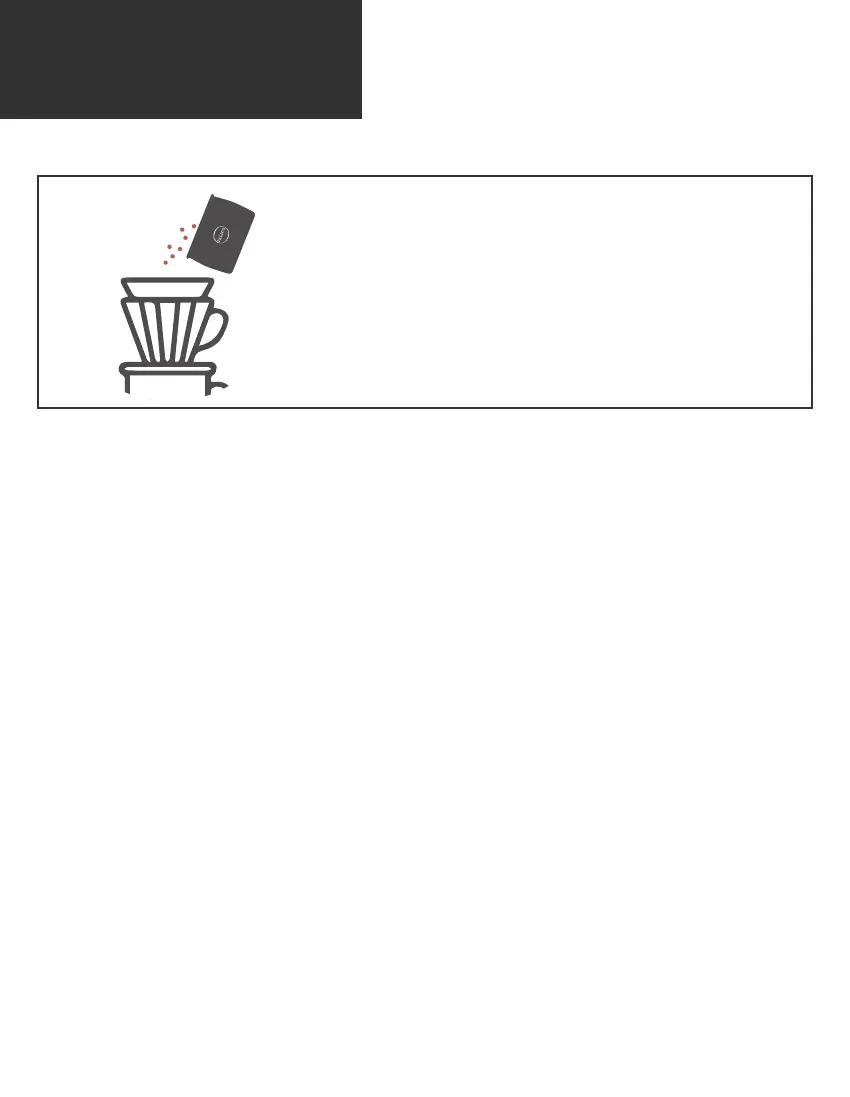
• Pour the coffee grounds into any brewing tools.
• Enjoy your brewing journey!
Auto-off
• Don’t worry if you may forget to switch off Grindtech. It has been designed
with automatically turn off after grinding for 2 minutes.



 To Next Page