Tungsten™ E2 Handheld 15
CHAPTER 1 Setting Up Your Handheld and Your Computer
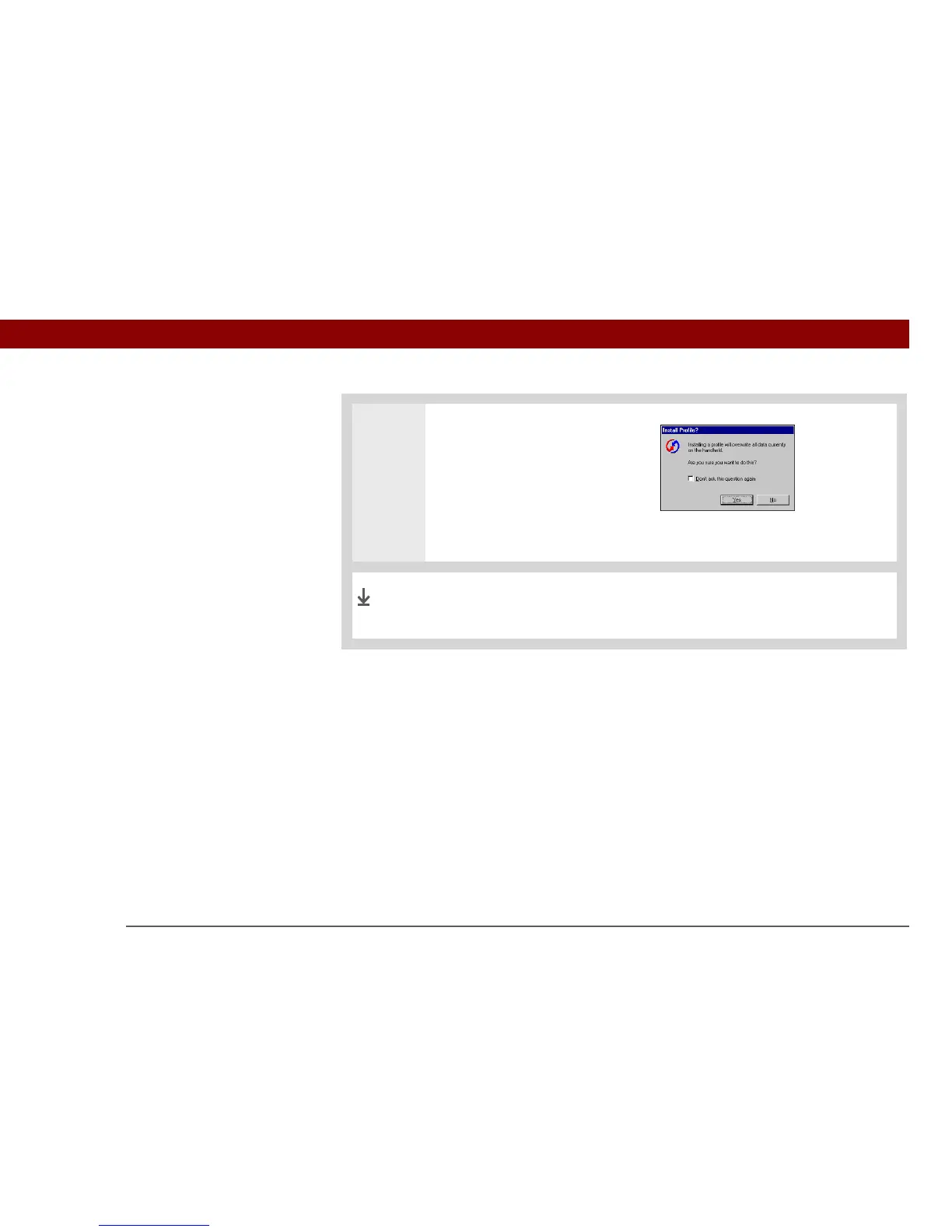
2 Transfer the profile information:
a. Click Profiles.
b. Select the profile you want to
load on the handheld, and
click OK.
c. Click Yes.
The next time you synchronize that handheld, Palm Desktop
software prompts you to assign a username to the handheld.
Done


 To Next Page