Common Tasks
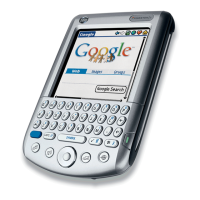
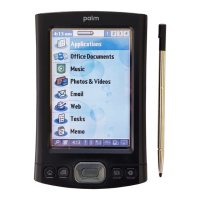
Power on/off the Palm™
Press (don’t hold) the Power button on the
bottom right side
Navigation
Press Home icon to go to home screen or
exit an application. Press the 5-way Navigator
up/down or left/right to select applications or tap
with the stylus on the application icon.
Calculator
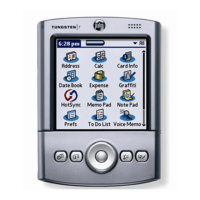
Tap the Calculator icon on the homepage. It
opens a basic calculator.
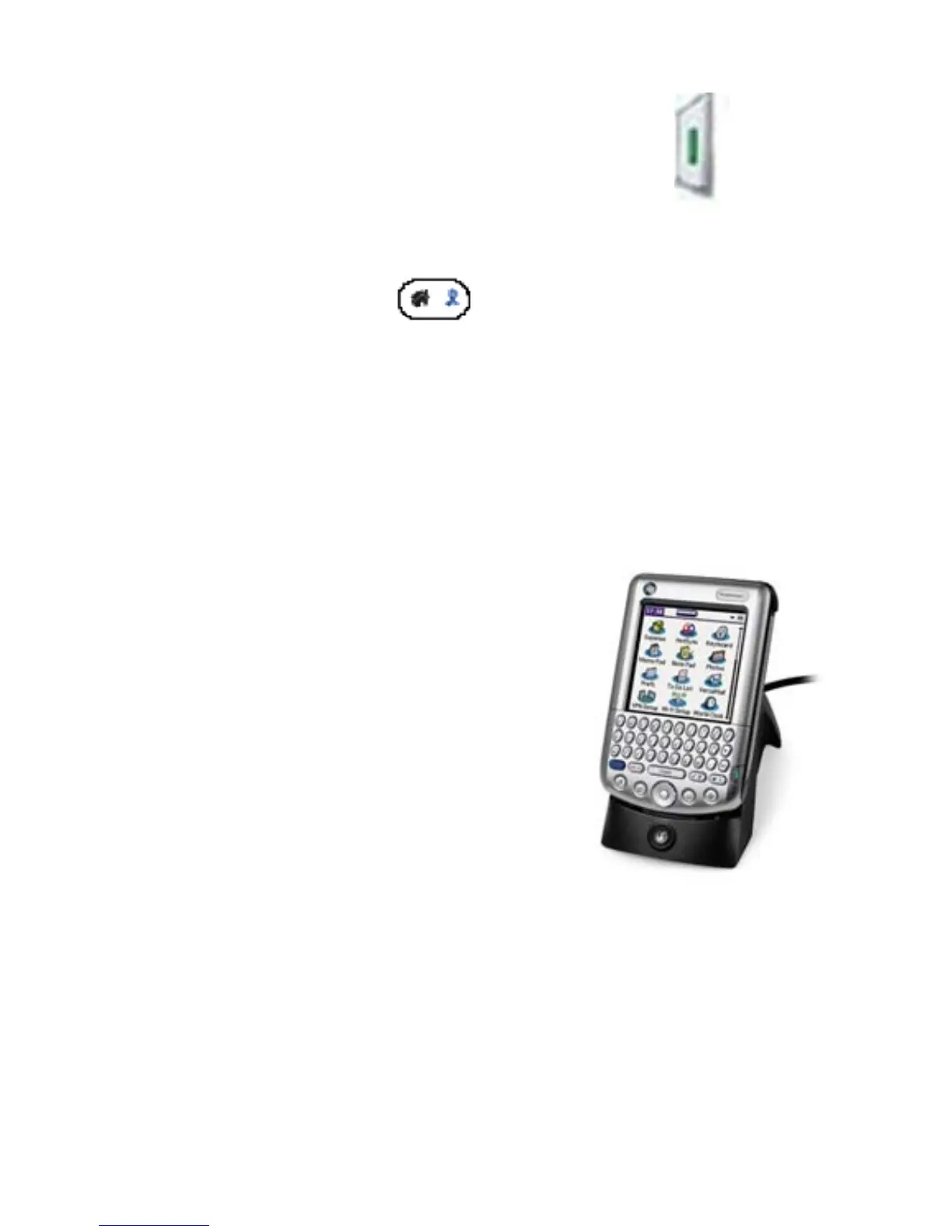
Recharging the Battery
• Plug the Cradle Adapter
into a standard wall outlet.
• Place the Palm™ into the
Cradle and allow to charge.
• A green light on the top of
the Palm™ will light up to
indicate charging is in progress.
* charge the battery in cradle 15-30 minutes
each day for optimum performance. After
approx. 5 days without charging, all data will
be lost.
5


 To Next Page
 Loading...