System Setup and Operation
20
Auto scan will take a few minutes, when the tuning operation completes the unit will exit and
memorise the programs by sequence automatically.
During tuning, press the MENU button to exit the auto scan mode.
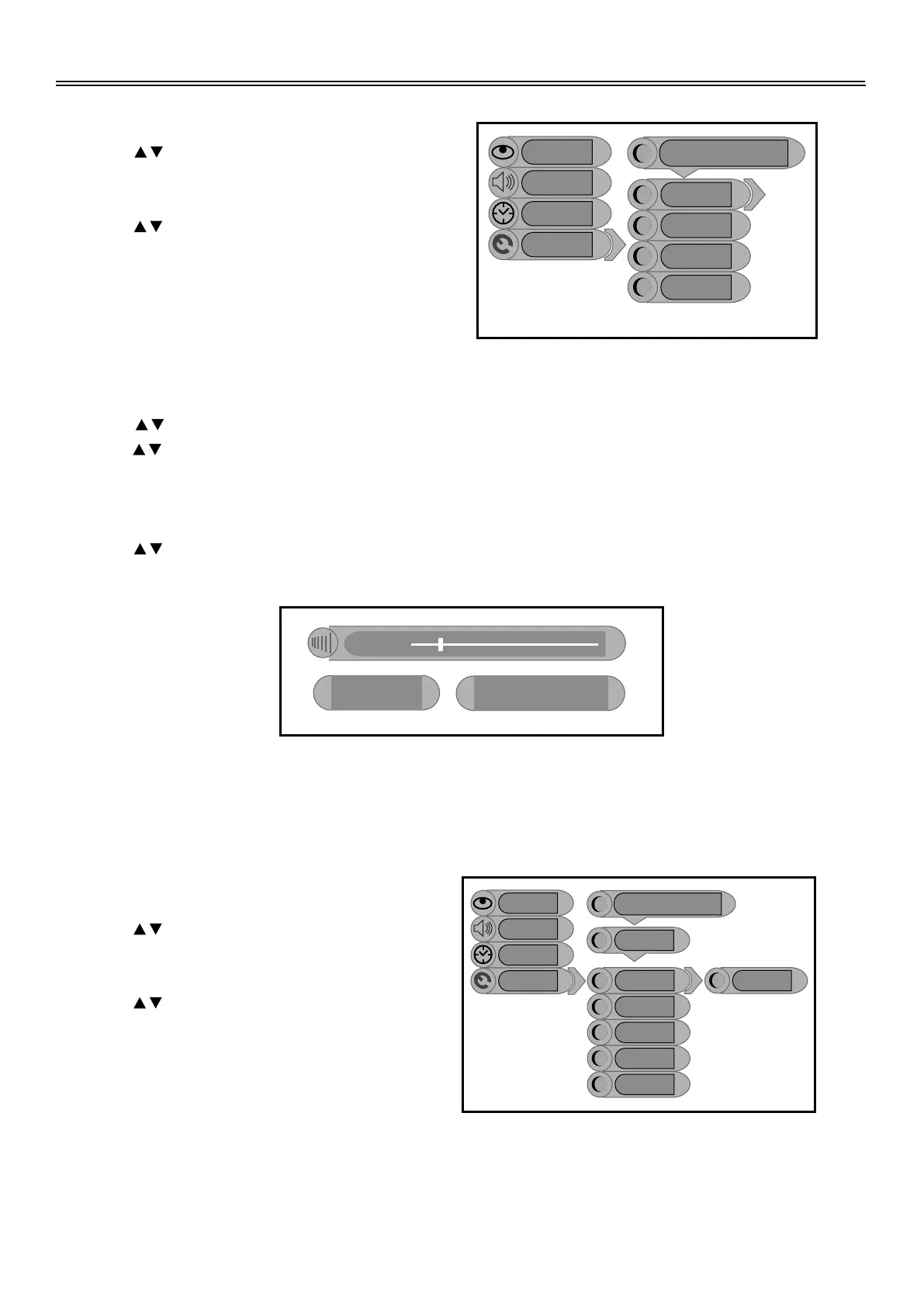
Prog Organiser
Press the button to select the Prog
Organiser, press the ENTER button to
enter the menu as shown on the right.
Press the button to select the desired
items. Press the MENU button to return to
the previous menu, press the EXIT button
to exit the setup menu.
Tuner/Channel
Press the button to select the
Tuner/Channel press the ENTER button
to enter the menu as shown on the right.
Press the button to select the desired
items, press the ENTER button to enter the
item. Press the MENU button to return to
the previous menu, press the EXIT button
to exit the setup menu.
Note: this setup only available in TV mode.
Country Setup
Press the button to select the Country, press the ENTER button to enter the setup, and then
press the button to select item, press the ENTER button to confirm. Press the MENU button to
return to the previous menu.
Auto Scan
Press the button to select the Auto Scan, press the ENTER button to start auto scan. The
screen will display as below:
CH No 05
Frequency 213.12Mhz
Auto scan
Setup
Tuner
Image
Audio
Country
Auto Scan
Prog Organiser
Manual Install
PAL Europe Tuner/Channel
Setup
Tuner
Image
Audio
Skip
Swap From Ch
Channel Name
Swap to Ch
PAL Europe Tuner/Channel
Prog Organiser
Perform Swap
XXXXXX


 To Next Page