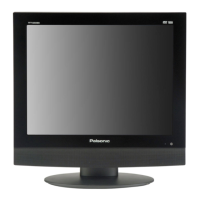
Front Panel
6
8.
9.
10.
11.
12.
13.
14.
15.
16.
17.
Disc Tray Slot
Used to load disc.
SOURCE/ENTER button
Press to select the modes: DVD, TV, AV1, AV2, S-VIDEO, Component, VGA.
Press to confirm selection or exit the setup menu in the setup menu.
MENU button
Press to enter or exit setup menu.
CH / button
In TV mode, press to select channels.
In setup menu, press to select desired items.
VOL / button
Press to decrease or increase the volume;
In setup menu, press to adjust or set items.
Power button
Press to enter or exit the standby mode.
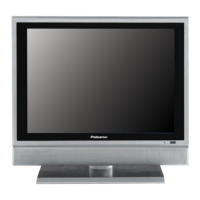
20.1" colour TFT screen
20.1" colour TFT screen clearly show the data.
Remote Sensor
Remote sensor window for the remote control.
Power Indicator
In active mode, it is blue; in standby mode, it turns red.
Speaker
Output high quality stereo sound.


 To Next Page