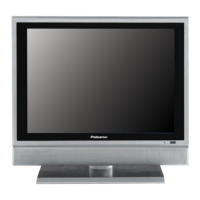
Front Panel
5
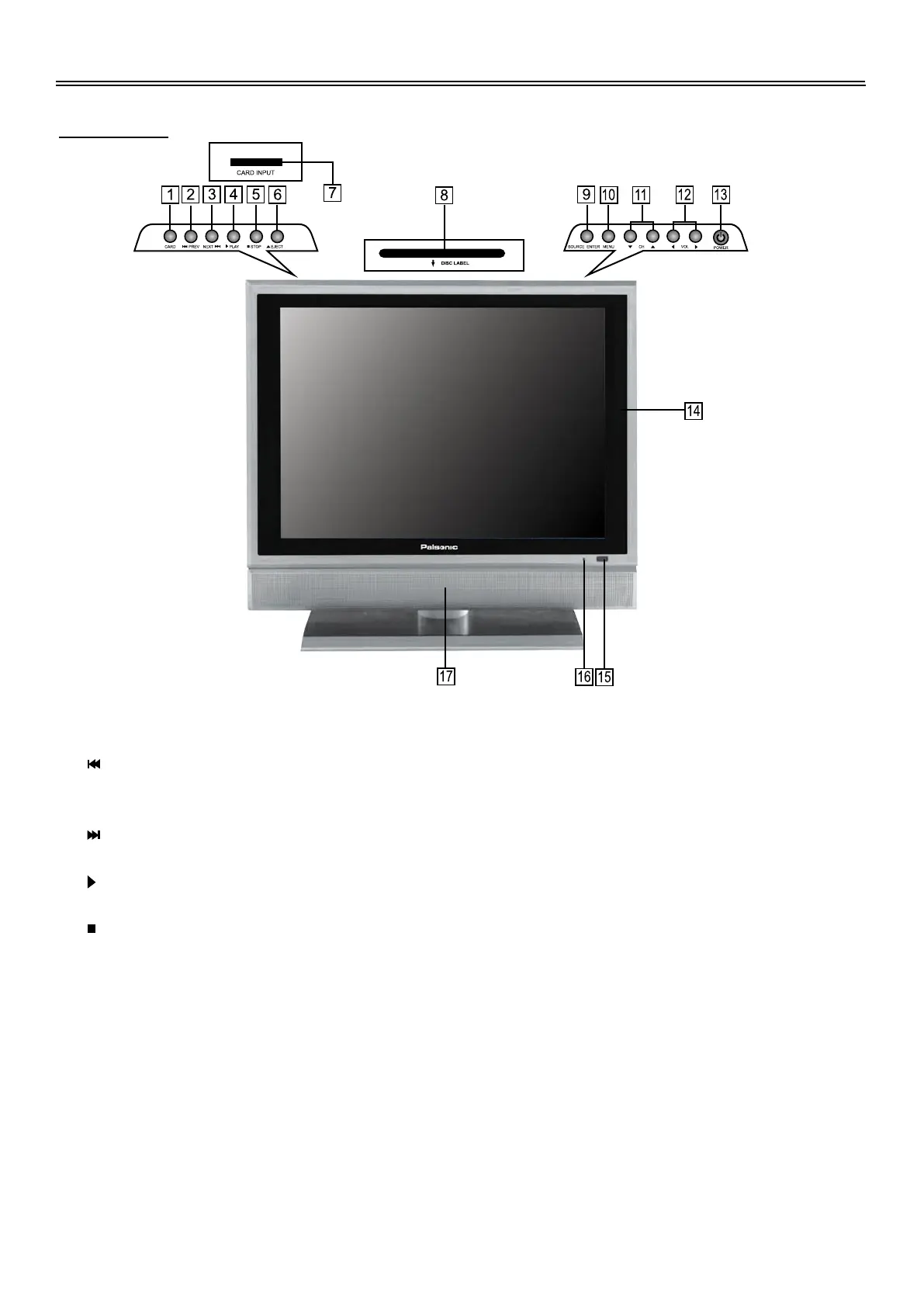
Front View
1.
2.
3.
4.
5.
6.
7.
CARD button
Press to enter SD or MS card mode in the DVD mode.
Previous Skip button
Press once to skip to the beginning of the current chapter/track.
Press twice repeatedly to skip to the previous chapter/track for some discs under DVD mode.
Next Skip button
Press to skip to the next chapter/track for some discs under DVD mode.
PLAY button
Press to play the disc under DVD mode.
STOP button
Press to stop playback, then press the PLAY button to resume normal playback under DVD
mode.
Press the STOP button twice repeatedly to stop completely.
Eject button
Press to eject the disc out.
CARD Input Slot
Insert SD or MS card into this slot.


 To Next Page