6
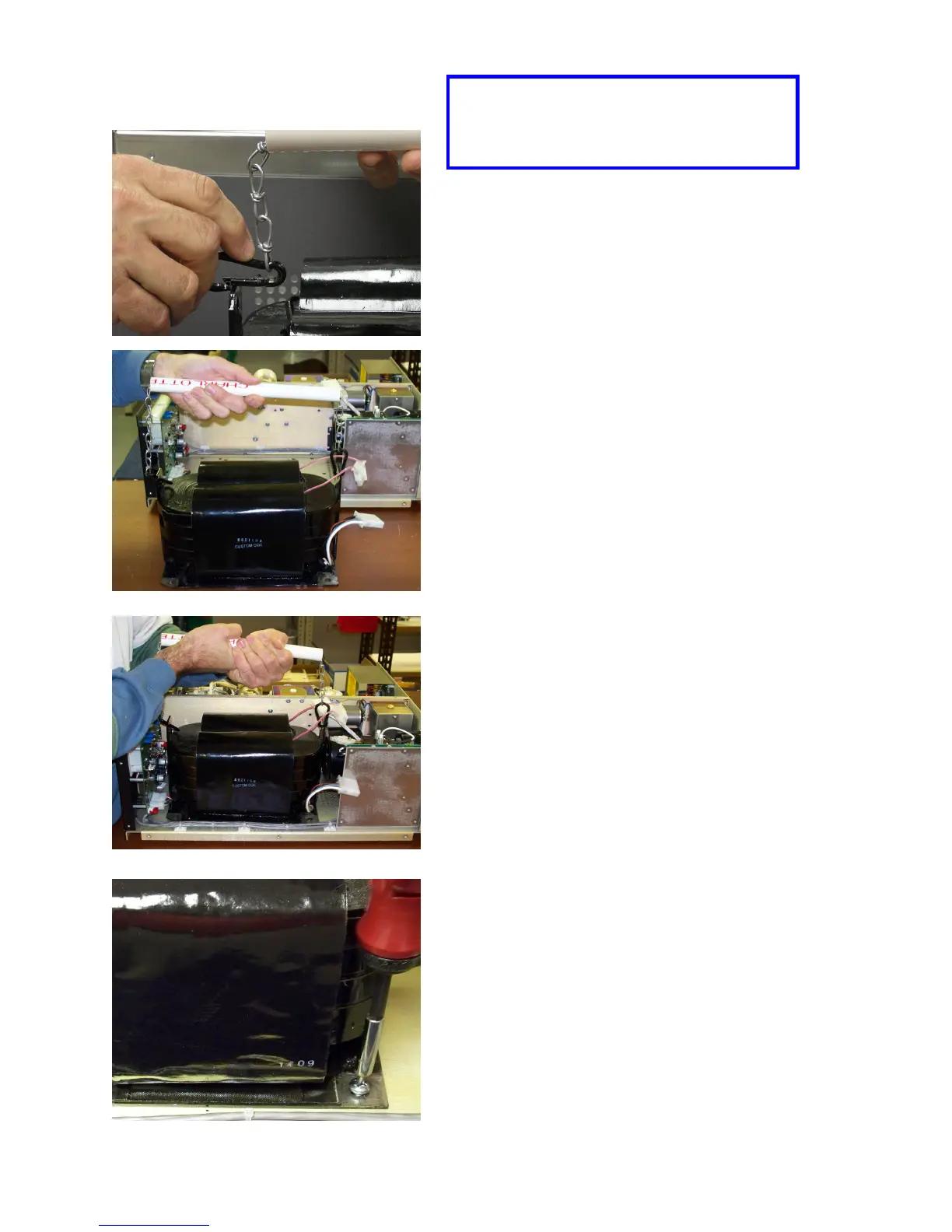
Hook the snap rings on the provided
lifting handle into the holes in the tabs
on either end of the transformer
HF-2500 EXPORT
Transformer Installation
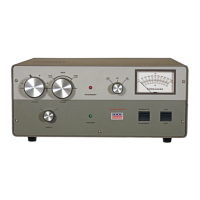
Position the transformer over the mounting holes
in the chassis and insert the four provided 1/4-20
Phillips head screws through the transformer
mounting tabs and into the threaded inserts in the
chassis plate and tighten.
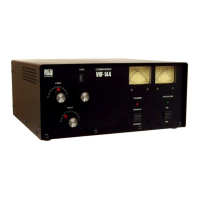
Here is the lifting handle attached and
ready for use.
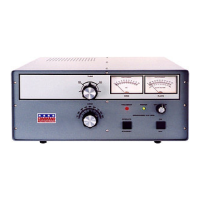
The transformer is HEAVY, so carefully
lift it into place in the chassis. BE CARE-
FUL NOT TO BUMP THE PC BOARD
ON THE BACKS OF THE METERS.


 To Next Page