4.6 Paper roll installation
After connecting the AC adapter and interface cable, you can install media for
printing. Confirm the type of paper used by the printer before printing. The default
paper type is specified thermal paper.
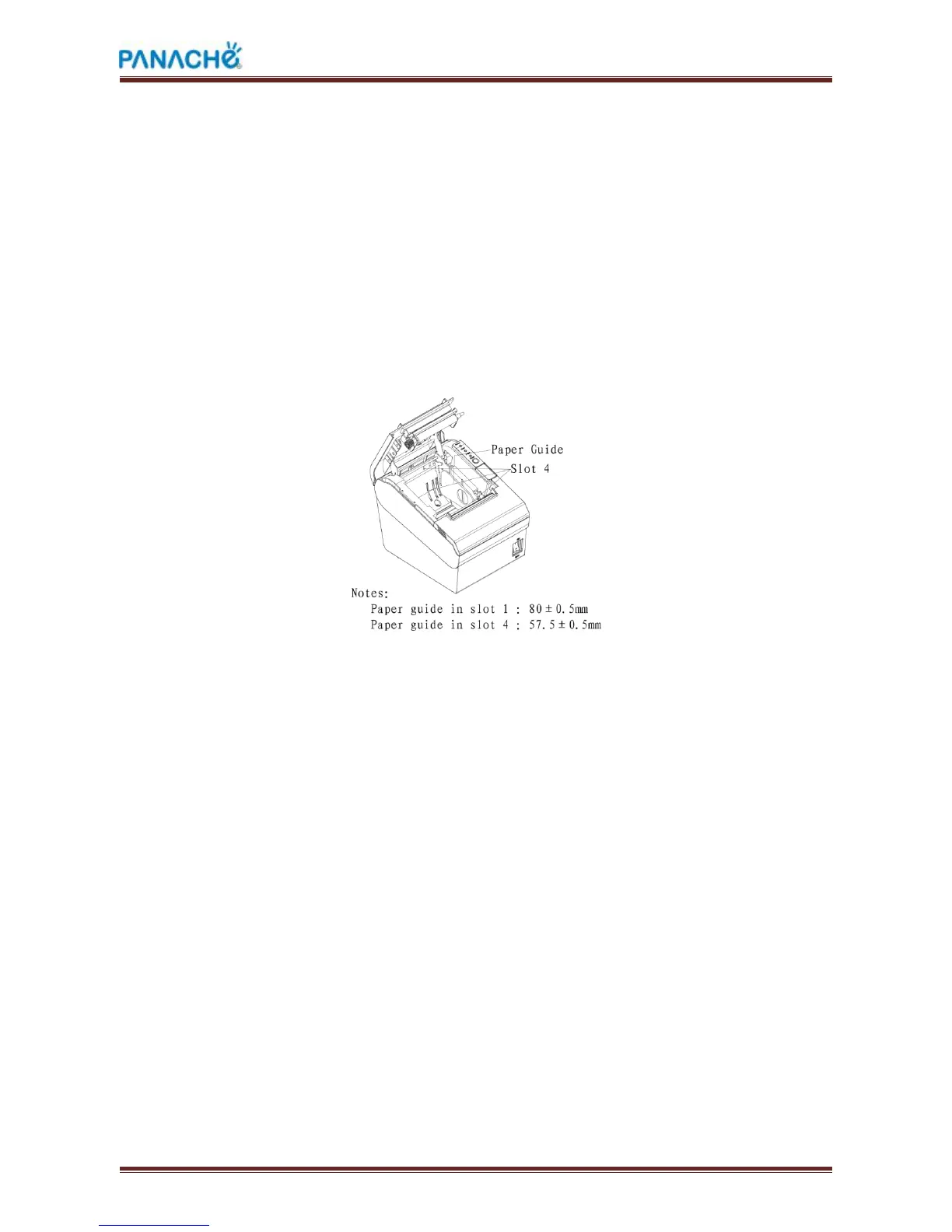
Choose the paper guide according to the printing paper.
4.6.1 Confirmation of printing paper
Method:
1) Put the finger into the hole in the paper guide, then lift the paper guide.
2 )According to the paper width, insert the paper guide in the proper position.



 To Next Page