EasyManua.ls Logo

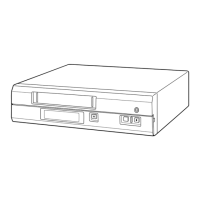
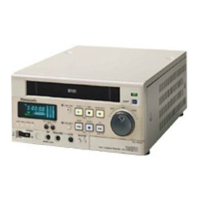
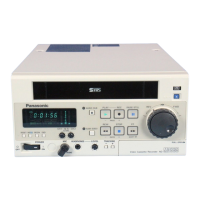
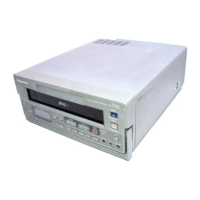
Panasonic AG-7500 - CONTROLS AND OPERATION; Panel Controls and Functions

Panasonic AG-7500
34 pages
Print Icon
To Next Page IconTo Next Page
To Previous Page IconTo Previous Page
Loading...
<_
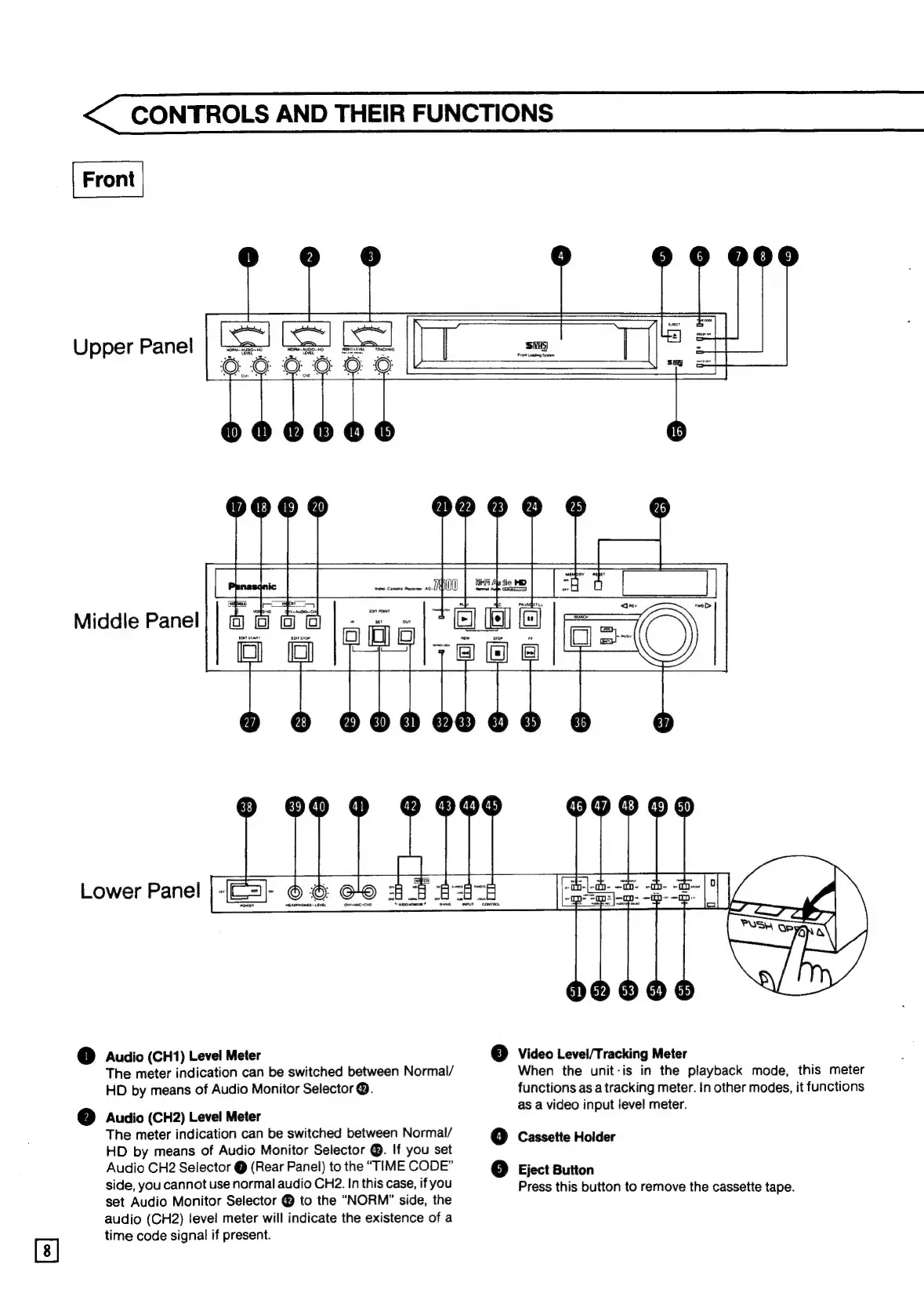
CONTROLS
AND
THEIR
FUNCTIONS
Upper
Panel
4
5
6
mee
@
-————
of]
ere
oo
be
|
coro
SI
(pees
aes
ol
j—__—_]
|
16
acs]
Middle
Panel
ifs
ner
ee
Lower
Panel
i)
Audio
(CH1)
Level
Meter
The
meter
indication
can
be
switched
between
Normal/
HD
by
means
of
Audio
Monitor
Selector
@.
Audio
(CH2)
Level
Meter
The
meter
indication
can
be
switched
between
Normal/
HD
by
means
of
Audio
Monitor
Selector
@.
If
you
set
Audio
CH2
Selector
@
(Rear
Panel)
to
the
“TIME
CODE”
side,
you
cannot
use
normal
audio
CH2.
In
this
case,
if
you
set
Audio
Monitor
Selector
@
to
the
“NORM”
side,
the
audio
(CH2)
level
meter
will
indicate
the
existence
of
a
time
code
signal
if
present.
weds
Hormel
tcl
pauses
3]
Video Level/Tracking Meter
When
the
unit-is
in
the
playback
mode,
this
meter
functions
as
a
tracking
meter.
in
other
modes,
it
functions
as
a
video
input
level
meter.
4]
Cassette
Holder
6
Eject
Button
Press
this
button
to
remove
the
cassette
tape.