46
[DSK Source] settings
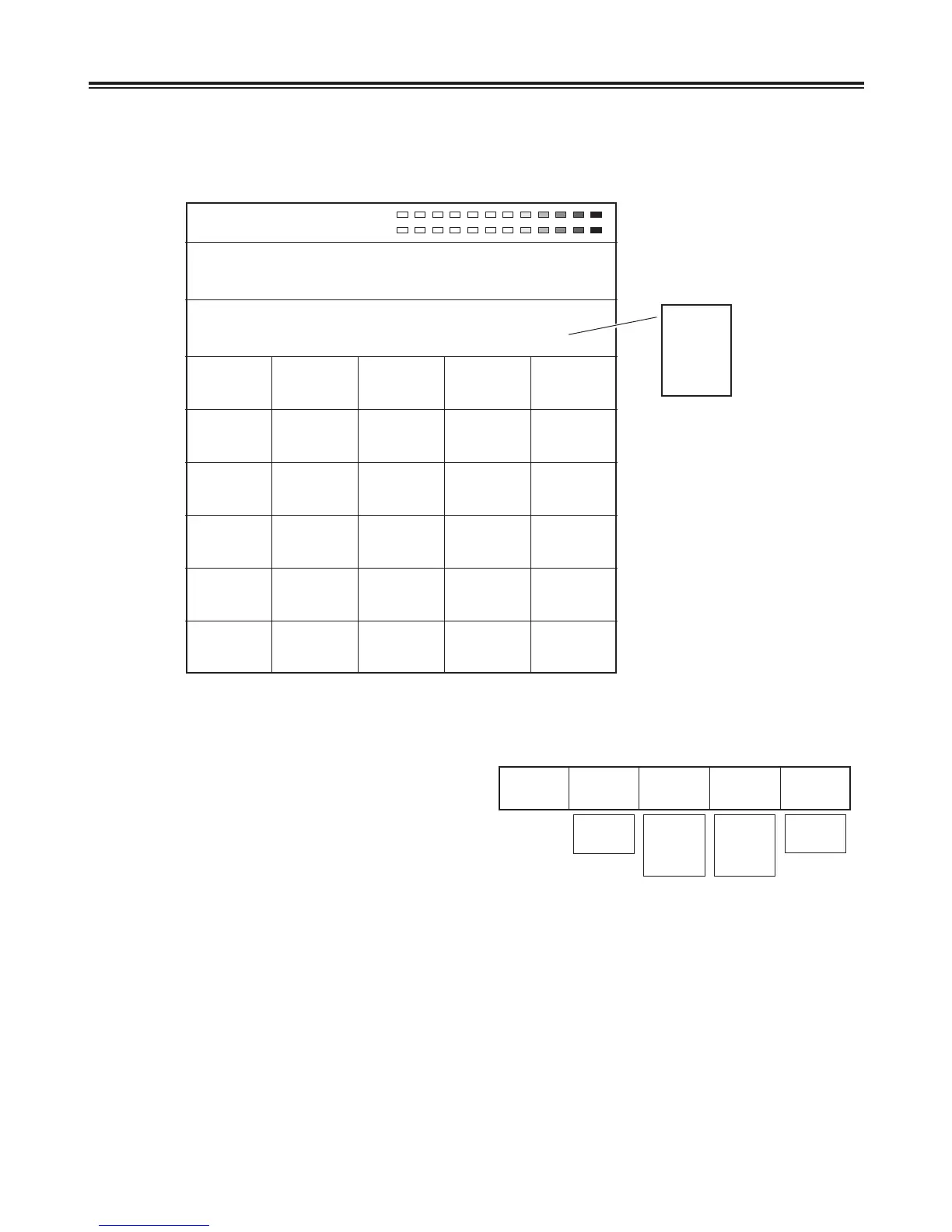
These are used to select the DSK [Key] and [Fill] signals.
Select the key signals using the rotary 2 control. Either
[EXT] (external) or [Title] can be selected.
Select the key fill signals using the rotary 3 control. [EXT]
(external) input, [Title] or [BodMat] (border matte) can be
selected.
Select the page number of the title memory using the rotary
4 control. The total number of pages can be changed on
the [Setup] setting screen.
DSK
Source
Key
EXT
Fill
EXT
Page
1-1
Mode
Write
EXT
Title
EXT
Title
BodMat
1-30/26
(NSTC/PAL)
- 1-8
Write
Preview
Set the operation using the rotary 5 control. Either [Write] or [Preview] can be selected.
Set [Mode] to [Write], and use [Enter] to save the external input in the memory.
Set [Mode] to [Preview], and select [Enter] to initiate the preview display. It is now possible to check the slides or movie
movements from On to Off. The default setting is [Preview].
When [Title] has been selected for [Key] and [Fill] and preview is initiated, the title, star and heart keys are canceled and
changed to MIX (56).
The title page can be selected using the rotary 4 control. The first number is for the page and the second number for the
sub-pages.
When part of a group has been selected, playback is initiated from the start of that part.
Writing initiated by [Write] applies to the entire screen. Sub-frames are ignored. If the page concerned is used as a group,
the pages of the entire group will be cleared as well. Since the saving that is initiated by [Write] supports only the [EXT]
external inputs, set [Key] and [Fill] to [EXT].
The playback type of the title concerned is displayed in the top section. Playback or pause for [Movie], [Crawl] and [Roll] is
initiated by [Shift] + [0].
R1 R2 R3 R4 R5
Pos. X 128 Y 128
Z 196
Event ME Time Pattern INT
00E 10:00F 3015 Wht
DSK Fade Still
DSK
Source
DSK
On/Off
ME Trig
Off
Slide In
Off
Slide Out
Off
Speed
8
DSK
Effects Off
Light
On
Crop
A
2
8
12
7
12
Fade To
Black
Audio
On
Phone
After
Key
EXT
Fill
EXT
Page
1-1
Mode
Write
DSK
Key
Slice
0
Slope
8
K Level
255
These settings are opened when the DSK/FADE button or DSK Preview is selected. Both DSK and Fade settings can be
performed.
Select the [DSK Source], [DSK Key], [Crop], [DSK On/Off], [DSK Effects] or [Fade] item using the rotary 1 control. When the
title memory is 0, the Key [Memory], Source [Memory], [Memory], [Mode] and [Slide] settings are canceled.
Still
Crawl
Roll
Movie
R1 R2 R3 R4 R5
DSK/Fade settings
6
A













 To Next Page