49
[Audio Effects] settings
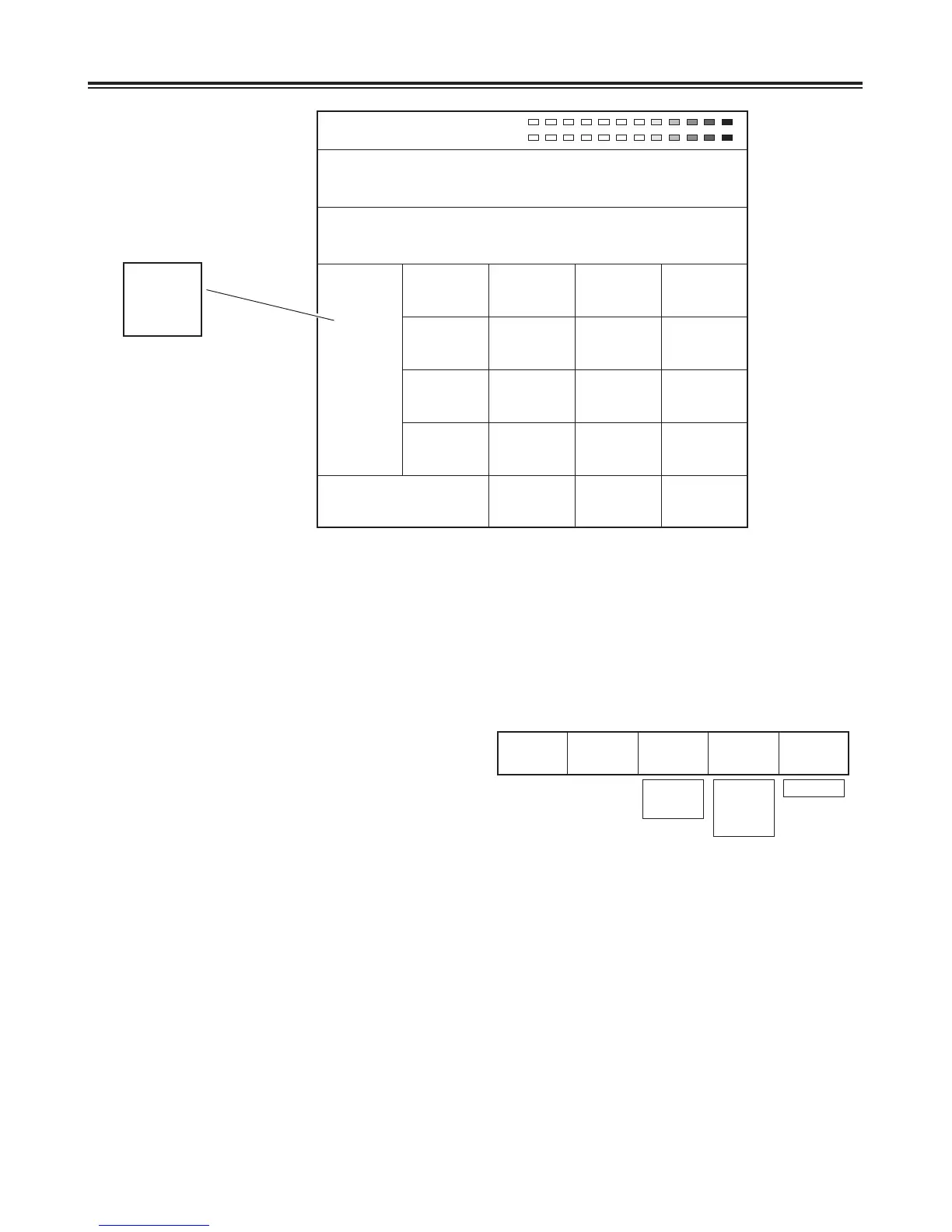
[PAN] setting
Set [On] or [Off] using the rotary 3 control. The default
setting is [Off].
Select the input channel to be used using the rotary 4
control. Select [L], [R] or [L+R]. The default setting is [L].
Set the output balance using the rotary 5 control. Make the
selection from L7 to 0 to R7. The default setting is 0.
PAN
1 Off
IN Ch
L
Balance
0
L7 - 0 - R7
On
Off
L
R
L+R
Pos. X 128 Y 128
Z 196
Event ME Time Pattern INT
00E 10:00F 3015 Wht
Audio Effects
EQ
Mid
M Level
0
Freq
1.01KHz
Q
0.5
Voice
Change Off
Pitch
Up
Level
5
Mute
Off
Ch
AB
Pan
Off
IN Ch
L
Balance
0
1EQ
On
Low
0
High
0
1 - 8
Aux1
Aux2
[Audio Effects] is opened using Audio Effects or the ON button. Audio effects can be set for each input.
Select the input from [1] (crosspoint 1), [2] (crosspoint 2), [3] (crosspoint 3), [4] (crosspoint 4), [5] (crosspoint 5), [6]
(crosspoint 6), [7] (crosspoint 7), [8] (crosspoint 8), [AUX1] or [AUX2] using the rotary 1 control.
Select the item from [PAN], [EQ] (equalizer), [EQ Mid] equalizer midrange, [Voice] (voice changer) or [Mute] using the rotary
2 control.
R1 R2 R3 R4 R5
R1 R2 R3 R4 R5













 To Next Page