10
E
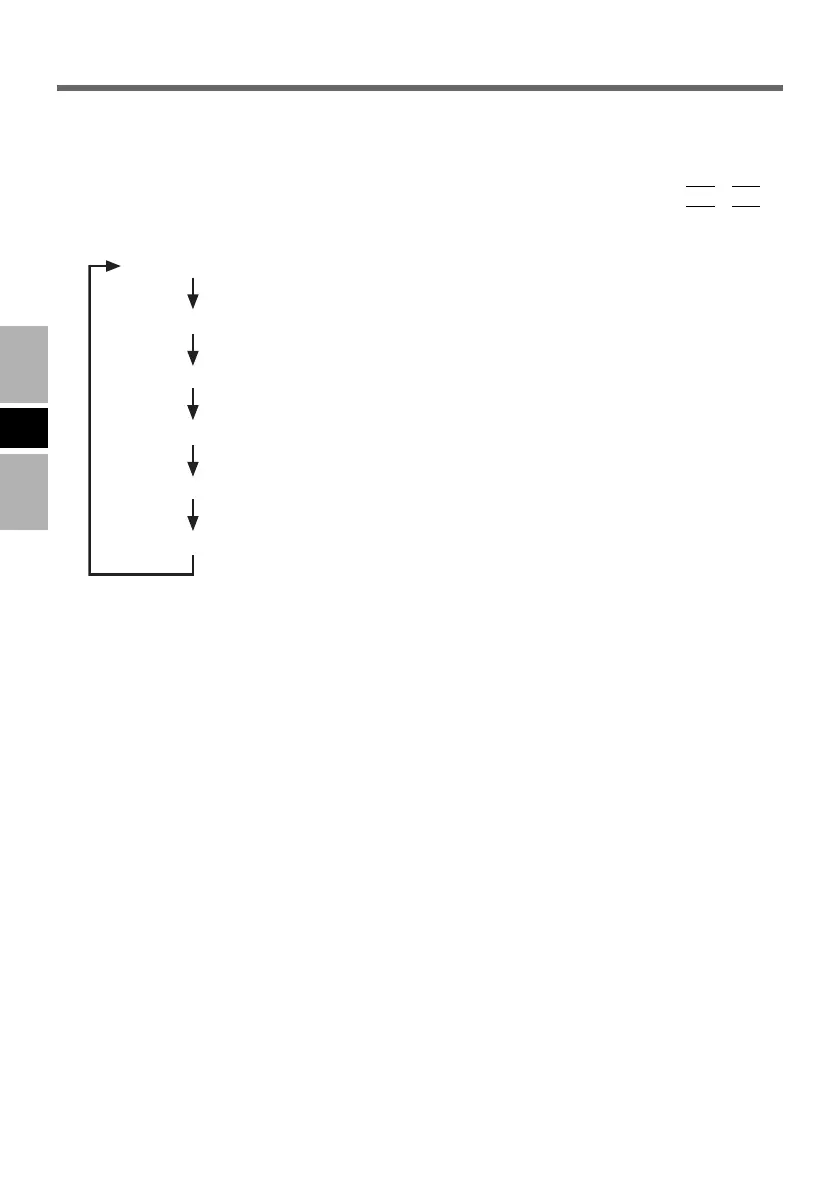
Switching the Display
Internal LCD
Internal LCD + External Display(DisplayPort)
External Display(DisplayPort)
Internal LCD + External Display(Analog Interface)
External Display(Analog Interface)
External Display(Analog Interface) + External Display(DisplayPort)
When 2 external displays compatible with analog interface and DisplayPort respectively are
connected at the same time and when [Display] is set to [External Monitor] or [Simulta-
neous] in the Setup Utility, the display compatible with DisplayPort will take priority over
the display compatible with analog interface. The displays switch by pressing + as
follows.
F3Fn
VEB522EGFOIP05-E.p65 2008/06/04, 13:42Page 10 AdobePageMaker6.5J/Win



 To Next Page