32
Display Setting
Adjustment to display on the DISPLAY menu
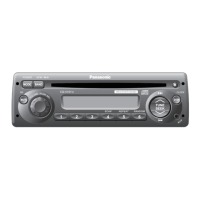
CQ-C8403N
DISPLAY Menu Display
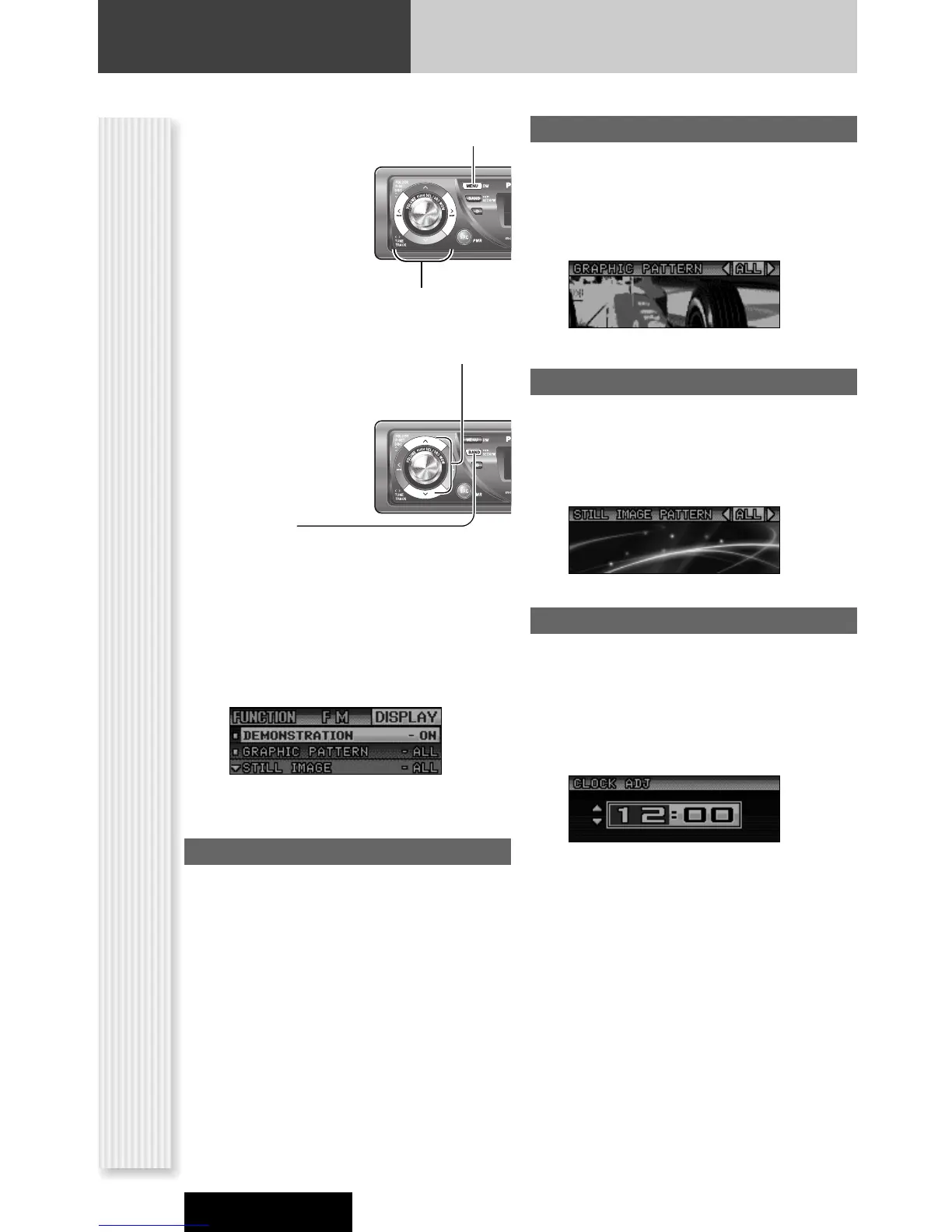
1
Press [MENU] to display the menu
display.
For using the remote
control, hold down
[SEL] (MENU) for 2
sec. or more.
2
Press []] or [[] to display the
DISPLAY menu.
3
Press [}] or [{] to select a function to
be adjusted.
4
Press [BAND]
(SET) to confirm
the display.
5
Adjust the setting value.
6
Press [BAND] (SET).
7
Press [MENU] to confirm the
adjustment.
For using the remote control, hold down [SEL]
(MENU) for 2 sec. or more.
GRAPHIC PATTERN
(Setting range: 5 types, Default: All)
Switching by []] or [[]
All: Sequential display from pattern A to D.
Pattern A-D
DEMONSTRATION
Switching by [BAND].
ON: Demonstration screen at no operation
(default)
OFF: Regular screen
STILL IMAGE
(Setting range: 11types, Default: All)
Switching by []] or [[]
All: Sequential display from pattern 1 to 10
No.1-10
CLOCK ADJ
Note: Adjust the clock when “NO CT” appears on the
display.
[[]: Adjusting minutes
[]]: Adjusting hours
[}]: Forward
[{]: Backward
Notes:
¡ The graphic pattern and still image are changeable.
(a page 33)
¡ If corrupted data is selected, “DISPLAY FILE INCOM-
PLETE” appears. (a page 34)



 To Next Page