18
Radio
This chapter explains how to listen to the radio.
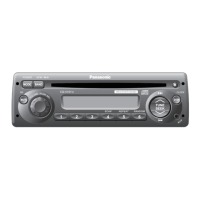
CQ-C8403N
1
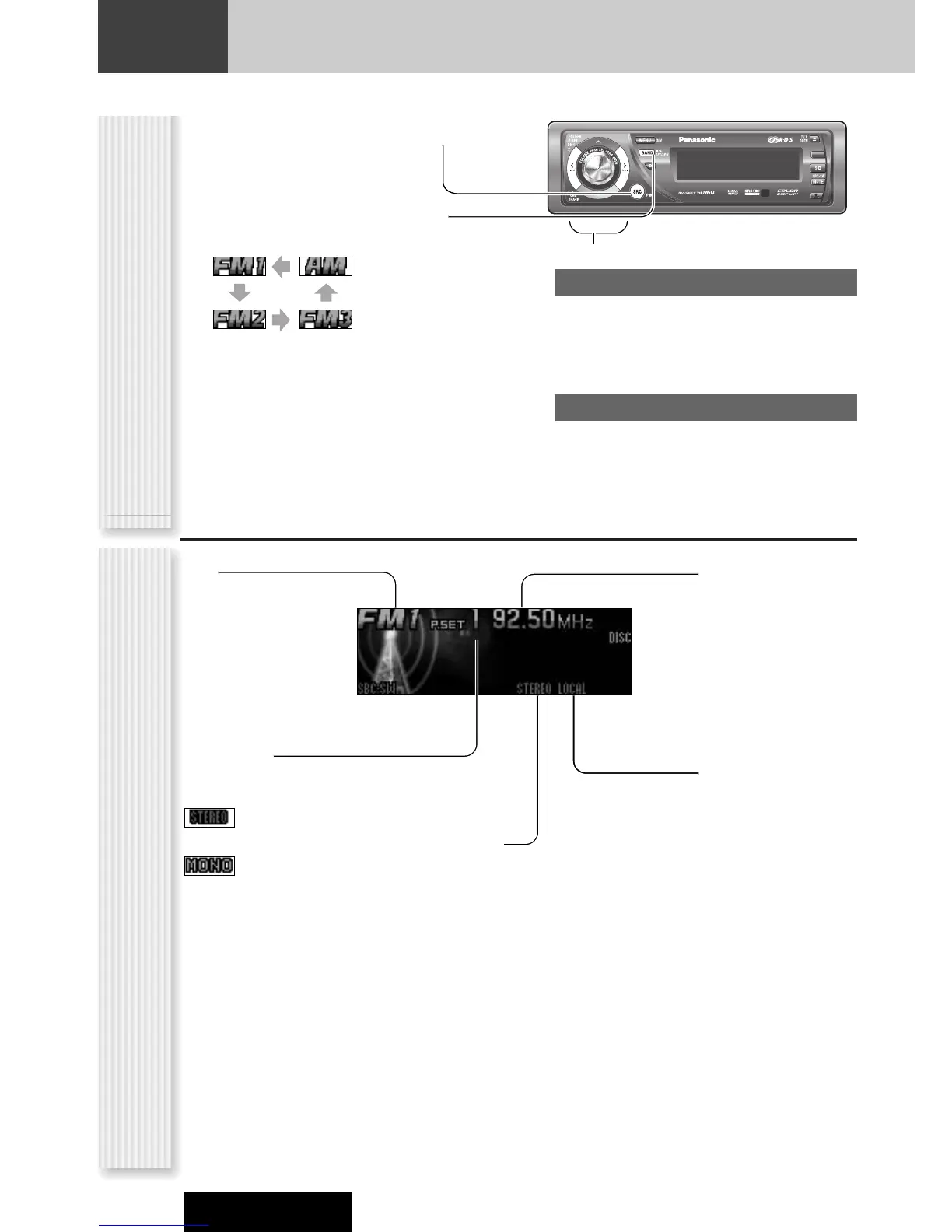
Press [SRC] (SOURCE) to select the
radio mode.
2
Press [BAND] to select a band.
Notes:
¡ For tuning in on only stations whose receiving condi-
tions are good in the station search, set LOCAL to ON.
(a page 19)
¡ For reducing noise when a receiving FM stereo wave
is weak, set MONO to ON. (a page 19)
3
Select a station.
Frequency adjustment
[]] (TUNE): Lower
[[] (TUNE): Higher
Note: Hold down for 0.5 sec. or more and release
for station search.
Preset station selection
[{] (P·SET: PRESET): Lower preset number
[}] (P·SET: PRESET): Higher preset number
Note: Direct selection can be executed with [1] to
[6] buttons on remote control.
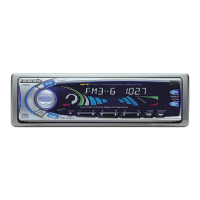
Band
Frequency
Preset Number



 To Next Page