6
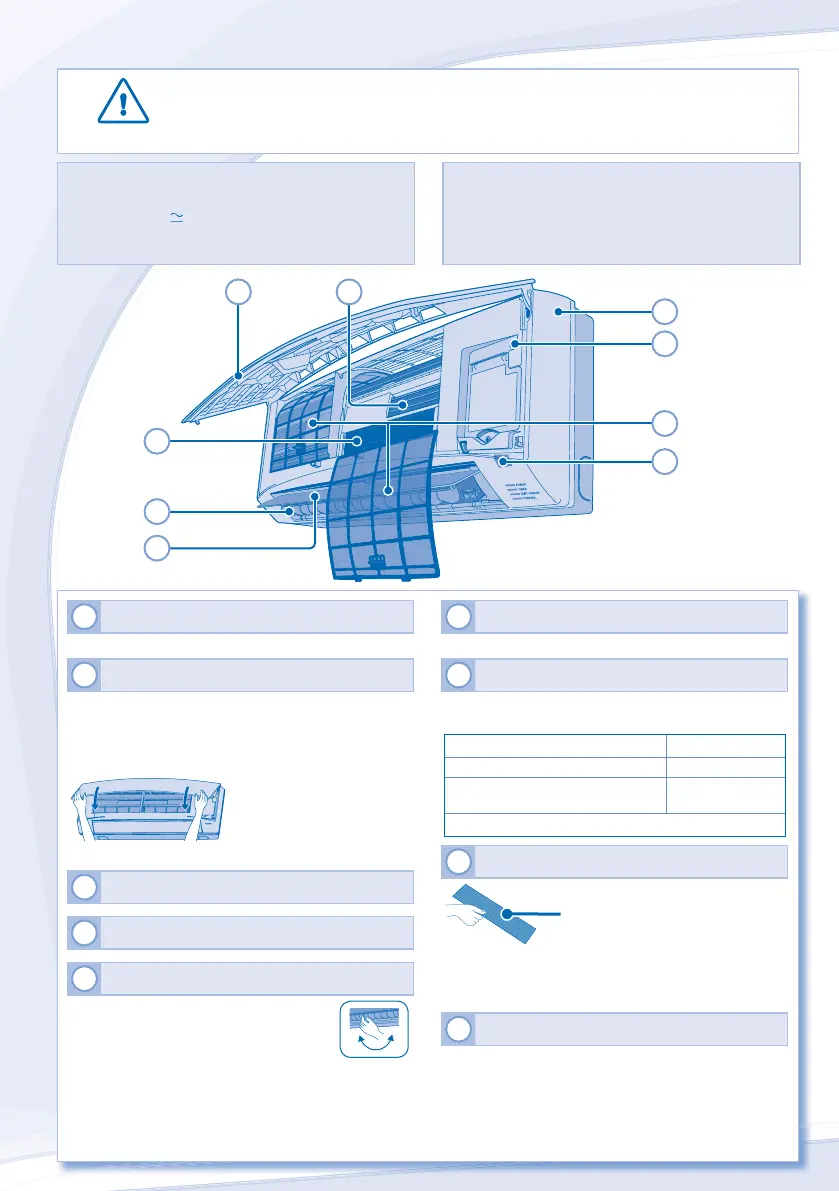
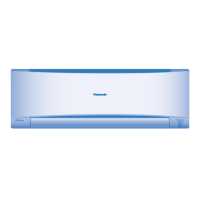
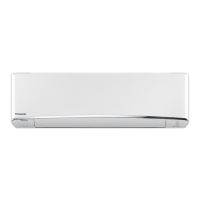
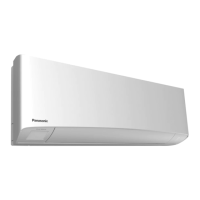
INDOOR UNIT
1
INDOOR UNIT
• Wipe the unit gently with a soft, dry cloth.
2
FRONT PANEL
Remove Front Panel
• Raise and pull to remove the front panel.
• Wash gently and dry.
Close Front Panel
• Press down both ends of the front panel to close it securely.
3
REMOTE CONTROL RECEIVER
4
ALUMINIUM FIN
5
HORIZONTAL AIRFLOW DIRECTION LOUVER
S9LKR, S12LKR
• Manually adjustable.
S24LKR, S28LKR
• Do not adjust by hand.
6
VERTICAL AIRFLOW DIRECTION LOUVER
• Do not adjust by hand.
7
AUTO OFF/ON BUTTON
• Use when remote control is misplaced or a malfunction
occurs.
Action Mode
Press once. Auto
Press and hold until 1 beep is
heard, then release.
Cooling
Press the button to turn off.
8
SUPER ALLERU-BUSTER FILTER
Vacuum the super
alleru-buster fi lter.
• It is recommended to clean the fi lter every 6 months.
• Replace the fi lter every 3 years or replace any damaged fi lter.
Part no.: CZ-SA14P
9
AIR FILTERS
• Air fi lter cleaning is required every two weeks.
• Wash/rinse the fi lters gently with water to avoid damage to the
fi lter surface.
• Dry the fi lters thoroughly under the shade, away from fi re or
direct sunlight.
• Replace any damaged fi lters.
CAUTION
• Switch off the power supply before cleaning.
• Do not touch the aluminium fi n, sharp parts may cause injury.
2
5
6
7
1
4
3
9
8
CLEANING INSTRUCTIONS
HINT
• Do not use benzene, thinner or scouring powder.
• Use only soap ( pH7) or neutral household detergent.
• Do not use water hotter than 40°C.
• To ensure optimal performance of the unit, cleaning
maintenance has to be carried out at regular intervals.
Dirty unit may cause malfunction and you may see error
code “H99”. Please consult authorized dealer.




 To Next Page