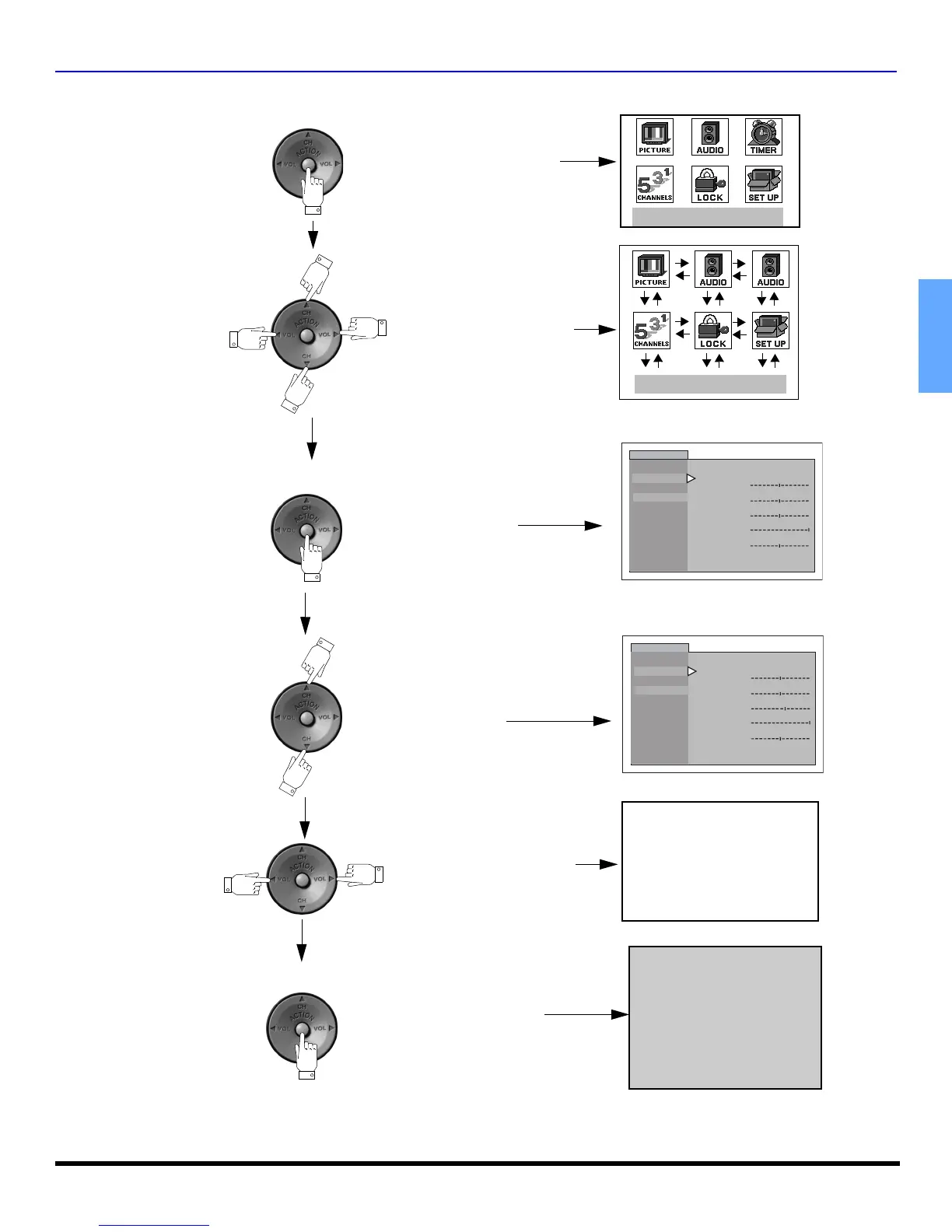
ICON MENU NAVIGATION
11 z
ENGLISH
Icon Menu Navigation
Press to display the Icons.
Press to select desired icon.
Press to display selected
Icon features.
Press to select feature, then
press VOL .
Press
PICTURE
VIDEO ADJ.
OTHER ADJ.
PIC MODE
COLOR
TINT
BRIGHTNESS
PICTURE
SHARPNESS
NORMAL
NO
VIVID
PICTURE
VIDEO ADJ.
OTHER ADJ.
PIC MODE
COLOR
TINT
BRIGHTNESS
PICTURE
SHARPNESS
NORMAL
NO
VIVID
to adjust or activate feature.
BRIGHTNESS 32 - - - - - - l - - - - -
Press repeatedly to exit menus.
NORMAL PICTURE
EXIT
EXIT


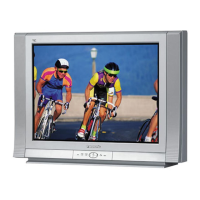


 To Next Page