INSTALLATION
Optional Equipment Connections
Procedure
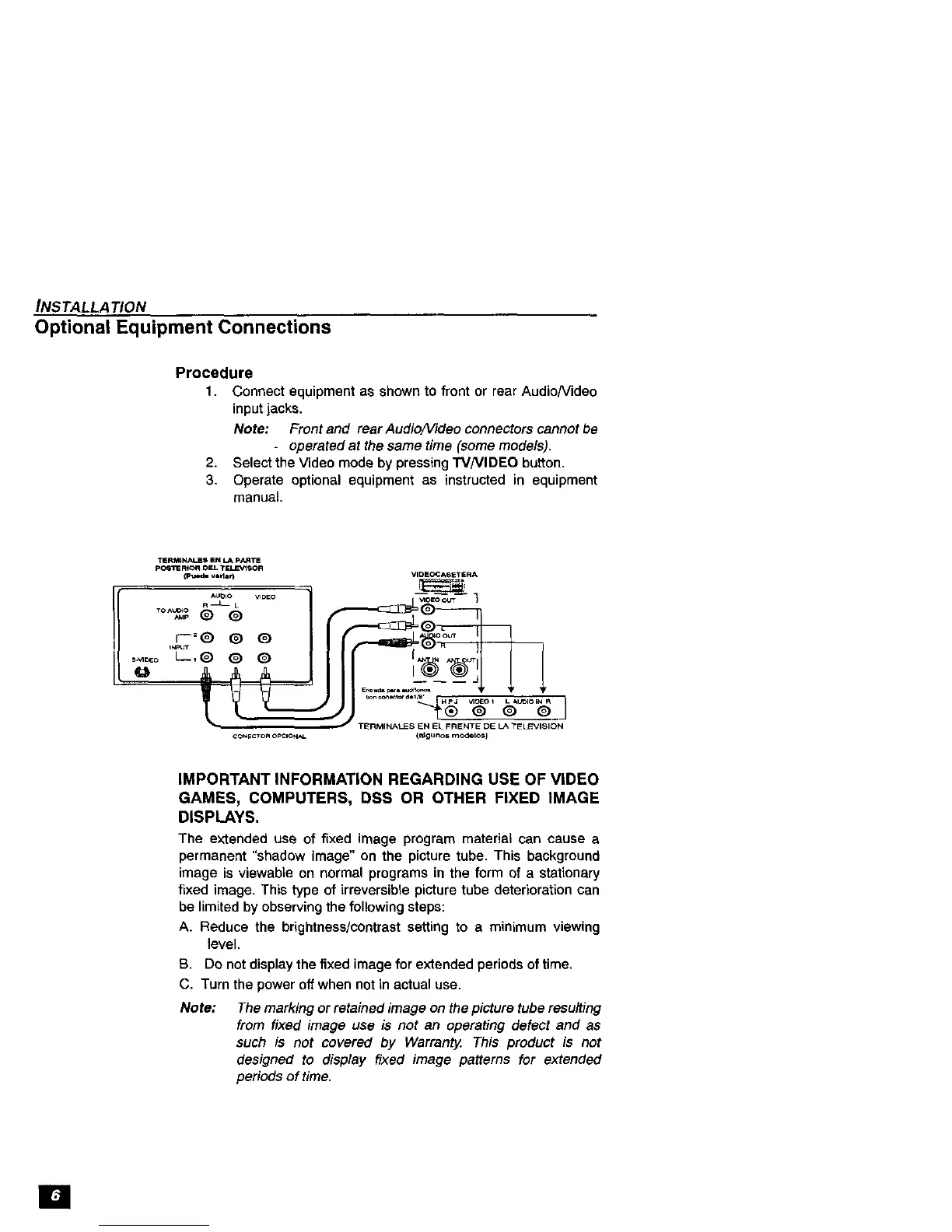
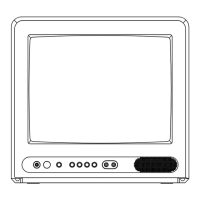
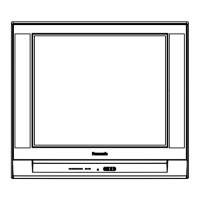
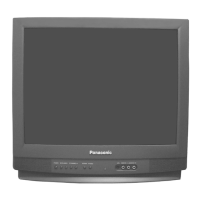
1. Connect equipment as shown to front or rear Audio/Video
input jacks.
Note: Front and rear Audio/Video connectors cannot be
- operated at the same time (some models).
2. Select the Video mode by pressing TVNIDEO button.
3. Operate optional equipment as instructed in equipment
manual.
T_RMINALES EN EL FRENTE DE LA +£ELEVISION
(_gunos m OdelO,S]
IMPORTANT INFORMATION REGARDING USE OF VIDEO
GAMES, COMPUTERS, DSS OR OTHER FIXED IMAGE
DISPLAYS.
The extended use of fixed image program material can cause a
permanent "shadow image" on the picture tube. This background
image is viewable on normal programs in the form of a stationary
fixed image. This type of irreversible picture tube deterioration can
be limited by observing the following steps:
A+ Reduce the brightness/contrast setting to a minimum viewing
level.
B. Do not display the fixed image for extended periods of time.
C. Turn the power off when not in actual use.
Note:
The marking or retained image on the picture tube resulting
from fixed image use is not an operating defect and as
such is not covered by Warrant_ This product is not
designed to display fixed image patterns for extended
periods of time.
[]



 To Next Page