CU-5~10MX1SPP
Urban Multi air conditioner
4PW12337-1
Operation manual
1
C
ONTENTS
Page
What to do before operation ..............................................................1
Remote controller and changeover switch: name and
function of each switch and display ...................................................1
Warning .............................................................................................2
Operation range................................................................................. 2
Operation procedure.......................................................................... 2
Optimum operation............................................................................5
Following symptoms are not air conditioner troubles......................... 5
Troubleshooting ................................................................................. 6
W
HAT
TO
DO
BEFORE
OPERATION
This operation manual is for the following systems with standard
control. Before initiating operation, contact your Panasonic dealer for
the operation that corresponds to your system type and mark.
If your installation has a customized control system, ask your
Panasonic dealer for the operation that corresponds to your system.
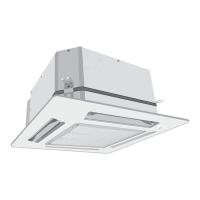
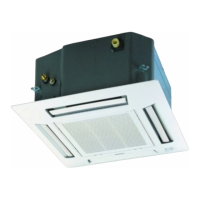
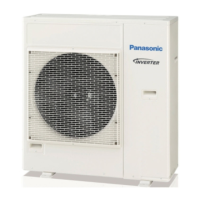
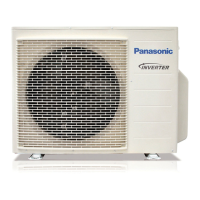
Outdoor units (See figure 1)
Names and functions of parts (See figure 1)
(figure 1 shows systems with changeover remote control switches.)
R
EMOTE
CONTROLLER
AND
CHANGEOVER
SWITCH
:
NAME
AND
FUNCTION
OF
EACH
SWITCH
AND
DISPLAY
(See figure 2 and figure 3)
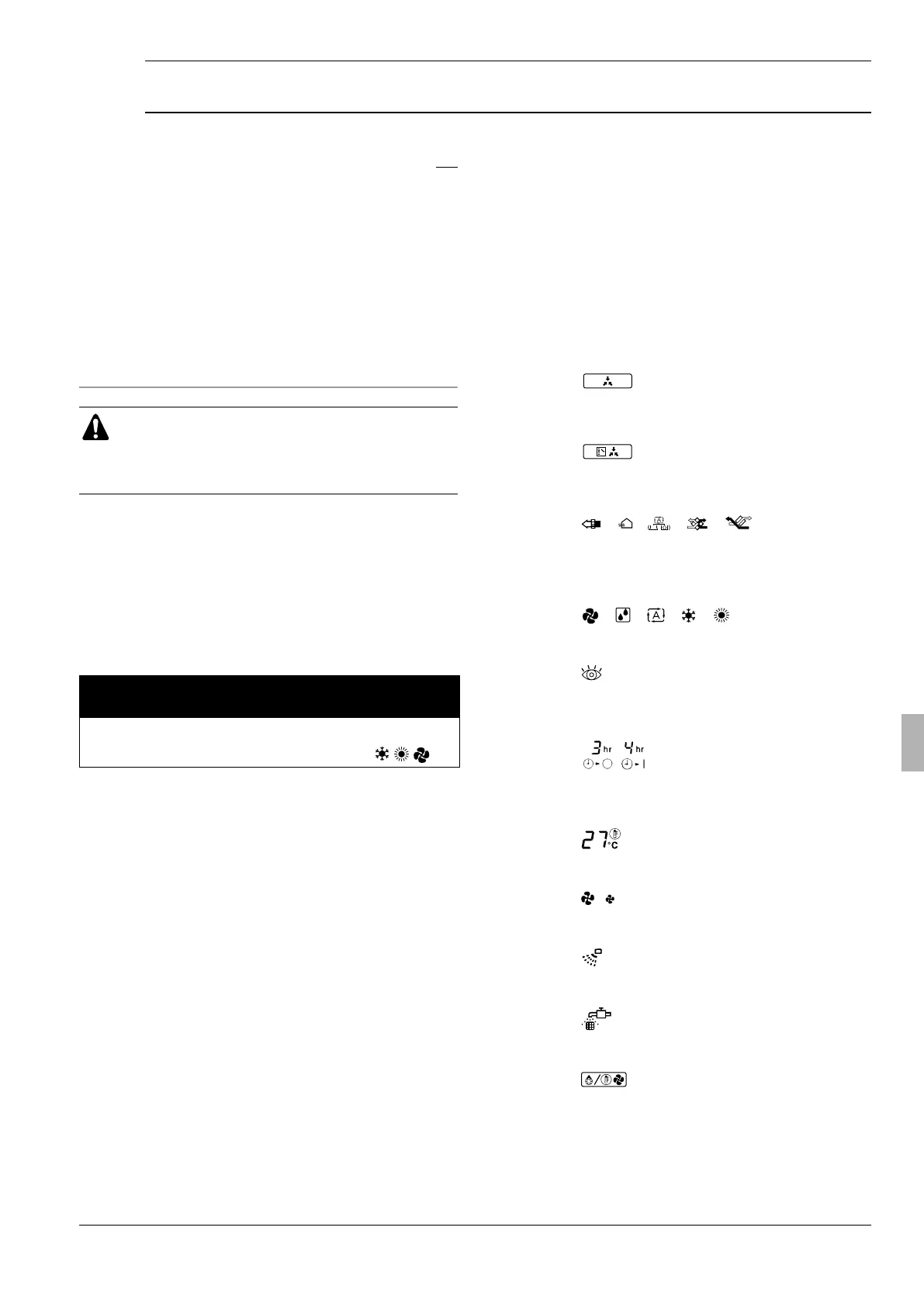
1
ON/OFF BUTTON
Press the button and the system will start. Press the button
again and the system will stop.
2
OPERATION LAMP (RED)
The lamp lights up during operation.
3
DISPLAY
""
(UNDER CENTRALIZED CONTROL)
When this display shows, the system is UNDER CENTRALIZED
CONTROL. (This is not a standard specification.)
4
DISPLAY
""
(CHANGEOVER UNDER CONTROL)
It is impossible to changeover heat/cool with the remote
controller when this icon is displayed.
5
DISPLAY
"" "" ""
""
"" (VENTILATION/AIR
CLEANING)
This display shows that the total heat exchange and the air
cleaning unit are in operation. These are optional accessories.
6
DISPLAY
"" ""
""
""
""
(OPERATION MODE)
This display shows the current OPERATION MODE.
7
DISPLAY
""
(INSPECTION/TEST OPERATION)
When the INSPECTION/TEST OPERATION button is pressed,
the display shows the mode in which the system actually is.
8
DISPLAY
"" (PROGRAMMED TIME)
This display shows PROGRAMMED TIME of the system start or
stop.
9
DISPLAY
"" (SET TEMPERATURE)
This display shows the set temperature.
10
DISPLAY
""
(FAN SPEED)
This display shows the set fan speed.
11
DISPLAY
"" (AIR FLOW FLAP)
Refer to page 4.
12
DISPLAY
""
(TIME TO CLEAN AIR FILTER)
Refer to the indoor unit manual.
13
DISPLAY
"" (DEFROST)
Refer to page 3.
14
TIMER MODE START/STOP BUTTON
Refer to page 4.
CU-5MX1SPP
CU-8MX1SPP
CU-10MX1SPP
Urban Multi air conditioner
Operation manual
Thank you for purchasing this Panasonic air conditioner.
Carefully read this operation manual before using the air
conditioner. It will tell you how to use the unit properly and
help you if any trouble occurs. After reading the manual,
file it away for future reference.
cool/heat
changeover remote
control switch
operation modes
Inverter series
heat pumps
❏
yes
❏
no
1
Outdoor unit
2
Indoor unit
3
Remote controller
4
Inlet air
5
Outlet air
6
Cool/heat changeover remote control switch
1B_OM_4PW12337-1 Page 1 Monday, September 16, 2002 9:25 AM




 To Next Page