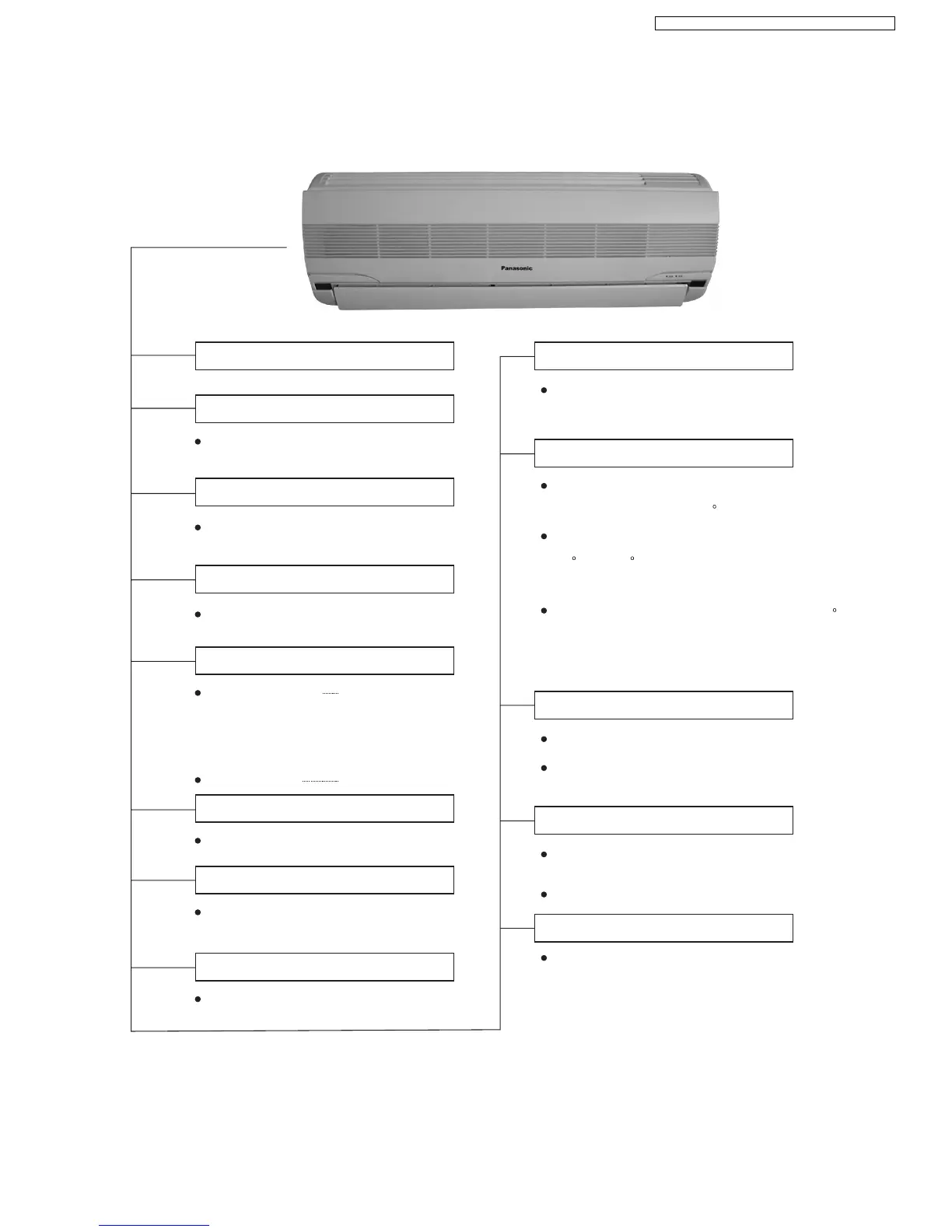
Indoor Unit
When the remote control cannot be used,
please use this button.
Keep pressing this button for 10sec to turn
on or turn off the signal receiving sound.
Used when testing or repairing
Operation (green)
Timer(orange)
Iights up in operation
Blinks during Test
Run operation and
determining Auto
Operation mode
Timer in operation
Heating/Cooling/Soft Dry/Auto Operation
The unit will restart operation after 3-4
minutes after each pause.
7-minutes automatic restarting at Cooling
Operation
Cooling or Soft Dry Operation
Indoor fan starts running when temperature
of evaporator reaches 30 Cor above.
When temperature of evaporator is between
30 Cand 40 C,indoor fan will run at Super Low
or Low speed.
When temperature of evaporator reaches 34 C,
Warm Booting Operation ends.
High,Med,Low,Auto
Auto Fan Speed
Automatic Airflow Direction Control
The louver automatically swings up and down
Airflow Direction Manual Control
Auto Mode Operation Selection Button
Power Switch ON/OFF
Signal Receiving Sound Control
Test Run
Operation Indication Lamps
Operation Mode
Time Delay Safety Control
Automatic Restarting Control
Anti-freezing Control for the Evaporator
Warm Booting Control
Indoor Fan Speed Controll
Airflow Direction Control
Delayed On-timer Control
For cooling or soft dry mode, the unit
starts 15 minutes before the set time with
the remote controller, but for heating mode
30 minutes before the set time.
3
CS-SA9CKP CU-SA9CKP5 / CS-SA12CKP CU-SA12CKP5



 To Next Page