Basic Operations – Monitor/Viewfinder Display Settings
88
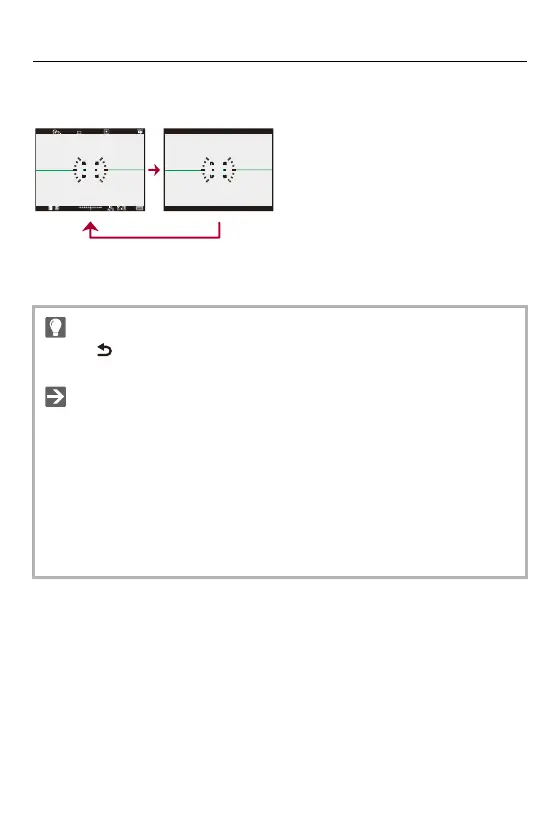
Viewfinder
(J) With information
(K) Without information
• Press [ ] to switch between display/hide of the level gauge.
This can also be set by using [Level Gauge]. ([Level Gauge]: 594)
• Control panel operation (Control Panel: 92)
• You can hide the control panel and black screen:
([Show/Hide Monitor Layout]: 595)
• The display can be changed so that live view and display information do not
overlap:
([LVF/Monitor Disp. Set]: 589)
• You can display the outline for the live view:
([Framing Outline]: 595)













 To Next Page