180
Recording
2 Touch [New].
3 Press the shutter button fully.
•
Up to 9999 frames can be recorded.
4 Move the subject to decide on the composition.
•
Repeat recording in the same way.
• If this unit is turned off while recording, a message for
resuming the recording is displayed. Selecting [Yes] allows
you to continue the recording from the interruption point.
5 Touch [ ] to end the recording.
•
When [Auto Shooting] is set to [ON], select [End] on the
confirmation screen.
(If [Pause] has been selected, press the shutter button fully
to resume the recording.)
• Confirmation screen is displayed. It is ended when [Yes] is
selected.
• Confirmation screen for creating a motion picture is
displayed next, so select [Yes].
6 Select the methods for creating a motion picture.
•
The recording format is set to [MP4].
Recording materials skilfully
•
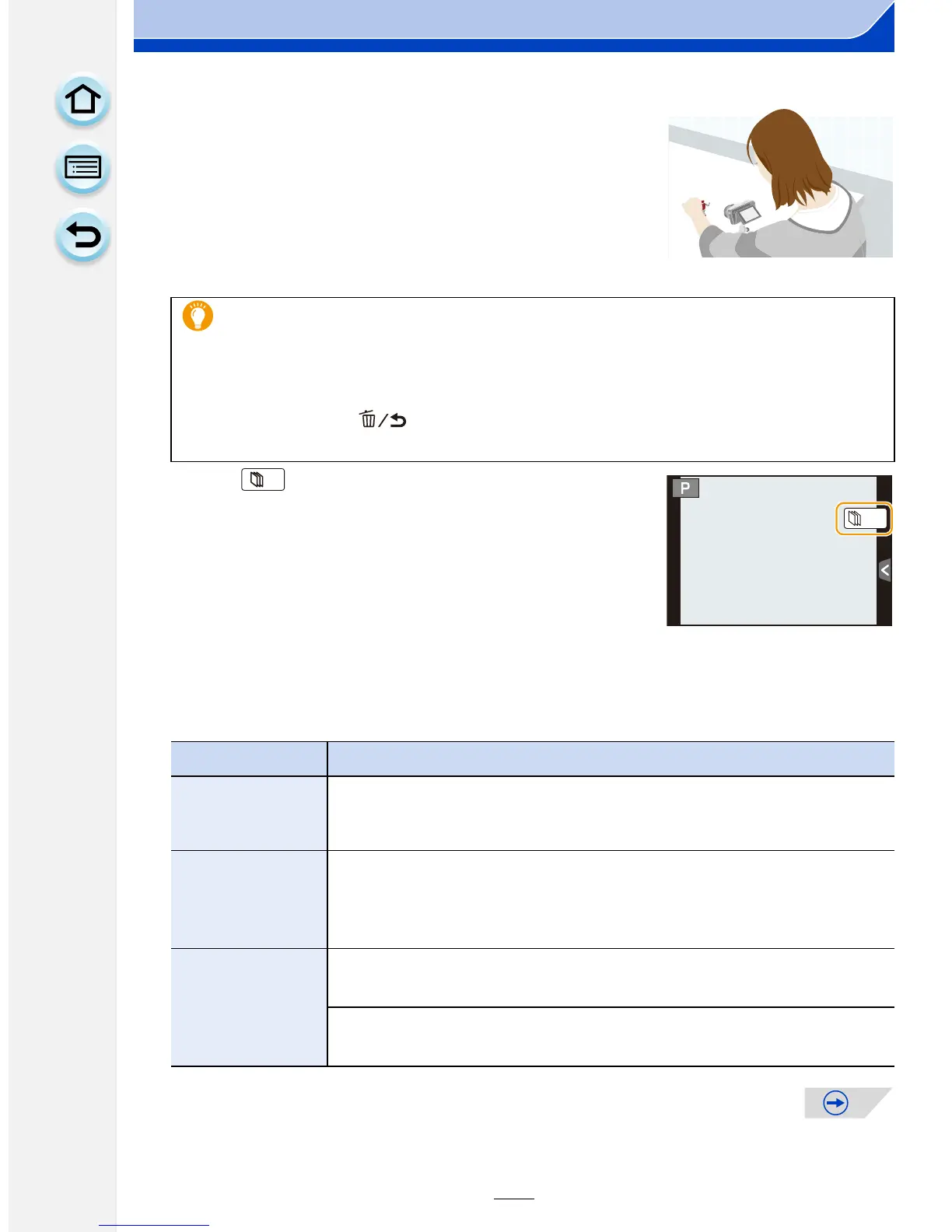
The recording screen displays up to two pictures taken previously. Use them as
reference for the amount of movement.
• Pressing [(] allows you to check recorded pictures. Unnecessary pictures can be
deleted by pressing [ ]. Pressing [(] again will return you to the recording
screen.
Item Description of settings
[Rec Quality]
Sets the quality of a motion picture.
[FHD/30p]/[HD/30p]/[VGA/30p]
[Frame Rate]
Sets the number of frames per second. The larger the number is, the
smoother the motion picture will be.
[30fps]/[15fps]/[10fps]/[7.5fps]/[6fps]/[3fps]/[1fps]
[Sequence]
[NORMAL]:
Splices pictures together in recording order.
[REVERSE]:
Splices pictures together in reverse recording order.






 To Next Page