210
Playback/Editing
You can stamp the recording date/time, name, location, travel date or title onto the
recorded pictures.
1 Select the menu.
3 Touch [Set].
[Text Stamp]
[MENU] > [Playback]>[Text Stamp]>[Single]/[Multi]
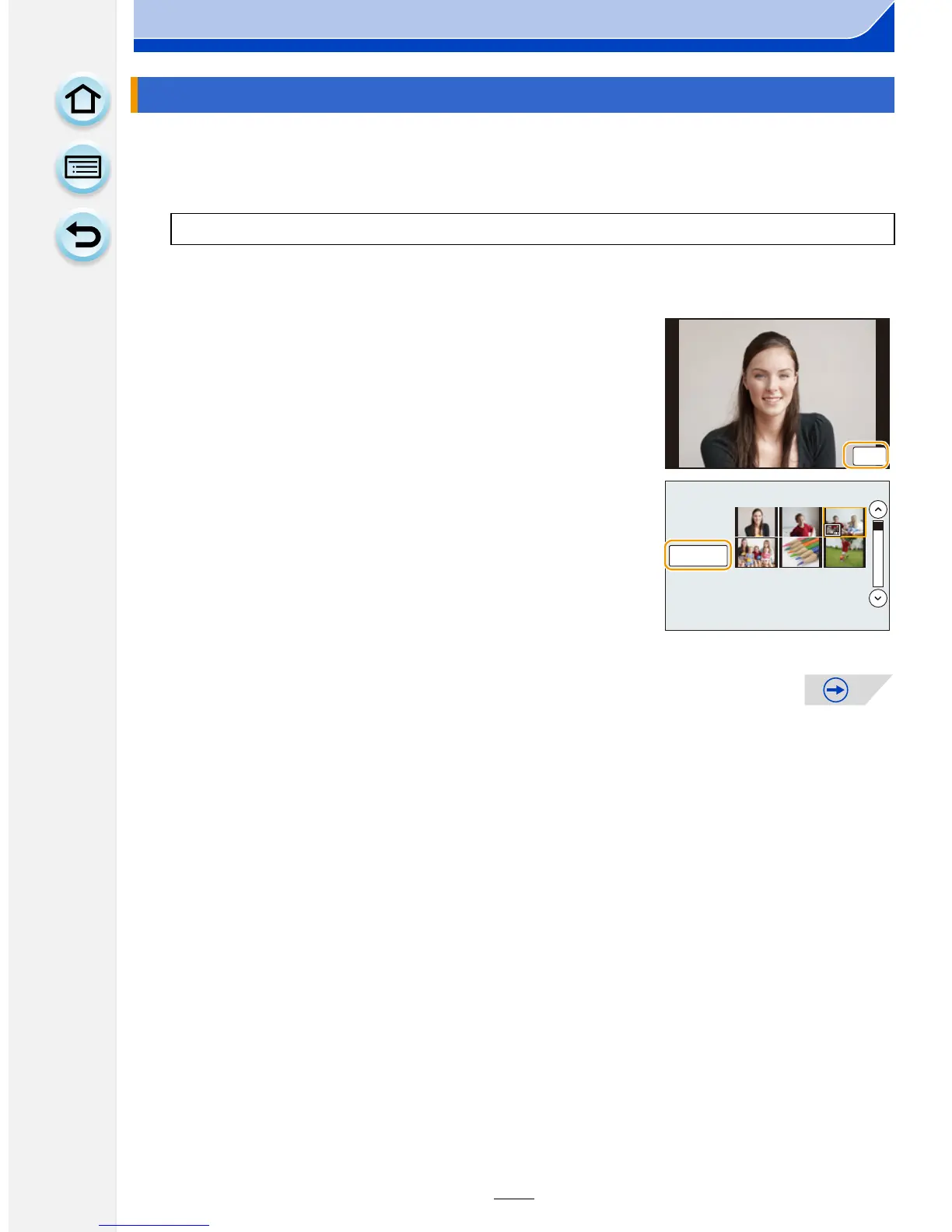
2 Select an image you wish to stamp with text.
•
[‘] appears on screen if the picture is stamped with text.
[Single] setting
1 Drag the screen horizontally and select an image.
2 Touch [Set].
[Multi] setting
1 Touch a picture (repeat).
•
Selection will be canceled by touching the same picture
again.
2 Touch [OK].










 To Next Page