211
Playback/Editing
4 Select the item to stamp.
5 Touch [ ].
6 Touch [OK].
•
Confirmation screen is displayed. It is executed when [Yes] is selected.
Exit the menu after it is executed.
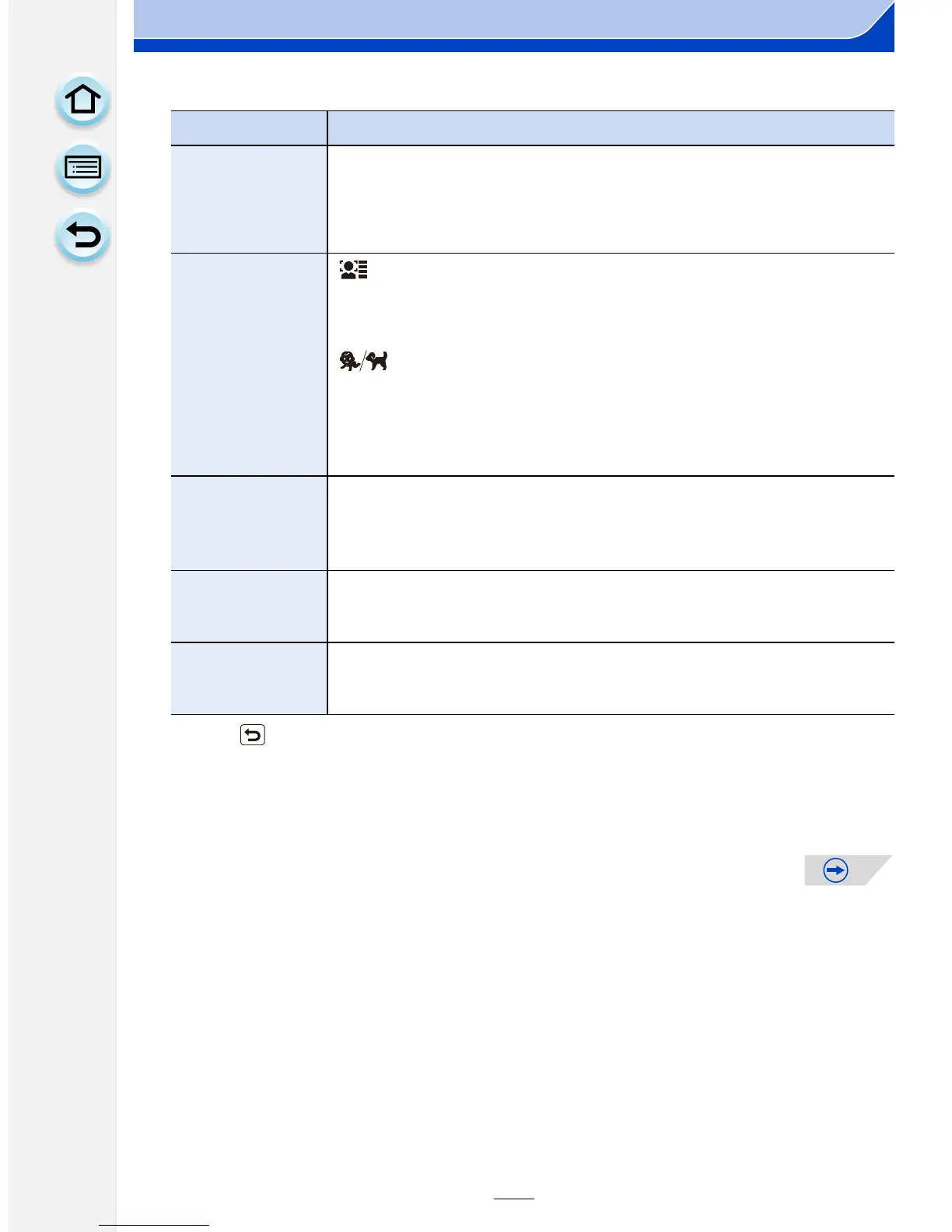
Item Description of settings
[Shooting Date]
[W/O TIME]: Stamp the year, month and date.
[WITH TIME]: Stamp the year, month, day, hour and minutes.
[OFF]
[Name]
[]:
([Face
Recognition])
Name registered in [Face Recog.] will be
stamped.
[]:
([Baby/Pet])
Name registered in [Profile Setup] will be
stamped.
[OFF]
[Location]
[ON]:
Stamps the travel destination name set under
[Location].
[OFF]
[Travel Date]
[ON]:
Stamps the travel date set under [Travel Date].
[OFF]
[Title]
[ON]:
Title input in the [Title Edit] will be stamped.
[OFF]













 To Next Page