255
Wi-Fi/NFC
Preparation:
When using the acquired login ID, check the ID and password.
To change the “LUMIX CLUB” password on the camera, access the “LUMIX CLUB”
website from your smartphone/tablet or PC and change the “LUMIX CLUB” password in
advance.
•
The login ID and password registered to the “LUMIX CLUB” cannot be changed on this unit.
1 Select the menu.
2 Select [Add/Change Account].
3 Select [Change Login ID].
•
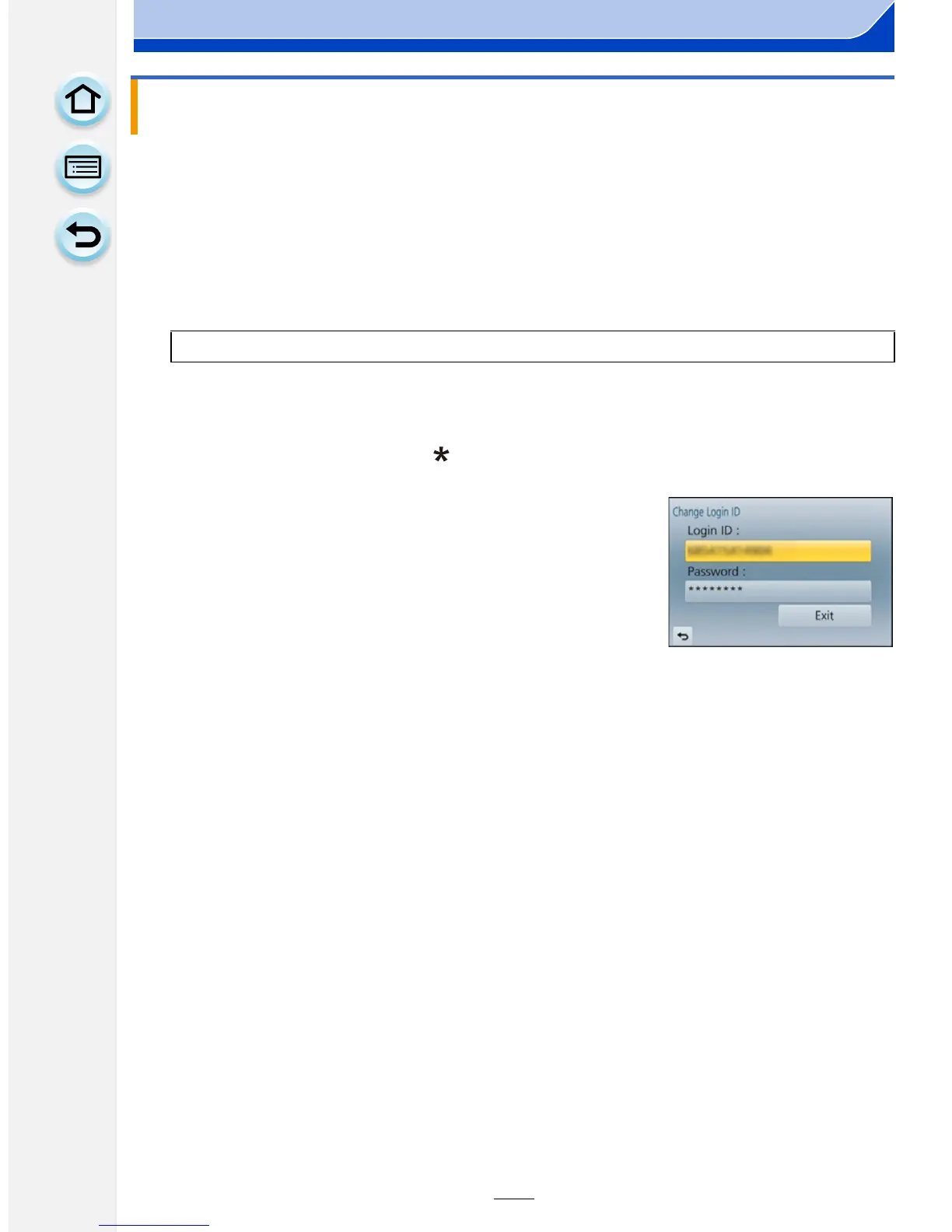
The login ID and password are displayed.
• The password is displayed as “ ”.
• Close the menu if only checking the login ID.
4 Select the item to change.
•
The confirmation screen is displayed when changing the
login ID. Select [Yes].
5 Enter the login ID or password.
•
Refer to “Entering Text” (P56) for information on how to
enter text.
• Enter the new password you have created on your
smartphone/tablet or PC into the camera. If the password differs from the one you created
on your smartphone/tablet or PC, you will not be able to upload images.
• Exit the menu after it is set.
Using the acquired login ID/Checking or changing the login ID or password
([Change Login ID])
[MENU] > [Setup]>[Wi-Fi]>[Wi-Fi Setup]>[LUMIX CLUB]







 To Next Page