306
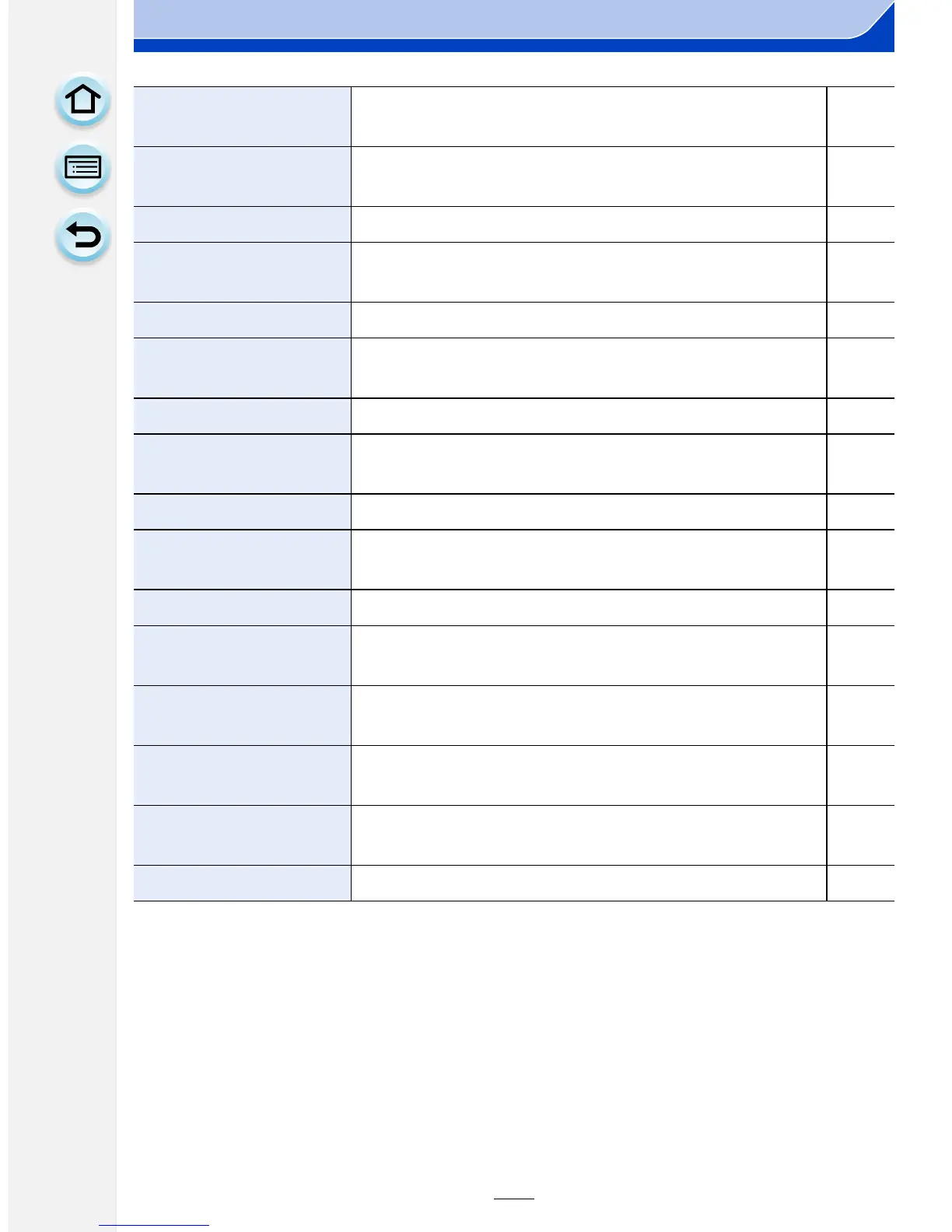
Others
[Economy]
Suppresses the unit’s power consumption to prevent
the battery from being run down.
P51
[USB Mode]
Sets the communication method when connecting
using the USB connection cable (supplied).
P51
[Output]
This sets how the unit connects to a television etc.
P52
[VIERA Link]
Equipment that supports the VIERA Link will connect
automatically.
P53
[3D Playback] Set the output method for 3D pictures. P53
[Menu Resume]
Stores the location of the last-used menu item for each
menu.
P53
[Menu Background]
Set the background color for the menu screen.
P42
[Menu Information]
Descriptions of menu items or their settings are
displayed on the menu screen.
P53
[Language]
Set the language displayed on the screen.
P54
[Version Disp.]
This enables the firmware versions of the camera and
lens to be checked.
P54
[No.Reset] Returns the image file number to 0001. P54
[Reset]
The recording or setup/custom menu settings are reset
to the default.
P54
[Reset Wi-Fi Settings]
Reset all settings in the [Wi-Fi] menu to factory default
settings. (excluding [LUMIX CLUB])
P54
[Pixel Refresh]
It will perform optimization of imaging device and
image processing.
P55
[Sensor Cleaning]
Dust reduction to blow off the debris and dust that have
affixed to the front of the imaging device is performed.
P55
[Format]
The card is formatted.
P55






 To Next Page