18
RQT7682
Operating with On-Screen Menus
≥
Use [
2
] to go to the previous menu
≥
Items shown differ depending on the type of software.
≥
There are items which you can select using
the numbered buttons
and
[ENTER]
on the remote control.
≥
If the setting does not change, press [ENTER].
≥
To finish, press [RETURN].
Main menus
Other settings
Play Menu
(
Only when the elapsed play time can be displayed /
[JPEG]
: Works with all JPEG content.
)
Program, Group, Title
Chapter, Track, Playlist
Content
To start from a specific item
Time
To skip incrementally or decrementally (Time Slip for play only)
1 Press [ENTER] twice to show Time Slip indicator.
2. Use [3 4] to select the time and press [ENTER].
≥
Move and hold [34] to alter faster.
To start from a specific time (Time Search)
To change remaining/elapsed time display
Audio
(➜ page 11)
To display the current bitrate or sampling frequency
Still Picture
(➜ page 11)
Thumbnail
To show thumbnail images
Subtitle
(➜ page 11)
Marker(VR)
To recall a marker recorded on DVD-Video recorders
Angle
(➜ page 11)
Rotate picture
(➜ page 11)
Slideshow
To turn on/off slideshow
To change the slideshow timing (0–30 sec)
Play Speed
(➜ page 10, “Changing play speed”)
AV Enhancer
(➜ page 13)
Repeat
(➜ page 10, Repeat play)
A-B Repeat
(➜ page 10, A-B Repeat)
Marker
To mark up to 5 positions to play again
[ENTER] (The unit is now ready to accept markers.)
To mark a position: [ENTER] (at the desired point)
To mark another position:[21] ➜ [ENTER]
To recall a marker: [21] ➜ [ENTER]
To erase a marker: [21]➜ [CANCEL] (Remote control)
≥
This feature doesn’t work during program and random play.
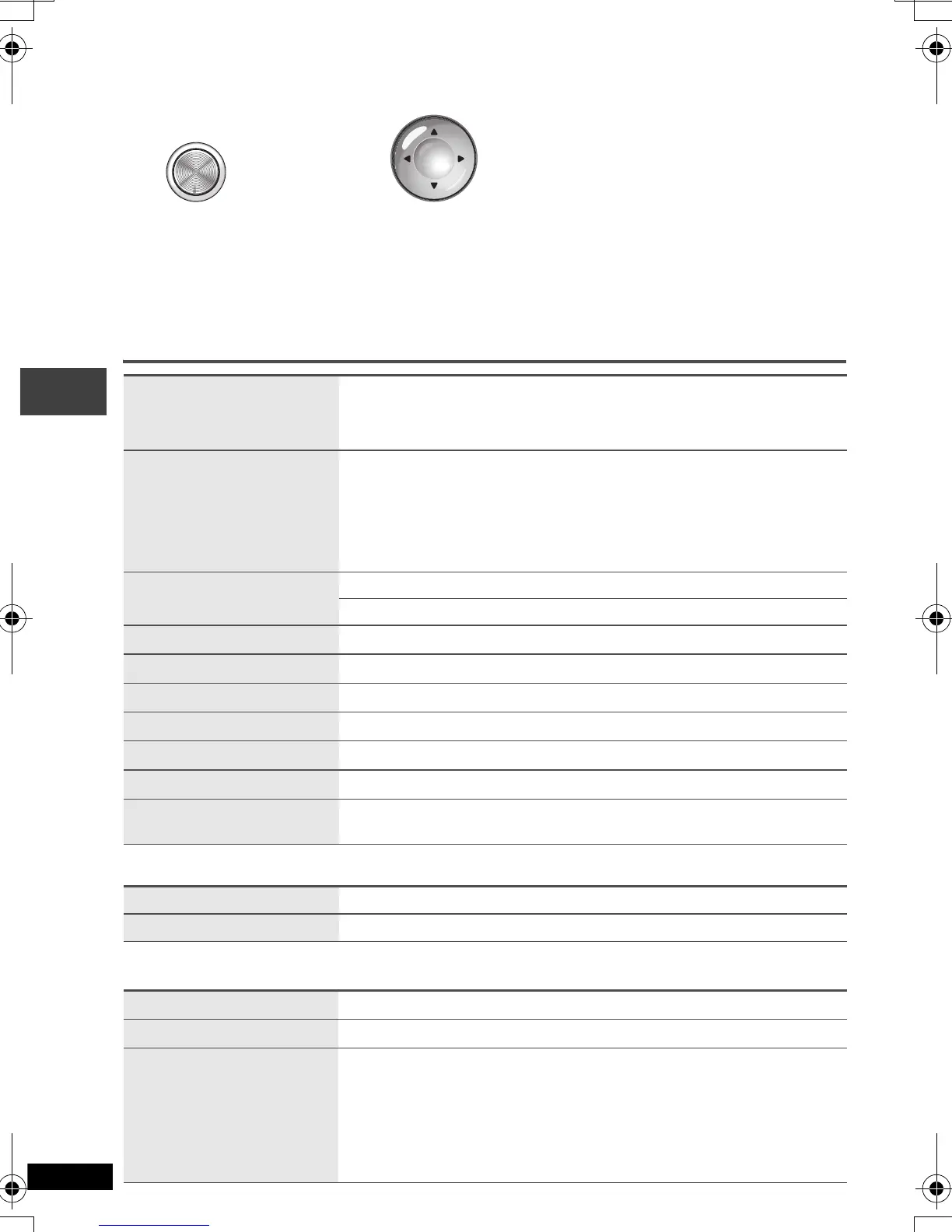
DISPLAY
Press
once.
2
1 Use [
34
] to select the menu.
2 Use [
1
] to go to the next
menu and [
34
] to set.
ENTER
Operating with On-Screen Menus
P2-35 e.fm 18 ページ 2004年4月1日 木曜日 午前9時6分


 To Next Page