22
RQT8791
Using On-Screen Menus
Main menus
Other Settings
Play Menu
(Only when the elapsed play time can be displayed.
[JPEG]: Repeat function can be used.)
Picture Menu
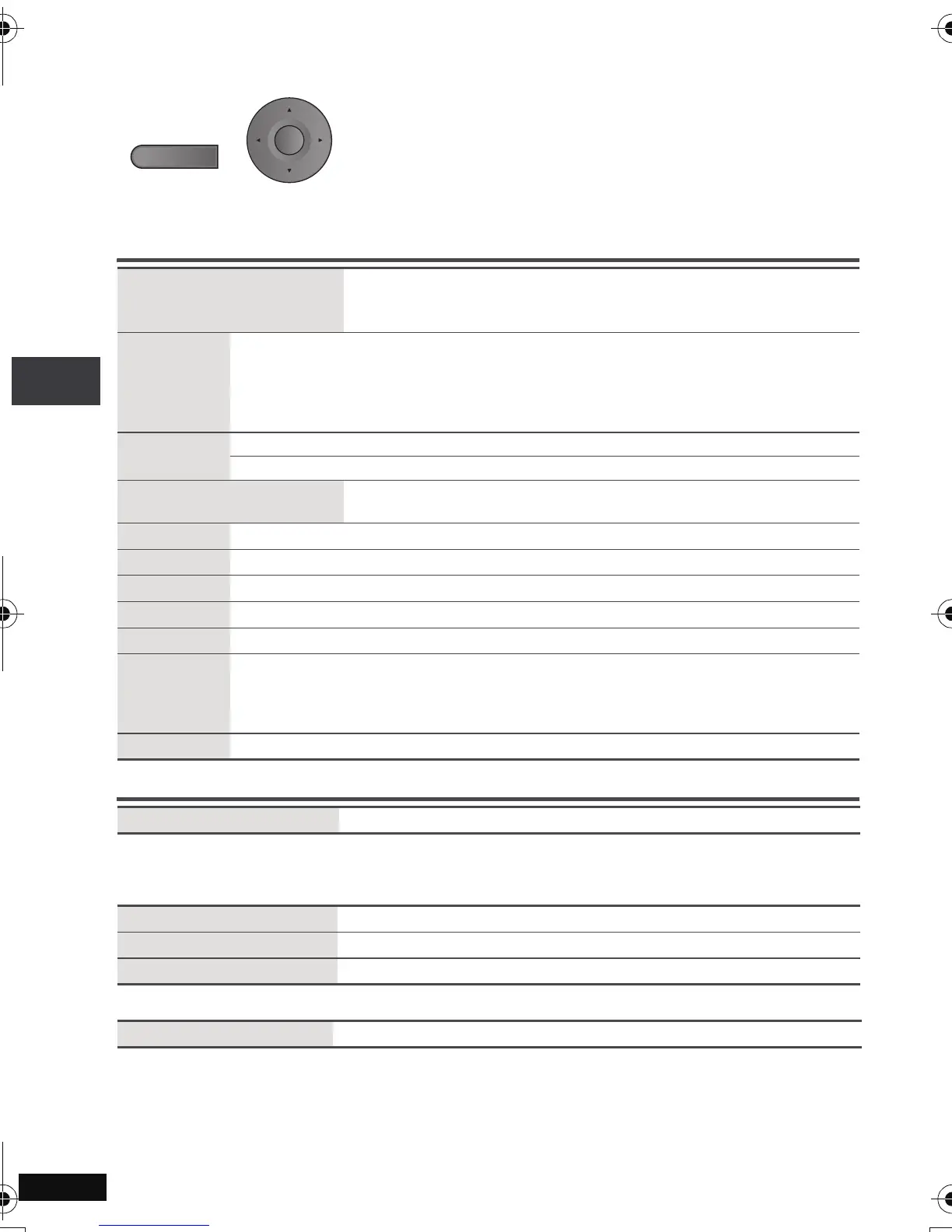
1
Press once.
2
1
Press [
34
] to select the menu.
2 Press [1] to go to the next menu and [34] to set.
Repeat step 2 if necessary.
≥ Items shown differ depending on the type of software.
≥ Press [2] to go to the previous menu.
≥ If the setting does not change, press [ENTER].
≥ To exit the screen: Press [RETURN].
Program, Group, Title
Chapter, Track, Playlist
Content
To start from a specific item
≥ Press [34] to select and press [ENTER].
≥ Press and hold [34] to alter faster.
Time
To skip incrementally or decrementally (Time Slip for play only)
(Except
i
R/
i
RW)
1. Press [ENTER] twice to show Time Slip indicator.
2. Press [34] to select the time and press [ENTER].
≥Press and hold [34] to alter faster.
To change remaining/elapsed time display
Audio
(➜ page 14, Changing soundtracks)
To display the current bitrate or sampling frequency
Number Select
[VCD] (with playback control)
To enter number
≥Press and hold [34] to alter faster.
Thumbnail
To show thumbnail images
Subtitle
(➜ page 14, Changing subtitles)
Marker (VR)
To recall a marker recorded on DVD recorders
Angle
(➜ page 14, Angle select)
Rotate Picture
(➜ page 14, Still picture rotation)
Slideshow
To turn on/off slideshow
To change the slideshow timing (“1 Fast” to “5 Slow”)
≥ When using Slideshow, Skip/Rotate picture may not work correctly depending on
the play position.
Other Settings
(➜ See below)
Play Speed
(➜ page 13, Changing play speed)
Repeat
(➜ page 12, Repeat play)
A-B Repeat
(➜ page 12)
Advanced Disc Review
(➜ page 13)
Picture Mode
(➜ page 15, Cinema1/Cinema2/Depth Enhancer/MPEG DNR)
DISPLAY
ENTER
Using On-Screen Menus
p2-31.fm Page 22 Monday, January 22, 2007 4:49 PM



 To Next Page