17
English
To change the content of the massage
To select a different program from Pre-Programs
Press the button, and select a different program.
Upper body massage will stop temporarily.
(See page 15.)
To change to Self Program
Press the button and select a program.
Upper body massage will stop temporarily.
(See page 18.)
To change to Manual operation
Press the button.
Action will start immediately.
(See page 21.)
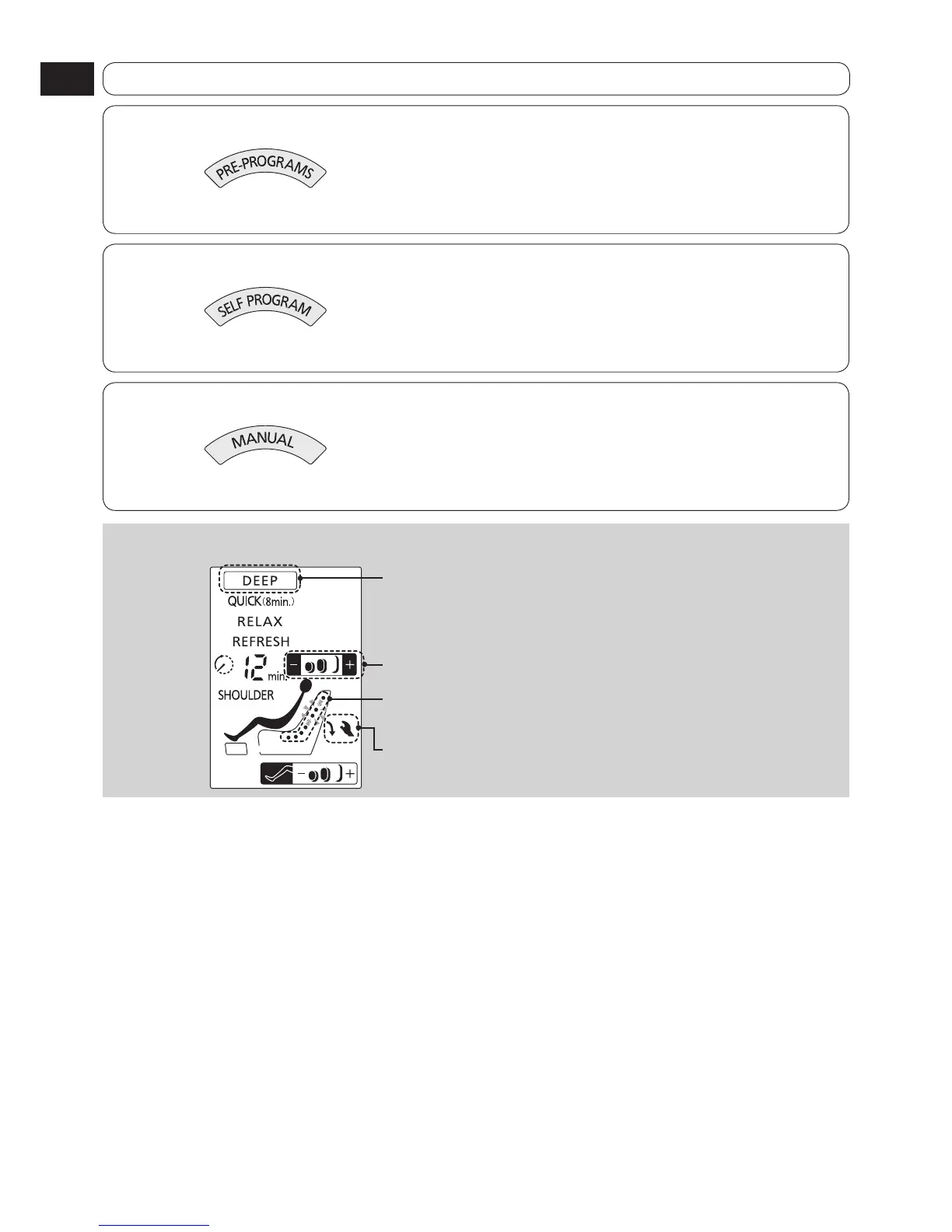
Display during program
The frame of the current program is displayed.
The program intensity (upper body) is displayed in 3 levels.
The current approximate massage position flashes.
The current massage operation is displayed.


 To Next Page